
Trustpilot reviews appear in search results and often shape a buying decision before anyone visits your website. Businesses can ask Trustpilot to assess a review, but removal is only possible when the review breaks its guidelines. Here is how to do it properly.
Trustpilot reviews often appear in search results next to your brand name, with a star rating that influences customers before they ever visit your site. It is understandable to want to deal with fake or rule-breaking reviews quickly. Trustpilot gives businesses real tools, but they work best when you use them carefully.
Assess and report Trustpilot reviews that may breach its guidelines. Removal depends on Trustpilot’s review of the evidence.
The platform's guidelines focus on genuine experiences, so the strongest cases are reviews that are not based on a real customer experience, reviews from competitors and content that breaks the rules on language or privacy.
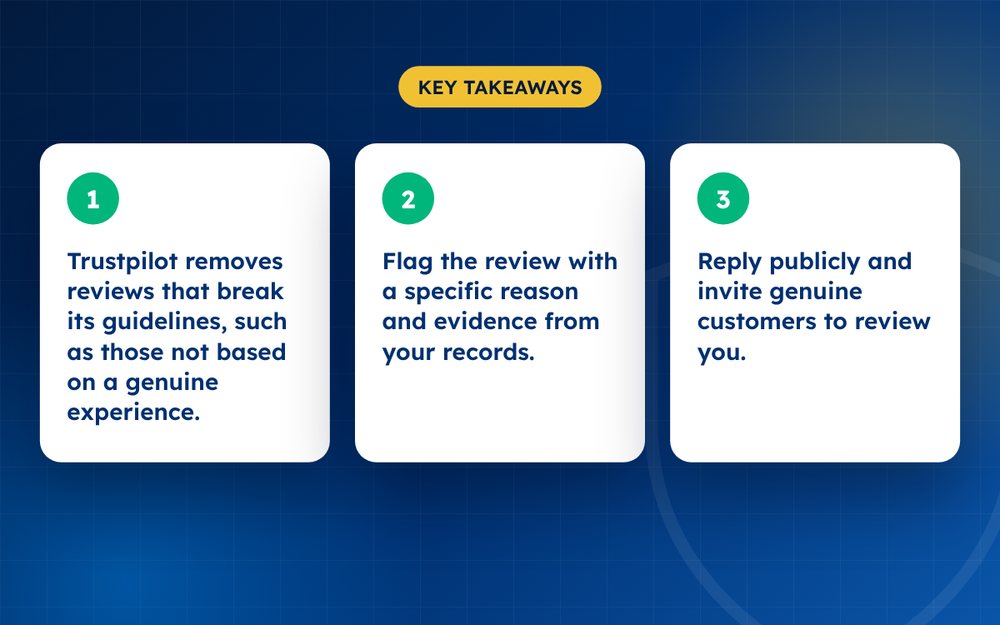
- Trustpilot removes reviews that break its guidelines, such as those not based on a genuine experience.
- Flag the review with a specific reason and evidence from your records.
- Reply publicly and invite genuine customers to review you.
Reviews Trustpilot may remove
- Reviews that are not based on a genuine experience with your business
- Reviews from competitors or people with a conflict of interest
- Advertising, promotional content or spam
- Personal information, defamatory or abusive language, threats or illegal content
- Off-topic reviews, such as complaints about a different company
- Reviews that clearly relate to a different company or product
How to flag a review
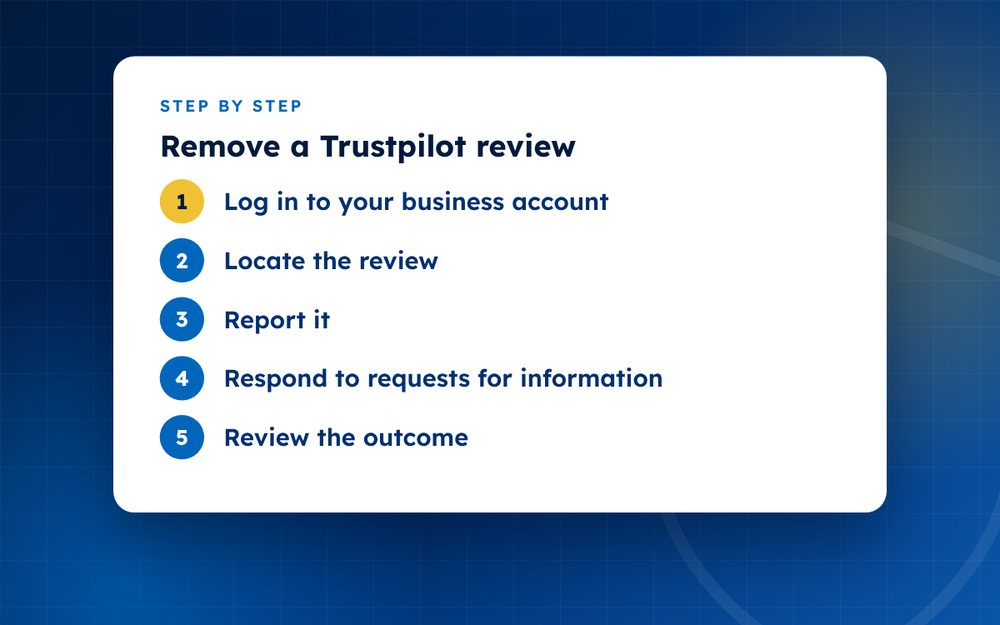
- Log in to your business accountUse your Trustpilot business profile so the flag is linked to your company.
- Locate the reviewOpen the reviews list and select the one you want Trustpilot to assess.
- Report itChoose the closest reason, then add a clear explanation. Mention order numbers, dates or the absence of any customer record where relevant.
- Respond to requests for informationTrustpilot may contact you for evidence. A quick, factual reply improves your chances.
- Review the outcomeIf the review stays, take the public reply route rather than repeating the same report.
What Trustpilot looks for
Trustpilot's guidelines say that reviews should reflect a genuine experience of a business. When you flag a review, the moderation team checks whether it is genuine, relevant and respectful. If it cannot be confirmed as a genuine experience, or if you give clear evidence that it is not, the review may be removed or subject to further checks.
Trustpilot may ask the reviewer for proof of their experience, such as an order confirmation. If they cannot provide it, the review may be taken down. You can help by preparing your own records, such as order histories, customer service logs and any messages with the reviewer.
Building a case
- Search your customer records for the reviewer's name, email or order number
- Look for signs of a pattern, such as multiple suspicious reviews around the same time
- Check whether the review describes something your business does not offer
- Note any promotional links or competitor mentions in the review
- Save screenshots with dates
Replying and inviting reviews
A good reply acknowledges the customer's experience, offers a path to resolution and avoids arguments. Many reviewers update their review if the problem is resolved. In parallel, use Trustpilot's invitation tools to ask every genuine customer for feedback, not only happy ones. This is the fastest honest way to improve your TrustScore.
Avoid anything that looks like manipulation. Trustpilot monitors for fake reviews, review swaps and selective invitations, and it can penalise businesses that try them.
Reply to the review
A public reply can turn a negative into a positive. Apologise where it is deserved, give a short factual account, and invite the reviewer to continue by email. Many reviewers update their rating after a good resolution, and readers judge you by how you respond.
How to improve your TrustScore
- Invite every genuine customer to review, not only happy ones, using Trustpilot's own invitation tools
- Respond to all reviews, especially the critical ones
- Fix recurring issues, then mention improvements in your replies
- Avoid any practice that looks like review manipulation. Trustpilot actively detects it
If you believe you are the target of coordinated or fake reviews, send us the details by email and we will tell you honestly what is possible.
Official sources
Frequently asked questions
Can I delete a Trustpilot review?
No. Businesses can flag and reply to reviews but only Trustpilot can remove them. Reviewers can edit or delete their own reviews. Removing a review without Trustpilot or the reviewer is not possible.
Does Trustpilot remove reviews on request?
Only when the review breaks its guidelines. A negative review that describes a genuine experience normally stays up, even if you disagree with it. Flag reviews that are fake, off-topic, abusive or that contain private information.
Can I pay Trustpilot to remove a bad review?
No. Payment does not buy removals. Paying for review removal, or paying someone who claims they can delete reviews, is a red flag and may break Trustpilot's rules.
How long does it take?
Assessment times vary, from a few days to a few weeks. Respond promptly if Trustpilot asks for more information, and check your business account for updates. Provide clear evidence at the start, because incomplete flags often take longer and may be rejected.
What if the reviewer used a fake name?
Trustpilot does not require reviewers to use their real names, so a pseudonym alone is not a reason for removal. Focus on whether the review reflects a genuine experience, and give evidence if it does not.
Will replying to a review affect my TrustScore?
Replies do not change the score directly, but they influence how customers see your business and can lead to updated ratings. They are a valuable part of your reputation strategy.
Need help with this?
Every situation is different. Email us the details in confidence and we will reply with an honest assessment of what can be done.
Contact us by email Trustpilot ReviewsThis guide is general information, not legal advice. DMCA Reputation is not a law firm.
Related guides
How to Remove a Google Review: A Complete Guide for Business Owners
How to remove a Google review: what Google will remove, how to report it, how to appeal and what to do if it stays. A guide for business owners.
Read the guide · 6 min
Can You Delete a Google Review? What Google Will and Won't Remove
Can you delete a Google review? Learn who can delete one, what Google removes on request, and what your options are when a review will not come down.
Read the guide · 5 min
How to Report a Fake Google Review, Step by Step
How to report a fake Google review step by step: spotting fakes, flagging from your Business Profile, evidence to gather and what to do if it stays.
Read the guide · 5 min