
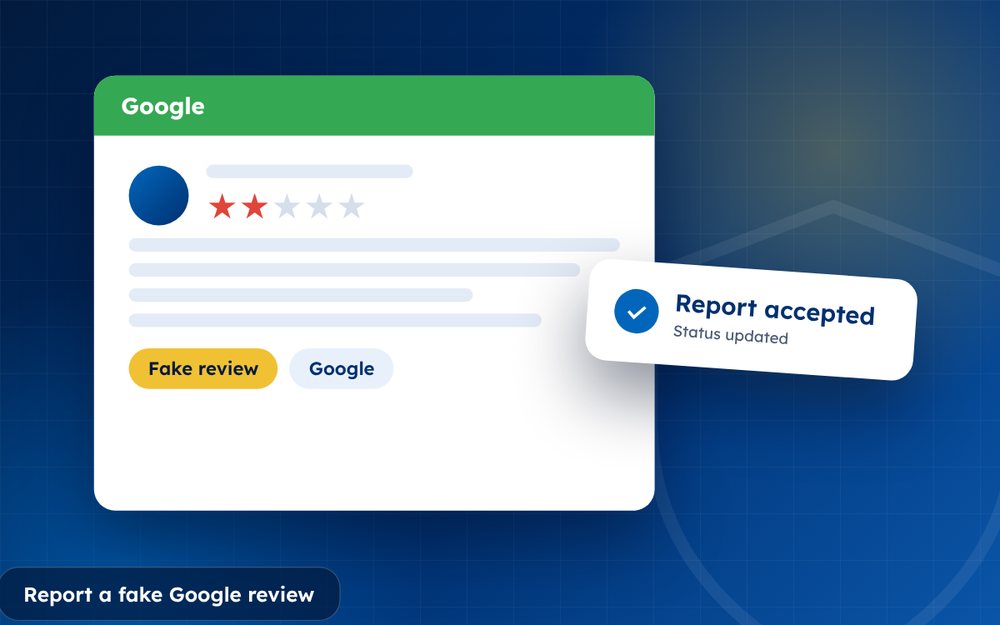
Fake Google reviews come from competitors, disgruntled outsiders and paid review farms. Google does remove them, but only when you report them clearly and the review breaks its policies. Here is the process from start to finish.
A fake review is not simply a review you disagree with. It is a review that does not reflect a real experience of your business, or one that is written to mislead. Telling the two apart matters, because Google's moderators will look for evidence of falseness, not evidence of unfairness.
The good news is that fake reviews tend to leave traces. Once you know what to look for, and you keep your own records tidy, your reports become far more convincing.
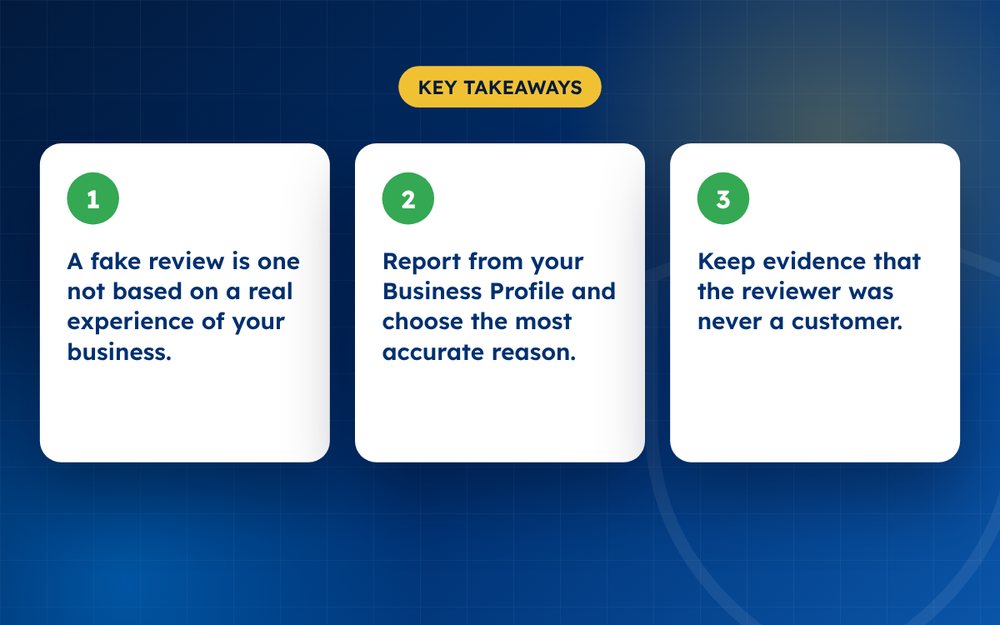
- A fake review is one not based on a real experience of your business.
- Report from your Business Profile and choose the most accurate reason.
- Keep evidence that the reviewer was never a customer.
Signs a review is fake
- The reviewer has no matching customer, booking or order in your records
- The reviewer's profile is new, empty or has posted many reviews in one day
- The wording is vague, repeated or copied across businesses
- The review describes something you do not offer
- Several unusual reviews arrive in a short burst
How to report it
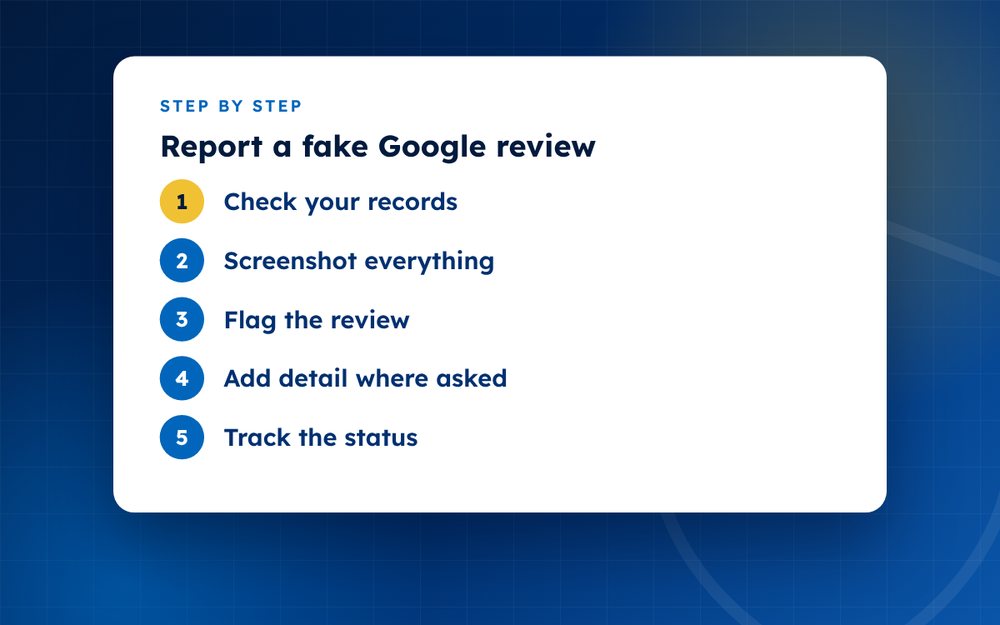
- Check your recordsSearch for the name, email, booking or order. Note that no matching record exists.
- Screenshot everythingCapture the review, the reviewer's profile and the date.
- Flag the reviewIn your Business Profile, open the review menu, choose report and select fake content, spam or conflict of interest as appropriate.
- Add detail where askedBe short, factual and specific. Say what is false and why the reviewer could not have used your business.
- Track the statusCheck your reported reviews list. Decisions can take days.
- Appeal onceIf it is rejected, appeal with your evidence. Avoid repeating identical reports.
Building a convincing report
Think of your report as a short case file. It should answer three questions: who wrote the review, why is it not genuine and which policy does it break. Start by searching your records for the name, email address, phone number or order number. If nothing matches, write that down with the date you checked.
Next, look at the reviewer's profile. A profile created recently, with a single review or a long list of reviews for businesses in different countries, is a useful clue. Take screenshots before you report, because Google may remove the account and the evidence disappears with it.
Choosing the right reason
- Fake engagement or spam: reviews that look automated, repeated or paid for
- Conflict of interest: reviews from competitors, former staff with a dispute or friends of the owner
- Off topic: reviews about something unrelated to a visit or purchase
- Impersonation: reviews that pretend to come from someone else
- Restricted content: reviews containing hate, harassment or private information
Protecting yourself from the next one
Fake reviews are rarely isolated. If someone targeted you once, they may do so again. Keep a log of every suspicious review with the date, rating and any pattern. If you receive several in a short time, report them together and mention the pattern in your explanation. A pattern is harder to dismiss than a single review.
At the same time, make sure your genuine customers are leaving reviews. A healthy number of recent, authentic reviews makes your rating more resilient and makes suspicious reviews stand out more clearly.
Mistakes that weaken a report
The most common mistake is reporting a genuine negative review as fake because it is unfair. Moderators see this constantly and tend to treat later reports from the same account with more scepticism. Another mistake is submitting reports in anger, with long explanations that include accusations. Keep to facts. A third mistake is not checking your own records first. If the reviewer turns out to be a customer, your report will fail and you will have lost credibility.
If you are unsure whether a review is genuine, ask a colleague who handles customer service to check independently. A second opinion often reveals details you missed.
If many fake reviews arrive at once
A sudden burst of fake reviews often points to a coordinated attack. Document all of them together, report each one and make sure your genuine customers are leaving real reviews so your rating recovers. Contact us by email if the volume is high.
Official sources
Frequently asked questions
Does Google tell me who wrote the review?
No. Google does not share reviewer identity with businesses. You can see the public profile name and the reviews that account has posted, which can be useful evidence, but you cannot find out the person's real identity through Google.
Will Google take action against the reviewer?
Google may remove the review and, in some cases, restrict or remove the account that posted it, but it does not usually tell you what action it has taken. Judge success by whether the review is removed from your profile.
Can I reply to a fake review?
Yes, and it is often a good idea. A short, factual reply such as stating that you cannot find a record of the visit and inviting the person to contact you shows other readers that you are credible. Avoid accusing the reviewer of lying.
How long does it take?
Often a few days, though it varies. Obvious spam can be handled quickly, while reports that need a human reviewer or an appeal can take a couple of weeks or more. Check the status in your Business Profile rather than resubmitting, and use the waiting time to reply to the review and encourage genuine customers to leave feedback.
What if several fake reviews arrive at once?
Document all of them together, report each one individually and add a note about the pattern. Contact Google Business Profile support if the volume is large, and consider specialist help if it continues.
Is it worth paying a company to remove fake reviews?
It can be if the volume is high or the case is complex, but be careful. No honest provider can guarantee removal, and anyone who offers to delete reviews by unofficial methods puts your profile at risk.
Need help with this?
Every situation is different. Email us the details in confidence and we will reply with an honest assessment of what can be done.
Contact us by email Fake Review RemovalThis guide is general information, not legal advice. DMCA Reputation is not a law firm.
Related guides
How to Remove a Google Review: A Complete Guide for Business Owners
How to remove a Google review: what Google will remove, how to report it, how to appeal and what to do if it stays. A guide for business owners.
Read the guide · 6 min
Can You Delete a Google Review? What Google Will and Won't Remove
Can you delete a Google review? Learn who can delete one, what Google removes on request, and what your options are when a review will not come down.
Read the guide · 5 min
What to Do When Google Rejects Your Review Removal Request
What to do when Google rejects your review removal request: why it happens, how to appeal, how to strengthen the case and what else you can try.
Read the guide · 5 min