
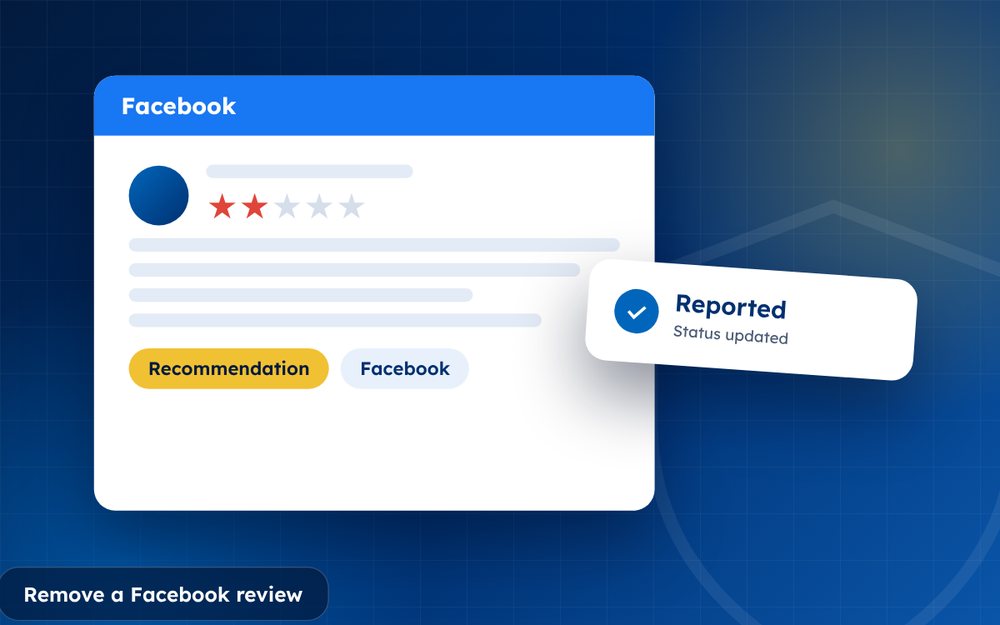
Facebook recommendations and reviews appear on your business Page and can be seen by anyone. Page owners cannot delete a recommendation they dislike, but there are legitimate options.
Facebook replaced star ratings on Pages with recommendations, which makes the system feel more personal and less measurable. A negative recommendation can still hurt, particularly for local businesses that rely on word of mouth.
Your options are more limited than on some platforms, which makes handling them well even more important.
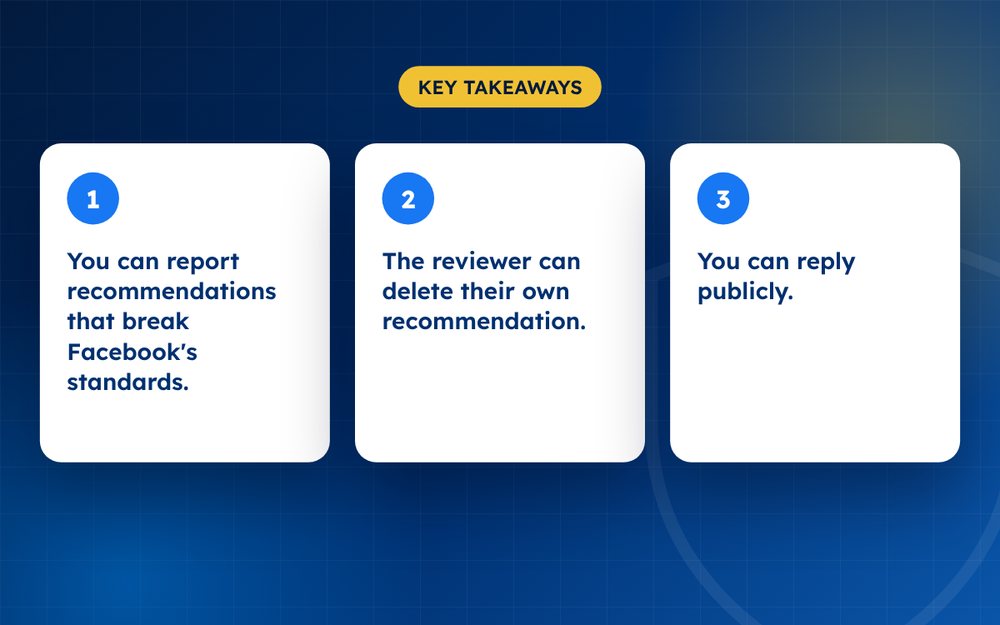
- You can report recommendations that break Facebook's standards.
- The reviewer can delete their own recommendation.
- You can reply publicly.
Your options
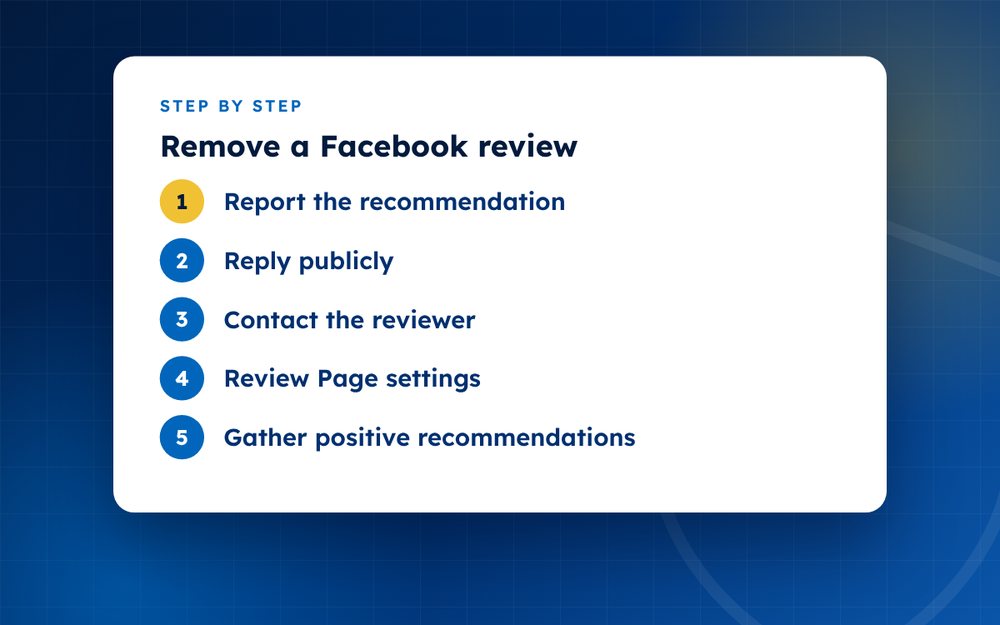
- Report the recommendationOpen the review, tap the menu and report it, choosing the closest reason such as fake, harassment or hate speech.
- Reply publiclyAnswer calmly and offer to resolve the issue privately.
- Contact the reviewerIf the person is a customer, resolve it and politely ask if they would update their recommendation.
- Review Page settingsDepending on the current options for your Page, you may be able to manage how recommendations are shown.
- Gather positive recommendationsAsk genuine customers to share their experiences.
What you can and cannot control
You cannot delete a recommendation, and Facebook does not allow Page owners to hide individual recommendations. You can report content that breaks the community standards, respond publicly and invite customers consistently to share honest experiences, without incentives or selecting them by expected sentiment. Facebook changes its Page tools often, so check what is currently available in your settings.
Practical steps
- Report recommendations that contain hate speech, harassment, spam or fake content
- Reply politely and offer to resolve the issue
- Contact the person privately if they are a customer
- Invite customers consistently to share honest experiences, without incentives or selecting them by expected sentiment
- Keep your Page information, posts and photos up to date
Protecting your Page
Strong Page activity gives customers more to see than a single negative recommendation. Share updates, photos and customer stories, and respond to comments and messages promptly.
Social proof beyond recommendations
Customers judge a Facebook Page by more than recommendations. They look at recent posts, comments, photos and how quickly you reply to messages. A Page that is active and helpful gives visitors confidence even if one recommendation is negative.
Consider pinning a post that shows customer stories or results, and keep your opening hours and contact information current.
Facebook's tools change often. Check the current options in your Page settings.
If you are dealing with fake or abusive Page reviews, email us and we will advise.
Frequently asked questions
Can I delete a Facebook recommendation?
No. Only the author or Facebook can remove it. As a Page owner you can report recommendations that break community standards, reply publicly and invite customers consistently to share honest experiences, without incentives or selecting them by expected sentiment. Facebook's tools change from time to time, so check your Page settings for current options.
Will Facebook remove a negative one?
Only if it breaks community standards, such as harassment, hate speech, spam or fake content. A negative recommendation that describes a genuine experience will usually stay. Focus on a thoughtful reply and on gathering honest recommendations: invite customers consistently to share honest experiences, without incentives or selecting them by expected sentiment.
Can I hide my reviews?
Some options exist in Page settings, but they change over time and may not be available to all Pages. Check your current options. Hiding reviews can also reduce trust, so consider whether that is the best approach. Often it is better to respond and grow positive feedback.
Do replies help?
Yes. Visitors read them, and a calm reply shows professionalism. Keep your reply short, thank the person for their feedback and offer to resolve the issue privately. Avoid arguing or sharing private details in public.
Can I stop people from recommending my Page negatively?
No. You can only report content that breaks the rules. People are free to share genuine experiences, including negative ones. The best protection is to deliver good service, respond to feedback and invite customers consistently to share honest experiences, without incentives or selecting them by expected sentiment.
What if the recommendation is from a fake account?
Report both the recommendation and the account, and keep screenshots as evidence. Fake accounts often have little activity, odd names or stolen photos. Facebook may remove the account and the recommendation if it breaks its rules. Mention any pattern, such as several fake accounts posting similar content.
Need help with this?
Every situation is different. Email us the details in confidence and we will reply with an honest assessment of what can be done.
Contact us by email Facebook ReviewsThis guide is general information, not legal advice. DMCA Reputation is not a law firm.
Related guides
How to Remove a Google Review: A Complete Guide for Business Owners
How to remove a Google review: what Google will remove, how to report it, how to appeal and what to do if it stays. A guide for business owners.
Read the guide · 6 min
Can You Delete a Google Review? What Google Will and Won't Remove
Can you delete a Google review? Learn who can delete one, what Google removes on request, and what your options are when a review will not come down.
Read the guide · 5 min
How to Report a Fake Google Review, Step by Step
How to report a fake Google review step by step: spotting fakes, flagging from your Business Profile, evidence to gather and what to do if it stays.
Read the guide · 5 min