
A steady flow of genuine reviews is the best protection against a bad one. Google allows you to ask for reviews, but not to buy them or filter who you ask.
Reviews are the most trusted form of marketing for local businesses. People read them before they visit, call or buy, and a handful of recent, detailed reviews can outweigh pages of advertising. They also protect you: when you have plenty of genuine reviews, one unfair review barely moves your rating.
Many owners hesitate to ask because it feels awkward. In practice, most happy customers are glad to help if you make it easy and ask at the right moment.
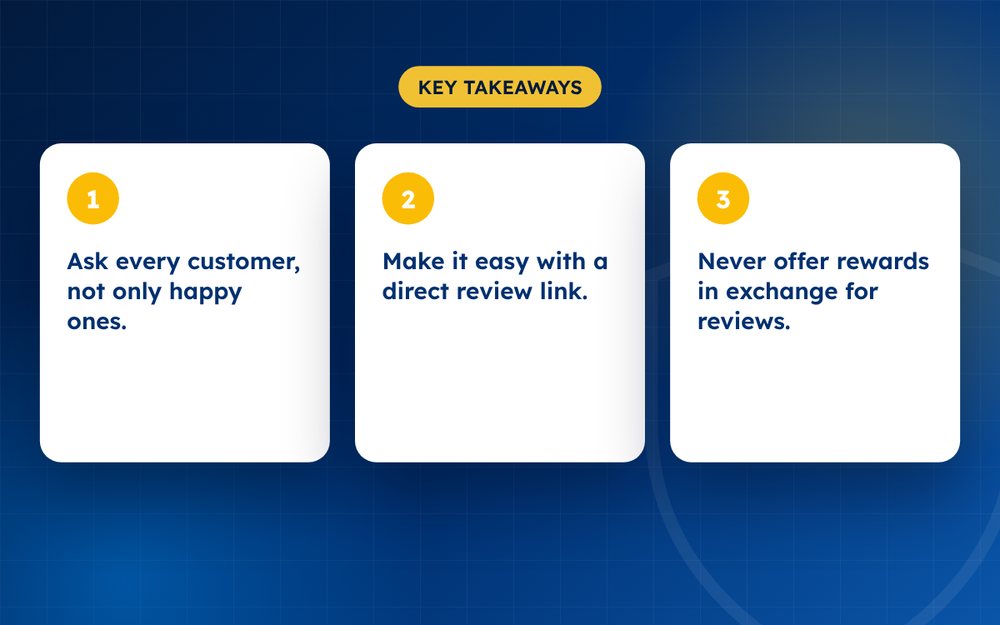
- Ask every customer, not only happy ones.
- Make it easy with a direct review link.
- Never offer rewards in exchange for reviews.
Steps
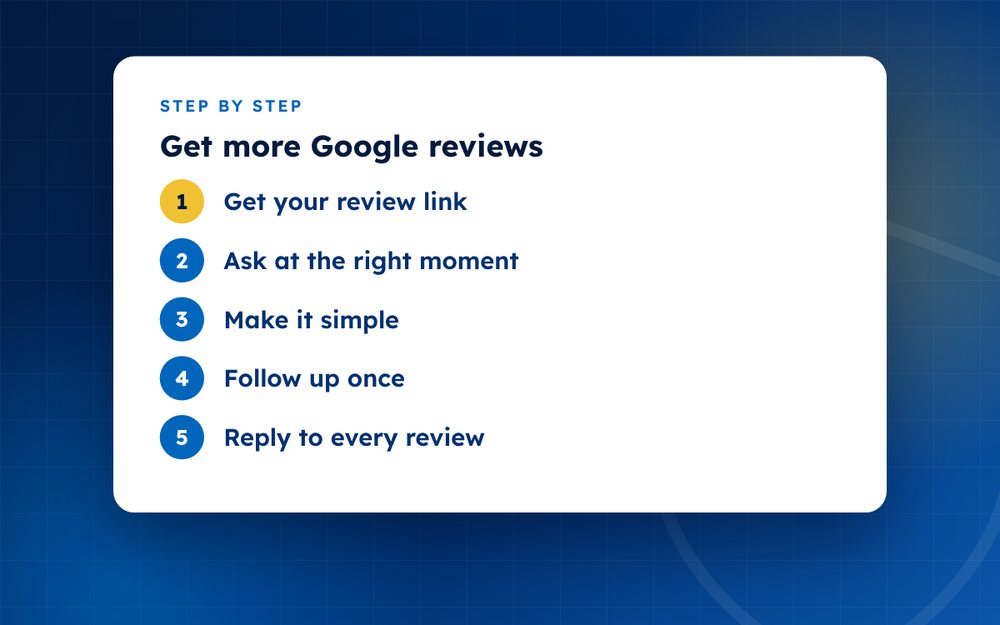
- Get your review linkFind it in your Google Business Profile.
- Ask at the right momentAsk soon after a good experience, in person or by message.
- Make it simpleShare the link by email, text, QR code or receipt.
- Follow up onceA gentle reminder is fine.
- Reply to every reviewThank people and respond to concerns.
- Train your teamMake asking part of your process.
- Track progressAim for a steady rate, not a sudden burst.
The rules you need to follow
Google allows businesses to ask customers for reviews, but it does not allow you to offer rewards in exchange for them, to ask only customers you expect to be positive or to write reviews for your own business. Staff, family and friends should not post reviews that suggest they are independent customers. Following these rules protects your profile from removals and penalties.
Making it easy
- Create a short review link from your Business Profile and use it everywhere
- Add a QR code to receipts, packaging, menus or counter signs
- Send a short email or text a day or two after a purchase or visit
- Include the link in invoice or appointment confirmations
- Make sure your staff know how to explain it simply
What to say
Keep the request short, warm and specific. Thank the customer, say that feedback helps others find a good business and explain that it takes a minute. Avoid scripts that tell people what to write or that suggest a particular rating. Reviews that are in the customer's own words are more convincing and more likely to be accepted.
Turning reviews into improvement
Read your reviews regularly. Note repeated praise and repeated complaints. Share them with your team and use them to improve your service. When you fix something, mention it in your reply. Customers notice when feedback leads to change, and some will update their reviews.
Keeping the flow steady
Aim for a steady stream, not a burst. A sudden spike of reviews looks unnatural and may be filtered. A consistent routine, such as asking every customer, produces natural growth that supports your rating and your search visibility.
Handling a review that is not positive
Not every customer who responds to your request will give five stars. Treat honest criticism as information. Reply politely, thank the customer and tell them what you will do. Do not ask them to change the review. Over time, a profile with a mix of ratings and thoughtful replies looks more trustworthy than a perfect score.
Training your team
Give staff a simple, friendly script for asking, and explain the rules. Celebrate good reviews, share them and learn from criticism. When the whole team understands why reviews matter, requests come naturally.
Do not pay for reviews, offer incentives or only ask happy customers. It breaks Google's rules.
Email us if you want help building a review process.
Frequently asked questions
Can I ask customers for reviews?
Yes. Google allows businesses to ask customers to leave reviews, as long as you do not offer incentives, filter who you ask or write the reviews yourself. The best approach is to ask every customer in a friendly, simple way and make it easy with a direct link.
Can I offer a discount for a review?
No. Offering a discount, gift or other reward in exchange for a review breaks Google's rules and can lead to reviews being removed or your profile being penalised. In many countries it can also breach consumer protection rules. Thank customers instead.
How many reviews do I need?
There is no magic number, but more recent reviews build trust and make your rating more stable. A business with several dozen recent reviews is usually seen as more reliable than one with a handful. Focus on a steady flow rather than a target.
Why do reviews disappear?
Google may filter reviews that look like spam, that come in bursts from the same location or that break its policies. Reviews can also be deleted by the reviewer. If a genuine review disappears, check your Business Profile for messages and, if needed, contact support.
Should I reply to positive reviews?
Yes, briefly. A short thank you shows that you value feedback and encourages others to leave their own. Personalise it with a detail from the review where you can.
What if I only have a few customers?
Start by asking everyone. Even a few honest reviews help. You can also encourage reviews on other platforms where your customers are active, and keep your Business Profile complete so that people can find you.
Need help with this?
Every situation is different. Email us the details in confidence and we will reply with an honest assessment of what can be done.
Contact us by email Review ManagementThis guide is general information, not legal advice. DMCA Reputation is not a law firm.
Related guides
What Is Online Reputation Management? A Beginner's Guide
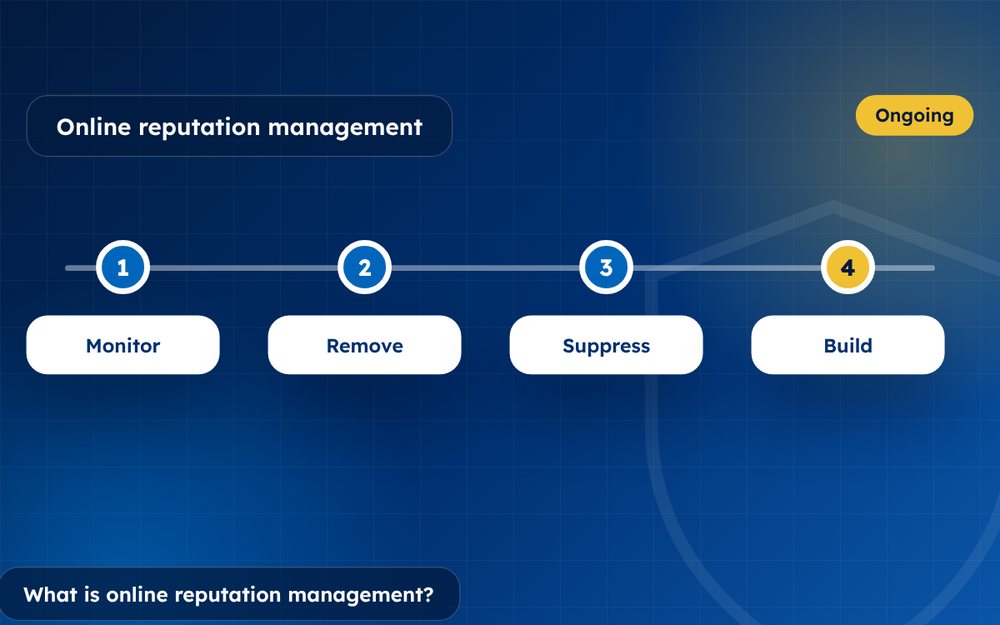
What is online reputation management? A beginner's guide to monitoring, removal, suppression and building a positive online presence.
Read the guide · 4 min
How to Build a Positive Online Reputation, Step by Step
How to build a positive online reputation step by step: profiles, content, reviews, press and monitoring for individuals and businesses.
Read the guide · 4 min
Personal Branding: How to Build a Strong Personal Brand Online
Personal branding guide: how to build a strong personal brand online with a clear message, a website, profiles and consistent content.
Read the guide · 3 min