
Your Google Business Profile often appears before your website. A complete, accurate profile builds trust and brings enquiries.
For local businesses, the Google Business Profile is often the first impression. It appears in search results and maps, shows your photos, opening hours, reviews and contact details and often decides whether someone calls, visits or moves on.
A complete, accurate profile is one of the most effective and affordable things you can do for your reputation and your visibility.
- Fill in every field accurately.
- Add real photos and posts.
- Manage reviews and questions.
Steps
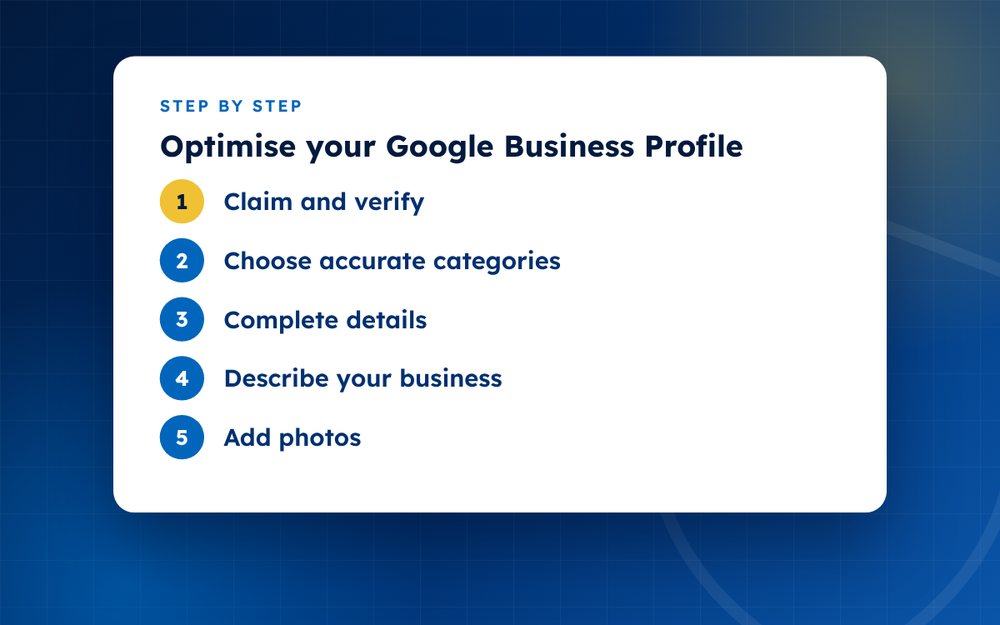
- Claim and verifyComplete verification so you control the profile.
- Choose accurate categoriesPick a primary category and relevant secondary ones.
- Complete detailsName, address or service area, hours, website and contact.
- Describe your businessWrite a clear, honest description.
- Add photosUpload real photos of your work, team and location.
- Add servicesList what you offer.
- Post updatesShare news and offers.
- Manage reviews and Q and ARespond promptly.
Get the basics right
Use your real business name, exactly as it appears on your signage. Adding keywords to the name breaks Google's guidelines and can get your profile suspended. Choose a primary category that describes what you do best, and add a few secondary categories. Make sure your address, phone number, website and opening hours are accurate and consistent with your website.
Show what you do
- Add real photos of your premises, team, products and work
- Upload a logo and a cover image
- List your services or products with short descriptions
- Add attributes that apply, such as accessibility features
- Update special hours for holidays and events
- Use posts to share news, offers and events
Questions and reviews
Check the questions and answers section regularly and answer questions promptly. Reply to reviews, positive and negative, in a professional way. Report reviews that break the rules, using the process described in our review guides.
Avoid common problems
Profiles are sometimes suspended because of mismatched details, suspected spam or changes that trigger verification. Keep your information consistent and avoid unnecessary edits. Do not create duplicate profiles for the same business. If a profile is suspended, follow the reinstatement process and provide evidence of your business, such as photos of your signage and documents.
Track and improve
Use the insights in your profile to see how people find you and what they do. Look for changes after you update photos or posts. Small improvements, such as better photos or fuller descriptions, often bring noticeable gains.
A monthly checklist
- Check that hours, phone number and address are still correct
- Add at least three new photos
- Publish one post about news, an offer or an event
- Answer any new questions
- Reply to every new review
- Look at the insights for searches and actions
- Search for your business as a customer would and see what appears
A short monthly routine keeps your profile fresh without taking much time, and it makes you less likely to miss a problem such as an incorrect edit or a new fake review.
Multiple locations
If you manage several locations, give each its own accurate profile with a distinct address and local details. Avoid copying the same text everywhere. Use a spreadsheet to track updates, and assign responsibility so that nothing is overlooked.
Email us if you want a review of your profile.
Frequently asked questions
Does it cost anything?
No. A Google Business Profile is free. Be wary of companies that charge to claim or manage a profile without explaining what they do. You can set up and manage a profile yourself, and paid help should add real value.
How often should I update?
Whenever details change and at least monthly for posts and photos. Keeping information current builds trust and helps your profile appear for relevant searches. Check opening hours before holidays.
Why is my profile suspended?
Common causes include mismatched or misleading details, keyword-stuffed names, suspected duplicate listings or changes that need verification. Review Google's guidelines, fix the problem and submit a reinstatement request with supporting evidence.
Can I hide my address?
Service-area businesses that visit customers can hide their address, but businesses with a storefront must show it. Follow the guidelines for your business type, because incorrect settings can lead to suspension.
Do photos really matter?
Yes. Profiles with good photos receive more engagement. Use clear, recent images that show what customers will find, and avoid stock photos.
Can customers edit my profile?
Users can suggest edits, and Google may apply them. Check your profile regularly and correct any wrong changes.
Need help with this?
Every situation is different. Email us the details in confidence and we will reply with an honest assessment of what can be done.
Contact us by email Google Business Profile OptimisationThis guide is general information, not legal advice. DMCA Reputation is not a law firm.
Related guides
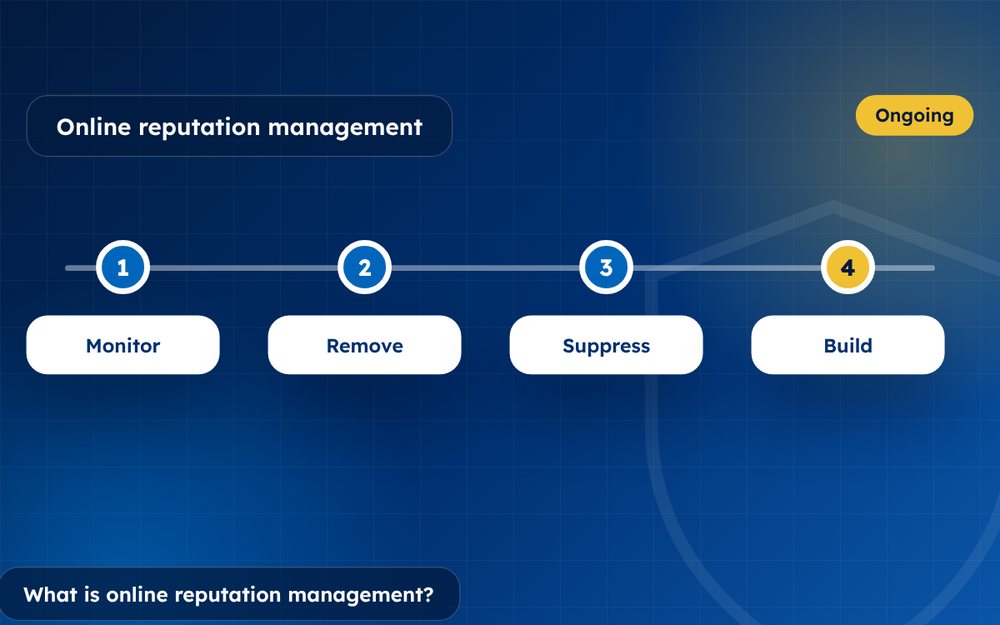
What Is Online Reputation Management? A Beginner's Guide
What is online reputation management? A beginner's guide to monitoring, removal, suppression and building a positive online presence.
Read the guide · 4 min
How to Build a Positive Online Reputation, Step by Step
How to build a positive online reputation step by step: profiles, content, reviews, press and monitoring for individuals and businesses.
Read the guide · 4 min
Personal Branding: How to Build a Strong Personal Brand Online
Personal branding guide: how to build a strong personal brand online with a clear message, a website, profiles and consistent content.
Read the guide · 3 min