
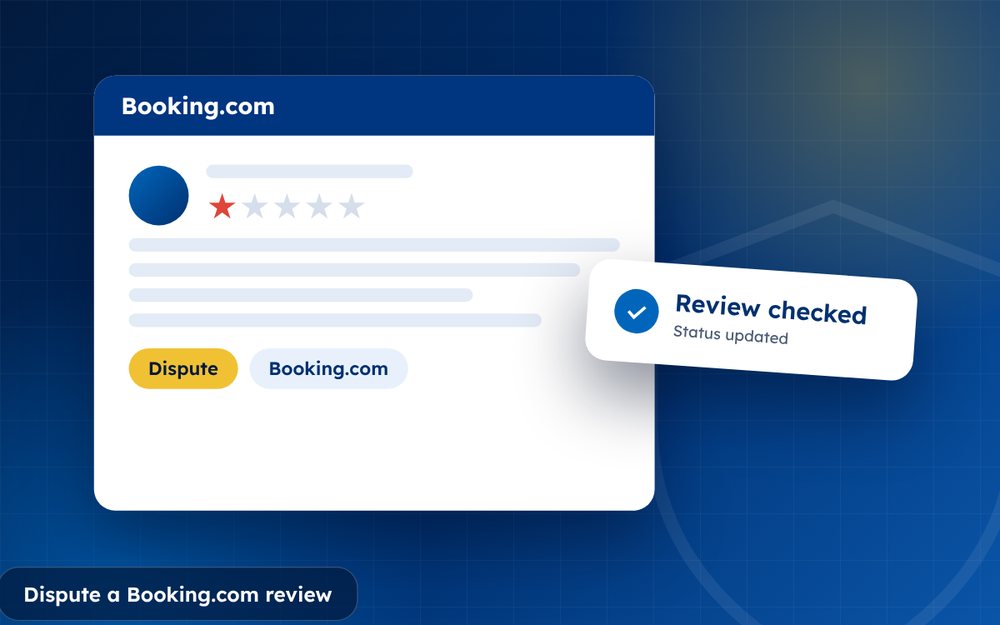
A bad Booking.com review lowers your score and can reduce bookings. Property owners can reply to reviews and, in specific cases, ask Booking.com to check them. Here is how it works.
Booking.com reviews come from guests who have booked and stayed, so they carry weight. That also means that disputes are only possible in specific circumstances. The platform has rules for what can be removed, and a process for property owners to ask for a review check.
Here is how to approach it.
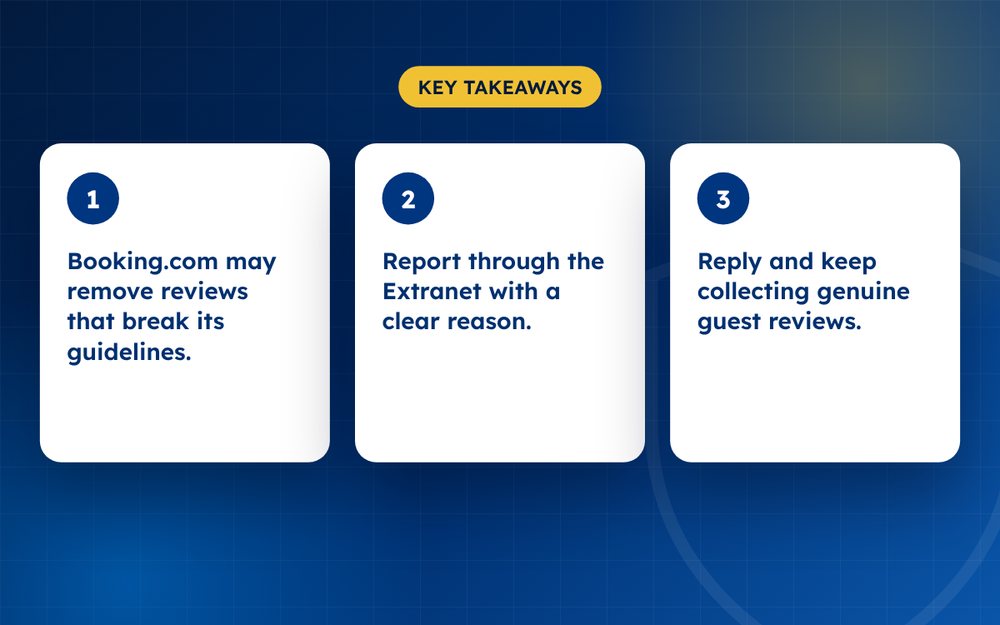
- Booking.com may remove reviews that break its guidelines.
- Report through the Extranet with a clear reason.
- Reply and keep collecting genuine guest reviews.
When a review can be disputed
- It contains offensive, discriminatory or illegal language
- It includes personal information
- It is not about the stay, for example about the booking site or an unrelated event
- It was written by someone who did not stay
- It refers to a different property
Steps
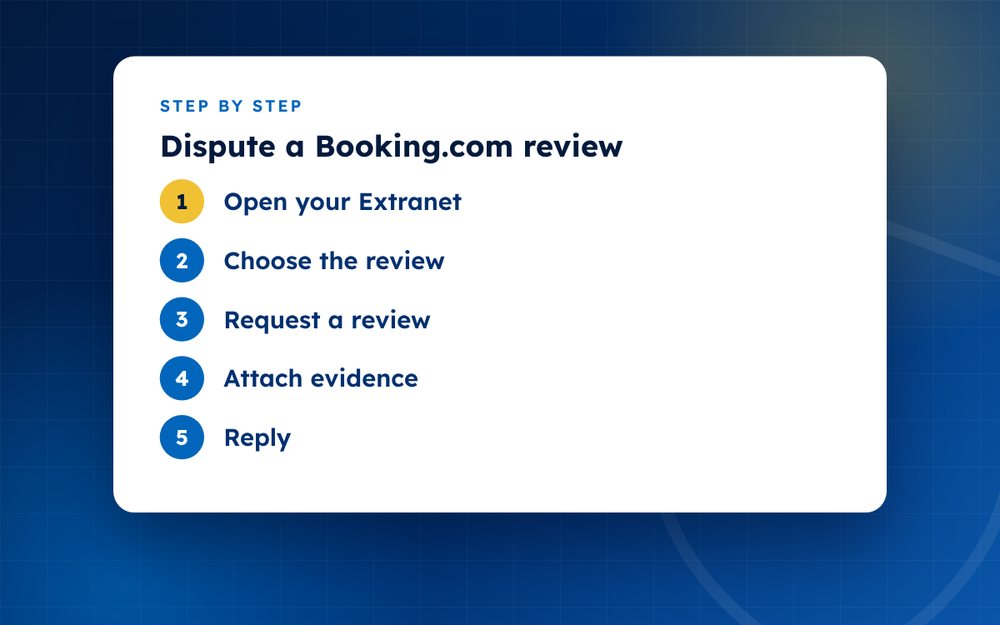
- Open your ExtranetLog in to your property's account and go to guest reviews.
- Choose the reviewSelect the one you want to dispute.
- Request a reviewUse the option to report it and select the reason.
- Attach evidenceWhere possible, supply reservation details.
- ReplyPost a respectful public reply that addresses the guest's points.
- Follow upCheck for Booking.com's decision.
How the review system works
Guests can only review after a stay through the platform, which makes reviews verified in that sense. Reviews contribute to your overall score. Because they are tied to bookings, removal requests often hinge on whether the content breaks Booking.com's guidelines, not on whether you agree.
Preparing your dispute
- Review the guest's booking details and your own records
- Note any language that is offensive, discriminatory or inaccurate in a way that breaks rules
- Check whether the review refers to a different property or a period when the guest was not staying
- Prepare a short explanation and attach evidence
- Submit through the Extranet in the reviews section
Improving your score long term
Ask guests for feedback at check-out and respond to every review. Fix recurring issues such as noise, cleanliness or communication. Over time, a steady flow of positive reviews will outweigh occasional negative ones.
Using guest feedback before reviews are public
Many properties find that asking guests for feedback during or at the end of their stay prevents problems from reaching a public review. A simple message at check-in that invites guests to tell you about any issue immediately gives you a chance to fix it. Guests who feel heard are often more generous in their reviews.
Train staff to treat complaints as opportunities. A calm response to a noisy room or a late check-in can change the whole experience.
Fixing recurring problems and asking happy guests to review you is the most dependable way to raise your score. Email us if you need help with a difficult case.
Frequently asked questions
Can I delete a review on Booking.com?
No. You can reply to reviews and, in specific cases, ask Booking.com to check whether a review breaks its guidelines. The platform decides whether to remove it. Because reviews come from verified stays, they carry weight, so focus on responding and improving the guest experience.
Will a harsh but honest review be removed?
Usually not. Booking.com keeps reviews that reflect genuine guest experiences, even if they are critical. Removal is possible when the review contains offensive language, personal information or other content that breaks the guidelines, or when it relates to a different property.
Do replies affect scores?
Not directly, but they help future guests judge your property. A professional, factual reply can reassure travellers and show that you care about guest feedback. Avoid arguing and never reveal private guest details in your response.
Can guests edit reviews?
Generally no, which makes your reply even more important. Because guests cannot easily change their reviews, your public response is the main way to show your side. Keep it calm, state the facts and explain what you have done to address the issue.
How long does a dispute take?
It varies. Provide clear evidence in your request and check the Extranet for updates. Some requests are handled within days, while others take longer, particularly if Booking.com needs more information from you or from the guest.
What if the guest was abusive?
Report the language under the guidelines and attach details. Booking.com's rules cover offensive, discriminatory and threatening content. Save screenshots, and avoid responding in kind. If you feel threatened, contact the police and tell your team.
Need help with this?
Every situation is different. Email us the details in confidence and we will reply with an honest assessment of what can be done.
Contact us by email Booking.com ReviewsThis guide is general information, not legal advice. DMCA Reputation is not a law firm.
Related guides
How to Remove a Google Review: A Complete Guide for Business Owners
How to remove a Google review: what Google will remove, how to report it, how to appeal and what to do if it stays. A guide for business owners.
Read the guide · 6 min
Can You Delete a Google Review? What Google Will and Won't Remove
Can you delete a Google review? Learn who can delete one, what Google removes on request, and what your options are when a review will not come down.
Read the guide · 5 min
How to Report a Fake Google Review, Step by Step
How to report a fake Google review step by step: spotting fakes, flagging from your Business Profile, evidence to gather and what to do if it stays.
Read the guide · 5 min