
More people now ask AI assistants about companies, products and individuals before they search. If an assistant gives wrong or outdated information about you, it can affect trust, hiring and sales. The good news is you can check it and take steps to improve it.
Search used to mean ten blue links. Now many people ask an AI assistant a question and receive a summary. If the answer about you or your business is wrong, outdated or based on a single negative source, that summary becomes the first impression.
The good news is that AI assistants draw on sources you can influence. You can check what they say and improve the information they find.
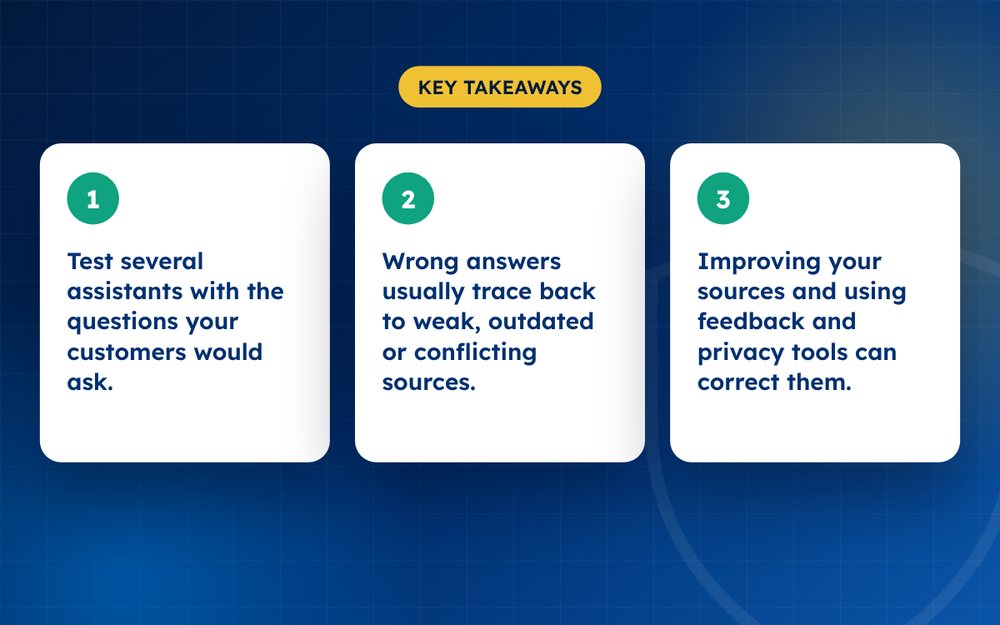
- Test several assistants with the questions your customers would ask.
- Wrong answers usually trace back to weak, outdated or conflicting sources.
- Improving your sources and using feedback and privacy tools can correct them.
How to check
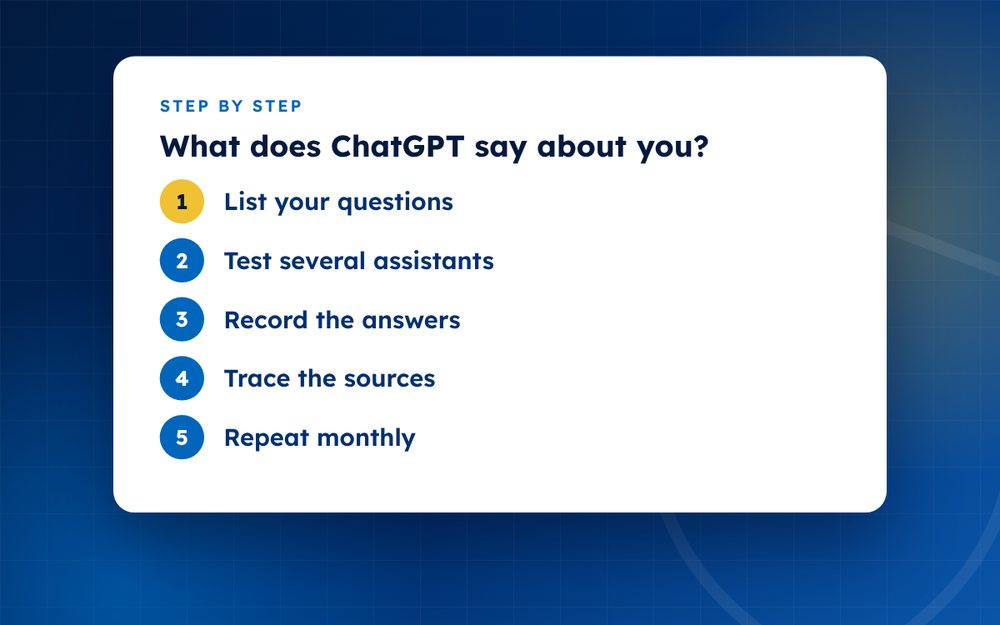
- List your questionsWrite what a customer, journalist or recruiter would ask, for example who you are, what you do and whether you are trustworthy.
- Test several assistantsTry ChatGPT, Gemini, Claude, Copilot and Perplexity. Different tools use different sources.
- Record the answersScreenshot results and note errors, missing facts and sources cited.
- Trace the sourcesMany assistants cite web pages. Look at which pages they rely on and whether they are accurate.
- Repeat monthlyAnswers change as models and web results change.
A simple test routine
Write a short list of questions someone might ask, such as who you are, what your business does, whether it is trustworthy and how to contact you. Ask each question in several assistants and compare the answers. Save screenshots and note the sources they cite. Repeat every month, because answers change.
Why assistants repeat errors
Assistants often rely on a mix of web pages, directories and news. If an outdated page ranks highly, or if several pages repeat the same mistake, the assistant may repeat it. When there is little information about you, the assistant may fill gaps or confuse you with someone else.
Improving your sources
- Keep your website's About page clear, complete and current
- Make sure business listings and profiles show the same details
- Publish helpful FAQs that answer common questions about you
- Earn mentions on reputable sites that state accurate facts
- Correct or ask for corrections of errors in third-party pages
Using feedback and privacy tools
Most major AI providers offer feedback options and forms for reporting inaccurate personal information. Use them with specific details and links to accurate sources. Changes are not instant, but consistent feedback combined with better sources helps.
Special cases
If you share a name with someone else, an assistant may blend information about both of you. Make your profession, location and key facts clear on your pages and profiles. If you are a business, make sure your legal name, brand name and address are consistent across listings. If an assistant states something that could harm you, such as a false claim about a crime or a financial problem, save the evidence and seek legal advice as well as using the tool's feedback options.
Why AI gets it wrong
- Outdated or thin information about you online
- Confusion with someone who has a similar name
- Negative pages that rank more strongly than positive ones
- Conflicting details across your profiles
How to fix it
- Fix the sourcesCorrect or remove inaccurate pages where you can, and update your own website and profiles.
- Publish clear factsPut a concise, factual About page, FAQ and biography on your website, and keep details consistent everywhere.
- Use structured dataAdd schema markup for your organisation or person so machines can read the facts correctly.
- Earn credible mentionsTrusted directories, media and industry sites reinforce accurate facts.
- Use feedback and privacy toolsMost major AI providers offer feedback buttons and privacy forms to report inaccurate personal information.
- MonitorRe-test regularly to confirm improvements.
If an AI assistant is spreading something damaging about you, email us and we will help you plan a response.
Frequently asked questions
Can I ask ChatGPT to delete information about me?
You can use its feedback and privacy options. Results depend on the provider's policies and the type of data. Correcting the underlying sources usually has a bigger effect.
Does my website affect what AI says?
Yes. Clear, consistent and well-structured pages help assistants get facts right. Structured data markup can help machines read your information. Keep your About page, services and contact details accurate and up to date.
Is AI search different from Google?
Often it summarises several sources rather than listing links, so the quality and consistency of sources matter even more. Some AI tools also use their own training data, which can be outdated. Treat AI answers as another place people will find you.
How long do corrections take?
Weeks to months, depending on the tool and the sources. Changes to your website can be picked up within days, but models trained on older data may take longer to update. Retest regularly and keep records.
What if an AI invents something about me?
Report it through the tool's feedback form, describe the error clearly and provide correct sources. If the content is defamatory or harmful, seek legal advice. Save screenshots of the answer, the question and the date.
Do I need to check more than one assistant?
Yes. Different assistants use different sources and models, so answers can vary. Check the main ones your customers use, such as ChatGPT, Gemini, Copilot and Perplexity, and compare the answers.
Need help with this?
Every situation is different. Email us the details in confidence and we will reply with an honest assessment of what can be done.
Contact us by email AI Reputation ManagementThis guide is general information, not legal advice. DMCA Reputation is not a law firm.
Related guides
How to Monitor Your Online Reputation (Free and Paid Tools)
How to monitor your online reputation with free and paid tools: alerts, search checks, social listening and review tracking.
Read the guide · 3 min
How to Set Up Google Alerts for Your Name or Brand
How to set up Google Alerts for your name or brand: creating alerts, using quotation marks and managing notifications.
Read the guide · 3 min
How to Get Your Brand Mentioned in AI Search Results
How to get your brand mentioned in AI search results: clear facts, credible sources, structured data and consistent information.
Read the guide · 3 min