
Monitoring lets you act before a small problem grows. A simple routine and a few tools are enough for most people.
Monitoring is the quiet part of reputation management. It does not look impressive, but it is what gives you early warning. A problem found on day one is usually small and fixable. The same problem found six months later may have spread across many sites.
You do not need an expensive system to start. A simple routine and a few free tools cover the basics.
- Start with free alerts and manual searches.
- Track reviews and social mentions.
- Paid tools save time at scale.
Steps
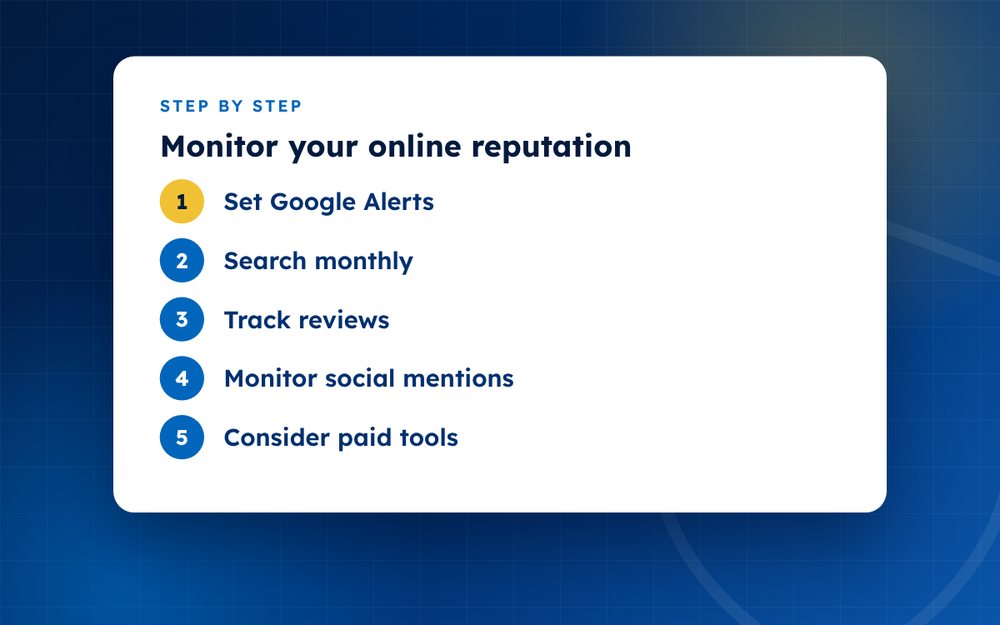
- Set Google AlertsCreate alerts for your name and brand.
- Search monthlyCheck Google in a private window.
- Track reviewsUse platform notifications.
- Monitor social mentionsSet up notifications and saved searches.
- Consider paid toolsReputation and social listening tools offer broader coverage.
- Create a response planDecide who handles issues and how.
- Review trendsLook for patterns.
What to monitor
- Your name and common variations
- Your business or brand name
- Product, service and key staff names
- Reviews on the platforms that matter to you
- Social media mentions and tags
- News and blog coverage
- Images and videos that use your name or logo
- Impersonation of your accounts
Free tools to begin with
Google Alerts can email you when new pages mention your name or brand. Platform notifications tell you about new reviews and comments. Manual searches on Google, Bing and social platforms, repeated monthly, catch what alerts miss. Reverse image search helps you find copies of your photos.
When to use paid tools
Paid tools offer broader coverage, sentiment analysis, dashboards and alerts for many sources. They are useful for businesses with a high volume of mentions or several locations. Before paying, define what you need and ask for a trial. A tool is only useful if someone reads the alerts and acts on them.
What to do with what you find
Create a simple process: record the finding, assess how serious it is, decide on a response and note the outcome. For a harmless mention, no action is needed. For a fake review or a leak, act quickly. For a genuine complaint, reply and solve it. Keeping a log lets you see patterns.
A sample weekly routine
- Monday: review alerts and new reviews
- Wednesday: search your name and brand in a private window
- Friday: check social mentions and images
- Monthly: review trends and update your plan
Pick a routine that fits your life and stick to it. Consistency matters more than perfection.
Sharing responsibility
If you have a team, decide who owns monitoring, who handles replies and who decides on escalation. Write a short guide, with contacts and templates. When everyone knows their role, you respond faster and make fewer mistakes during a crisis.
We offer ongoing monitoring. Email us to discuss.
Frequently asked questions
Are free tools enough?
For many individuals and small businesses, yes. Free alerts and regular manual searches can catch most important mentions. If you have a lot of mentions, multiple locations or sensitive issues, a paid or managed service may be worth it.
How often should I check?
Set alerts to arrive as they happen or daily, and do a deeper manual review monthly. If you are in a crisis or launching something, check more often.
Can tools find leaks?
General monitoring tools do not usually find leaked private content on obscure sites. Specialist services and reverse image search can help. If leaks are a concern, ask about services that focus on them.
What do I do when I find something?
Assess whether it is accurate, harmful or simply neutral. Save evidence, decide whether to respond, report or ignore, and record what you did. Escalate serious issues quickly.
Is it worth monitoring if I have no problems?
Yes. Monitoring helps you catch issues early and track positive mentions that you can share. Light monitoring costs little time.
Can I monitor private groups?
Usually not, and you should respect privacy rules. Focus on public sources and the platforms where you have legitimate access.
Need help with this?
Every situation is different. Email us the details in confidence and we will reply with an honest assessment of what can be done.
Contact us by email Reputation MonitoringThis guide is general information, not legal advice. DMCA Reputation is not a law firm.
Related guides
How to Set Up Google Alerts for Your Name or Brand
How to set up Google Alerts for your name or brand: creating alerts, using quotation marks and managing notifications.
Read the guide · 3 min
What Does ChatGPT Say About You? How to Check and Fix It
What does ChatGPT say about you? How to check what AI assistants say about you or your business, and how to correct wrong or outdated information.
Read the guide · 4 min
How to Get Your Brand Mentioned in AI Search Results
How to get your brand mentioned in AI search results: clear facts, credible sources, structured data and consistent information.
Read the guide · 3 min