
Google Alerts is a free way to be notified when new pages mention your name or brand.
Google Alerts is simple, free and surprisingly useful. It watches the web for new pages that match words you choose and emails you when it finds them. Set up properly, it gives you a basic early warning system.
It is not perfect, but a few minutes of setup can save you from being the last to know.
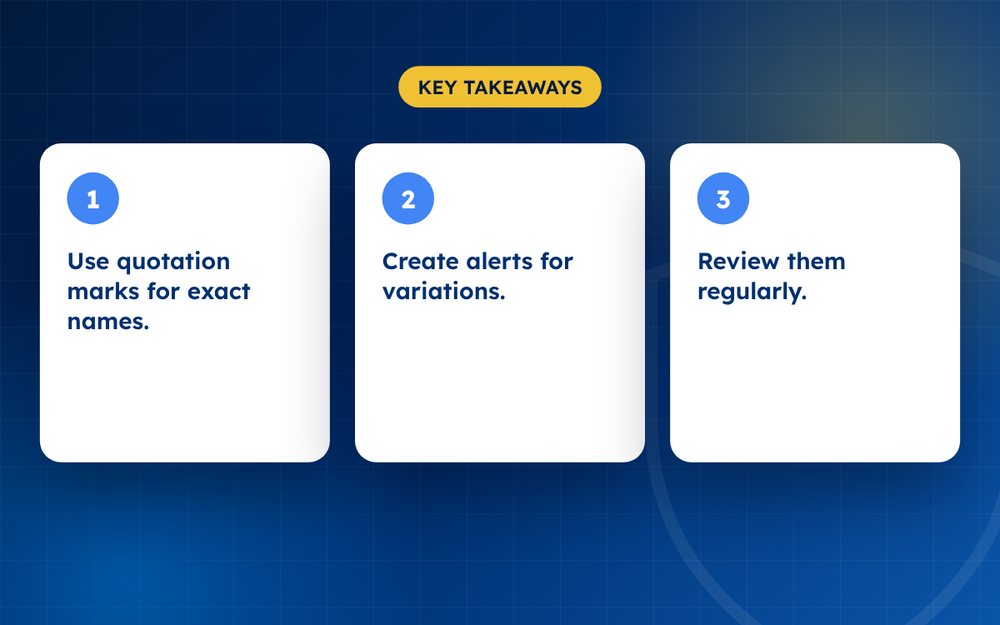
- Use quotation marks for exact names.
- Create alerts for variations.
- Review them regularly.
Steps
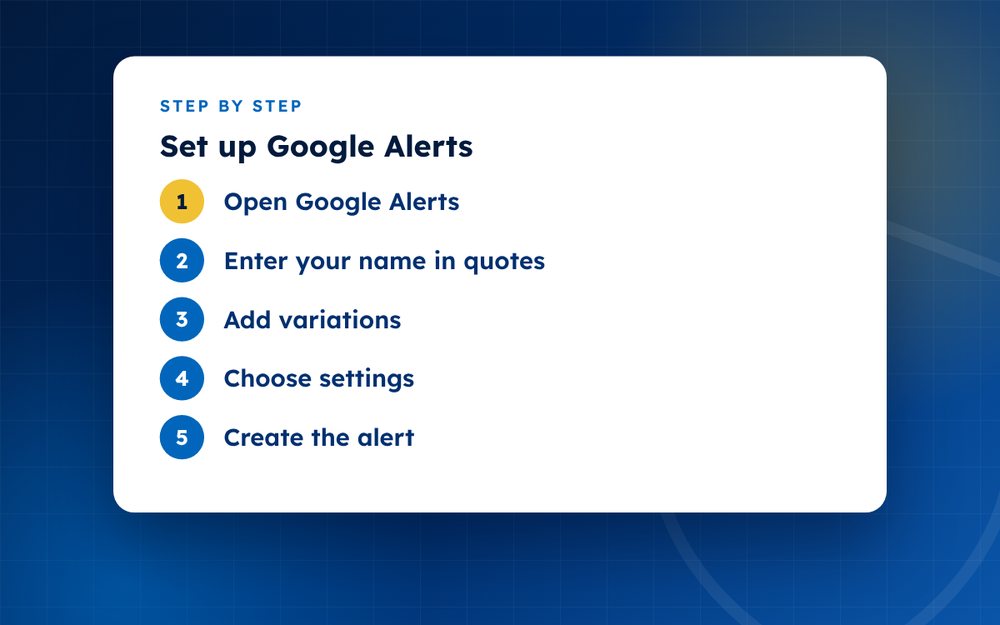
- Open Google AlertsSign in with your Google account.
- Enter your name in quotesFor example your full name with quotation marks.
- Add variationsNicknames, brand names and common misspellings.
- Choose settingsFrequency, sources, language, region and delivery.
- Create the alertConfirm and check your inbox.
- RefineAdjust if there are too many results.
Setting up your first alert
Go to the Google Alerts page while signed in to your Google account. Type your full name in quotation marks and look at the preview of results. Choose how often you want emails, which sources to include, the language and region. Create the alert and confirm your email address if asked.
Which alerts to create
- Your full name in quotation marks
- Your name with common misspellings or nicknames
- Your business or brand name
- Your name along with your city or employer
- Product or service names that matter
- Key staff names, if appropriate
Making alerts more useful
Use quotation marks for exact phrases. Add a minus sign to exclude words that bring irrelevant results. Use the site operator to follow or exclude particular sites. If you share a name with someone else, add details that distinguish you, such as your profession. Review and adjust alerts after a few weeks.
Understanding limits
Alerts do not catch everything. They do not cover private posts, many social media platforms or content that search engines have not yet indexed. Delays are common. Combine alerts with manual searches and platform notifications.
Alerts for different purposes
Use separate alerts for different needs, so that you can sort them easily. For example, one for your name, one for your brand and one for a particular topic you follow. Name them clearly in your email filters. Review the alerts weekly and note anything that needs action.
Other free monitoring ideas
- Set up notifications on your social platforms for mentions
- Use reverse image search occasionally to find copies of photos
- Check your tagged posts and comments
- Save useful searches in your browser
- Ask customers and friends to tell you if they see something odd
Together, these habits give you reasonable coverage without any cost.
Email us if you would like more thorough monitoring.
Frequently asked questions
Is it free?
Yes. Google Alerts is free to use with a Google account. You can create several alerts and manage them from one page.
Will it find everything?
No. It finds pages that Google has indexed and considers relevant. It will miss many social posts, private groups and content on sites that are not indexed. Treat it as one tool among several.
Can I add exclusions?
Yes. Use a minus sign before words you want to exclude, or use search operators to include or exclude certain sites. This helps reduce noise.
Can I use it for competitors?
Yes, for public mentions. Many businesses set alerts for competitors' names and industry terms. Respect privacy and use the information legally.
How often will I get emails?
You choose. You can receive alerts as they happen, once a day or once a week. Start with daily and adjust.
What if I get too many irrelevant alerts?
Refine your search terms with quotation marks, add exclusions or include your location or profession. You can also delete and recreate the alert.
Need help with this?
Every situation is different. Email us the details in confidence and we will reply with an honest assessment of what can be done.
Contact us by email Reputation MonitoringThis guide is general information, not legal advice. DMCA Reputation is not a law firm.
Related guides
How to Monitor Your Online Reputation (Free and Paid Tools)
How to monitor your online reputation with free and paid tools: alerts, search checks, social listening and review tracking.
Read the guide · 3 min
What Does ChatGPT Say About You? How to Check and Fix It
What does ChatGPT say about you? How to check what AI assistants say about you or your business, and how to correct wrong or outdated information.
Read the guide · 4 min
How to Get Your Brand Mentioned in AI Search Results
How to get your brand mentioned in AI search results: clear facts, credible sources, structured data and consistent information.
Read the guide · 3 min