
A DMCA takedown notice is a formal request to remove content that infringes your copyright. Done properly, it is one of the fastest ways to get stolen photos, videos, articles or designs taken down. This guide shows what must be included and who to send it to.
A good DMCA notice is short, factual and precise. Hosts and search engines receive thousands of notices, and the ones that succeed are those that are complete and easy to verify. Mistakes, such as leaving out URLs or the legal statements, are the most common reason notices are ignored.
Before you send anything, make sure that you own the work or have the authority to act for the owner, and that the use you are complaining about is not covered by a legitimate exception such as fair use.
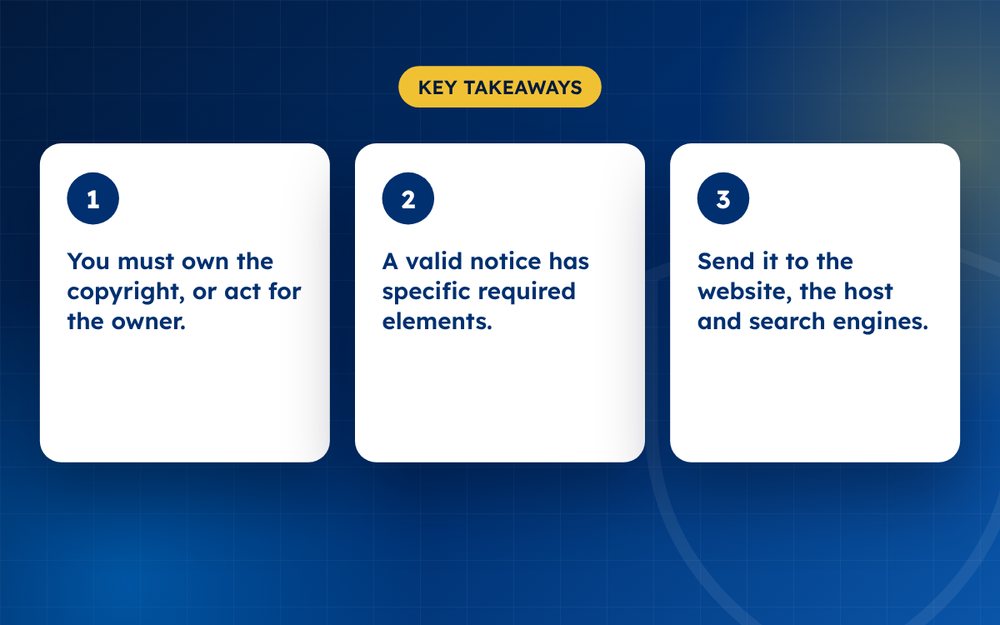
- You must own the copyright, or act for the owner.
- A valid notice has specific required elements.
- Send it to the website, the host and search engines.
What a valid notice must include
Under the US Digital Millennium Copyright Act, a notice should contain:
- Your name and contact details
- A description of the copyrighted work
- The exact URL of each infringing page
- A statement that you have a good-faith belief the use is not authorised
- A statement, under penalty of perjury, that the information is accurate and you are the owner or authorised to act
- Your physical or electronic signature
Step by step
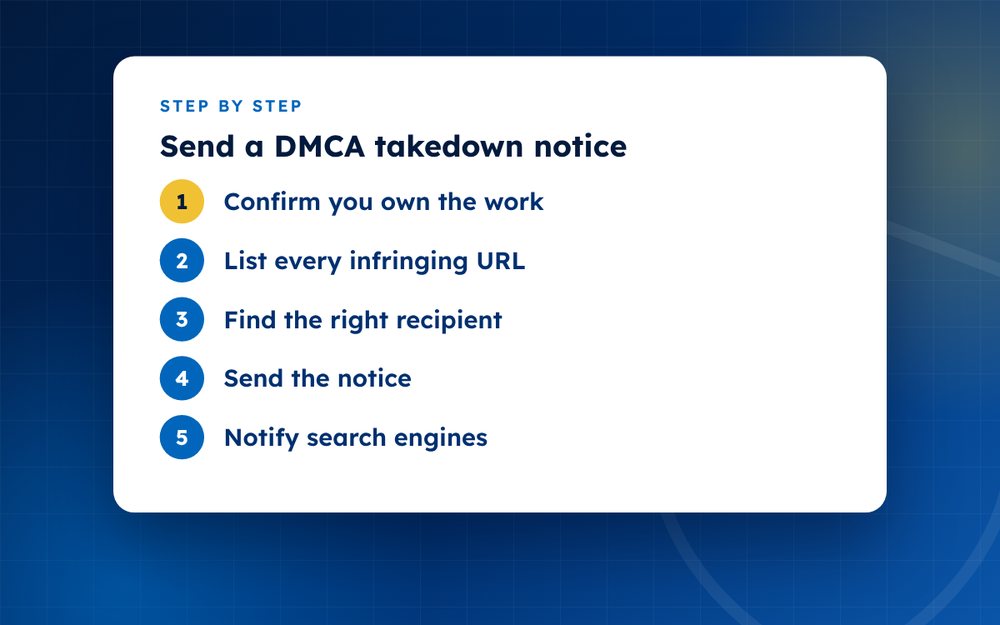
- Confirm you own the workYou generally own what you created yourself. Keep the original files, dates and any proof of creation.
- List every infringing URLCollect the exact pages. Vague complaints are often ignored.
- Find the right recipientLook for a DMCA or abuse contact on the website. If there is none, use a WHOIS or hosting lookup to find the host.
- Send the noticeEmail the notice to the designated agent or abuse address. Keep a copy and note the date.
- Notify search enginesFile a separate copyright removal request with Google and Bing so the pages stop appearing in results.
- Follow upIf nothing happens, escalate to the host, domain registrar or CDN.
- Watch for counter-noticesThe other party can dispute your notice. If they do, the content may be restored unless you start legal action. Take legal advice at that stage.
Understanding what DMCA covers
The Digital Millennium Copyright Act is a US law that gives copyright owners a way to ask online services to remove infringing content. Hosts that follow the process receive legal protection, known as safe harbour. That is why most reputable hosts respond to valid notices quickly. The DMCA does not cover every kind of complaint, such as defamation or privacy, so using it for the wrong purpose will fail.
Practical tips for sending notices
- Send one notice per site, listing every URL on that site
- Use the hosting provider's designated agent address where it is available
- Keep your message neutral and professional, without threats or accusations
- Include links to the original so the recipient can compare
- Save the sent email and any automated reply
What happens next
The host usually removes or disables the content and tells the site owner. The site owner can then send a counter-notice if they believe the removal was a mistake. If that happens, the host may restore the content after a waiting period unless you start legal action. At that point, speak to a lawyer.
Avoiding misuse
Sending notices for content you do not own, or to remove criticism, can expose you to legal liability and damage your credibility. Only claim what you can prove.
Simple template
To the designated agent: I am the copyright owner of [describe work]. The following URLs host my work without permission: [list URLs]. I have a good-faith belief this use is not authorised by me, my agent or the law. The information in this notice is accurate and, under penalty of perjury, I am the owner or authorised to act on the owner’s behalf. Name, address, email, signature, date.
Common mistakes
- Sending a notice for content you do not own
- Using it to remove criticism or reviews. That is an abuse and can have legal consequences
- Leaving out URLs
- Sending it to the wrong party
We are not a law firm and this is general information, not legal advice. If you would like help preparing and sending notices at volume, email us.
Frequently asked questions
Is a DMCA notice legal outside the US?
The DMCA is a US law, but many global hosts and platforms follow it. Other countries have their own copyright procedures. If the site and host are outside the US, you may need to use local rules or the host's own policies.
How long do sites take to respond?
From a few hours to a couple of weeks. Reputable hosts act quickly. If you receive no response after a reasonable time, escalate to the next party, such as the domain registrar or a content delivery network.
Can I use a notice to remove a negative review?
No. Reviews are generally not your copyright, and false claims can create liability. Using DMCA to silence criticism is considered abuse and can lead to penalties. Use platform policies for reviews, and take legal advice if a review is defamatory.
What happens if the notice is false?
Knowingly misrepresenting a claim can lead to damages and legal costs under the DMCA. Platforms may also penalise accounts that abuse the process. Be accurate and honest in what you state, and only claim material you own or are authorised to enforce.
Do I need a lawyer to send a DMCA notice?
Not for a standard notice. Many creators send them without legal help. If you expect a dispute, a counter-notice or significant financial loss, a lawyer can help you prepare and decide on next steps.
Can I send one notice for many sites?
Each site and host has its own contact, so send separate notices. A spreadsheet helps you manage them. You can use a template and change the URLs and details. Some services send notices in bulk on your behalf.
Need help with this?
Every situation is different. Email us the details in confidence and we will reply with an honest assessment of what can be done.
Contact us by email DMCA TakedownThis guide is general information, not legal advice. DMCA Reputation is not a law firm.
Related guides
How to Remove Leaked Photos or Videos From the Internet
How to remove leaked photos or videos from the internet: evidence, platform reports, DMCA, search removal and prevention. A calm step-by-step guide.
Read the guide · 4 min
How to Remove Non-Consensual Intimate Images (NCII), Step by Step
How to remove non-consensual intimate images (NCII): reporting, StopNCII.org, Google removal, legal options and support. A step-by-step guide.
Read the guide · 4 min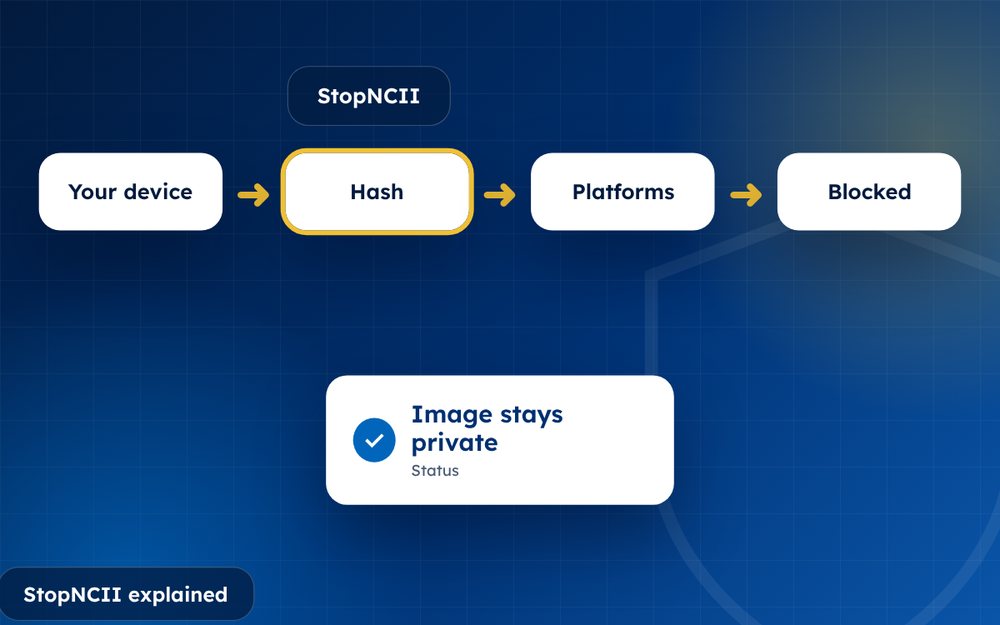
StopNCII Explained: How to Stop Your Images From Spreading
StopNCII explained: how the free hash-matching tool works, who can use it, which platforms take part and what it cannot do.
Read the guide · 4 min