
Seeing your phone number, address or email on Google is unsettling. Google lets you request removal of search results containing certain personal information, which stops them appearing in search. The pages themselves may remain online, so follow up with the websites too.
Google's Results about you tool is designed to help people find and remove search results that contain personal contact information. It is one of the simplest ways to reduce the risk of unwanted contact and doxxing.
It does not delete the underlying page, so it works best alongside other steps.
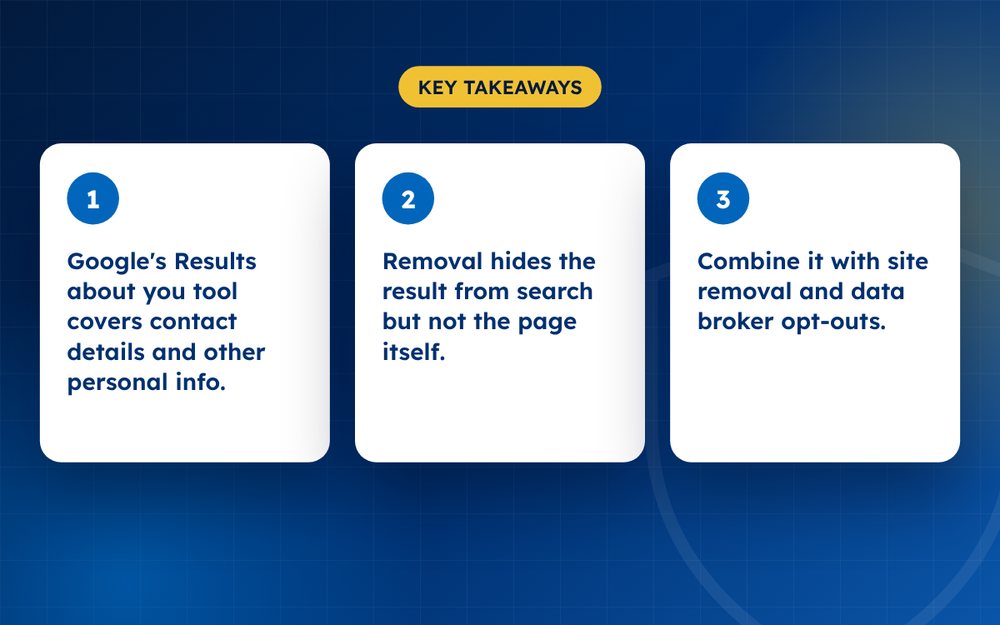
- Google's Results about you tool covers contact details and other personal info.
- Removal hides the result from search but not the page itself.
- Combine it with site removal and data broker opt-outs.
What you can request
- Phone numbers, home addresses and email addresses
- Identity numbers, bank and card details and other sensitive data
- Images of identity documents, signatures or medical records
- Doxxing content intended to harass you
Steps
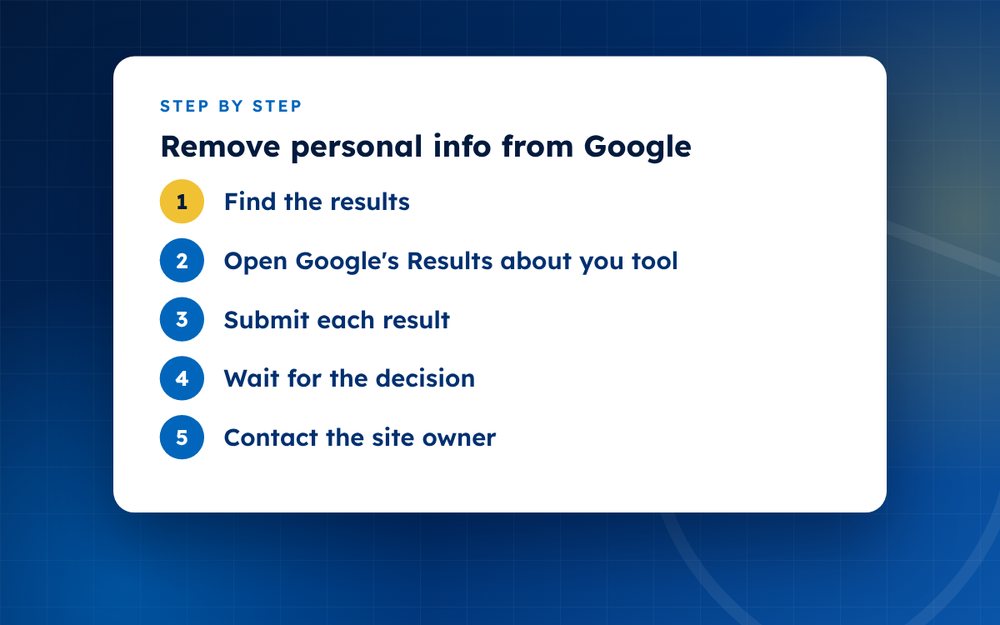
- Find the resultsSearch for your name, address and phone number. Note each URL.
- Open Google's Results about you toolUse the Google app or the help page to start a removal request.
- Submit each resultChoose the reason, add the URL and any needed detail.
- Wait for the decisionGoogle may approve, ask for more information or refuse.
- Contact the site ownerAsk them to delete the information from their pages.
- Opt out of data brokersUse each broker's removal form.
- MonitorSet alerts so you can act if details reappear.
What the tool covers
The tool is aimed at results that display things such as your phone number, home address or email address. Google also has policies for other sensitive information, such as government identification numbers and bank details. If a page shows information that could lead to identity theft or harassment, you can ask Google to remove the result.
Getting ready
- Search your name, address and phone number to find results
- Copy the links
- Decide whether the page can be removed at the source
- Prepare a short explanation if the form asks for one
- Keep a record of each request
After Google responds
If the request is approved, the result stops appearing in search but the page remains. Contact the website and ask them to delete the information. Also consider contacting data brokers that list your details, because they often republish.
Staying private going forward
Reducing the amount of personal information you share publicly lowers the chance of it appearing in search again. Use separate emails for sign-ups, keep your phone number out of public profiles and check the privacy settings of the services you use. Consider using a business address or a mailbox service where possible.
Review your results every few months and keep a note of the requests you have made. Data brokers often republish, and early detection makes removal easier.
If you have many results or you feel unsafe, email us for confidential help.
Frequently asked questions
Does it delete the page?
No. It stops Google showing the result in search, but the page remains on the website. Contact the site owner to ask them to remove the information, and consider contacting data brokers and other sites that may have copies. Without removing the source, the information may still be found elsewhere.
Is it free?
Yes. Google does not charge for removal requests. Be wary of anyone who charges high fees for something you can do yourself, although specialist help can be worthwhile when you have many results or a complex situation.
Will Bing also remove it?
Bing has its own request process, so you need to submit a separate request there. Other search engines may also have forms. Keep a list of the engines you have contacted and the dates, and check your results again after a few weeks.
Can I request removal for public records?
These are assessed case by case. Google may decline when the information is considered to be in the public interest or part of an official record, but may agree when it exposes you to harm, such as identity theft. Provide a clear explanation of the risk.
How long does it take?
Often a few days, though some requests take longer. Google may email you with its decision, or ask for more information. Check your inbox and spam folder, and keep a record of the dates.
Can the result return?
It can if the page is republished at a new address or if a new site publishes the same information. Monitor your name and details regularly, and repeat your request if necessary. Removing the information at the source reduces the chance of it returning.
Need help with this?
Every situation is different. Email us the details in confidence and we will reply with an honest assessment of what can be done.
Contact us by email Google Search Result RemovalThis guide is general information, not legal advice. DMCA Reputation is not a law firm.
Related guides
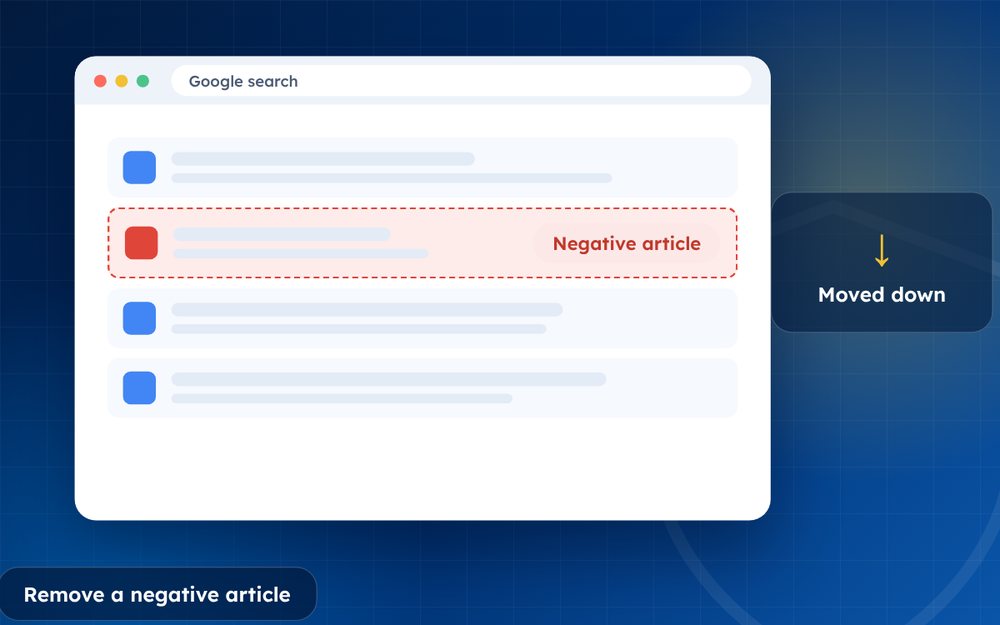
How to Remove a Negative Article From Google Search
How to remove a negative article from Google search: contact the publisher, use Google's tools and legal routes, or suppress it when removal fails.
Read the guide · 4 min
How to Remove a News Article From the Internet
How to remove a news article from the internet: approaching publishers, correction and anonymisation requests, legal grounds and search options.
Read the guide · 4 min
How to Remove Your Name From Google Search Results
How to remove your name from Google search results: what you can remove, Google's results about you tool, data brokers and what to do about the rest.
Read the guide · 4 min