
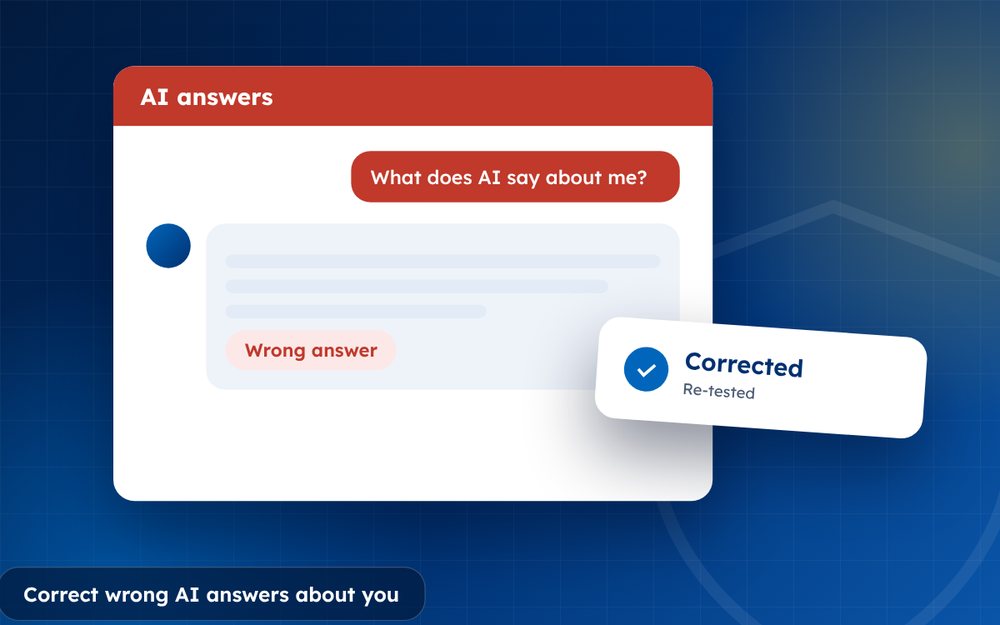
AI tools sometimes state wrong or outdated things about people and companies. Correcting them means fixing the sources and using the tools' own feedback routes.
When an AI assistant gets something wrong about you, it can be unsettling. It may state a wrong job title, confuse you with another person or repeat an old story that was resolved long ago. People often trust these answers without checking.
Correcting them is possible, though it needs patience and a clear plan.
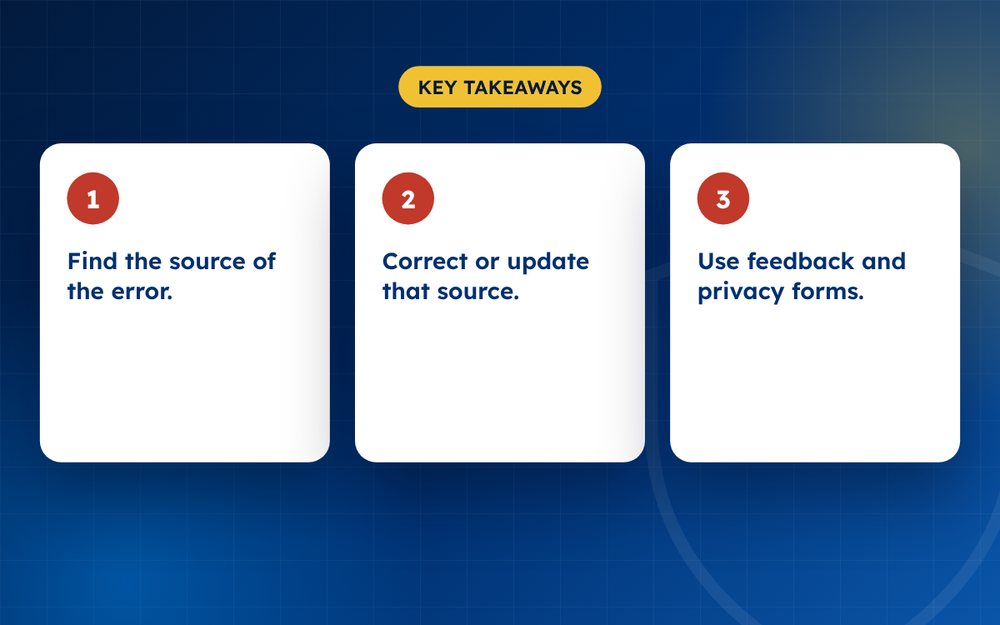
- Find the source of the error.
- Correct or update that source.
- Use feedback and privacy forms.
Steps
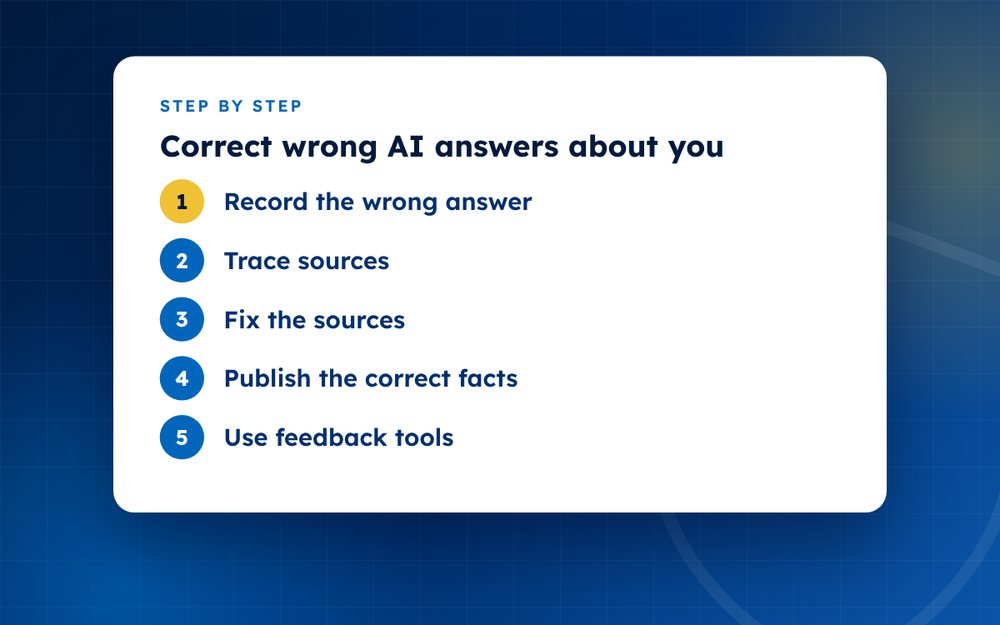
- Record the wrong answerSave screenshots and the question.
- Trace sourcesCheck which pages the tool cites.
- Fix the sourcesUpdate your pages and request corrections elsewhere.
- Publish the correct factsClear statements on your website.
- Use feedback toolsReport the error in the tool.
- Use privacy requestsFor personal data, use the provider's privacy form.
- RetestCheck again after a few weeks.
Collect the evidence
Record the exact question you asked, the assistant's answer and the date. Take screenshots. Note which sources, if any, the assistant cited. Test the same question in other assistants and note whether they give the same answer. This tells you whether the error is isolated or widespread.
Find the root cause
- An outdated page that still ranks well
- A directory or database entry with wrong details
- A news story that has not been updated
- Confusion with someone who has a similar name
- A lack of information, so the tool guesses
Fix what you can
Correct or update the sources. Contact the owners of pages that contain errors. Update your own website and profiles, and publish a clear statement of the facts. Where a source is outdated, ask for an update or ask search engines to refresh the result.
Use the tools' own channels
Most assistants provide a way to give feedback on answers. Use it, describing the error and giving a link to an accurate source. Some providers have forms for privacy requests or for reporting inaccurate information about people. Be factual and avoid emotional language.
Monitor
Retest every few weeks and keep notes of what changes. If the error is damaging, such as a false claim about a crime, take legal advice as well.
Preparing a clear correction request
When you contact a source or a provider, keep your message short and specific. State what is wrong, what is correct and where the correct information can be verified. Attach links or documents. Avoid blaming. People are more likely to help when the request is simple and reasonable.
Preventing future errors
Keep your public information consistent and up to date. When you change jobs, move or rebrand, update your website, profiles and directories. Publish a short fact page that sets out your key details. This reduces the chance that assistants rely on outdated or conflicting information.
Email us if the information is damaging.
Frequently asked questions
Do AI tools learn from feedback?
Feedback may be used to improve systems, but changes are not instant or guaranteed. It works best alongside corrections to underlying sources, because many assistants rely on web content.
Can I have information deleted?
Some providers offer privacy request options that cover personal data, but the outcome depends on the provider's policies and the law where you live. Deleting data from a trained model is difficult, so focus on correcting sources and outputs.
Why does it mix me up with someone else?
Similar names and thin information make confusion more likely. Make your own profile clear, with your profession, location and key facts, and make sure your pages link to each other.
Is it legal?
The law on AI-generated statements about real people is developing and differs by country. If an answer is false and harmful, a lawyer can advise on options. In many cases, technical fixes and feedback are quicker.
How long do corrections take?
Weeks to months. Some assistants update quickly after sources change. Others take longer. Retest regularly.
What if the answer includes a defamatory claim?
Save evidence, report it through the tool's channels and speak to a lawyer. Do not repeat the claim publicly more than you need to.
Need help with this?
Every situation is different. Email us the details in confidence and we will reply with an honest assessment of what can be done.
Contact us by email AI Reputation ManagementThis guide is general information, not legal advice. DMCA Reputation is not a law firm.
Related guides
How to Monitor Your Online Reputation (Free and Paid Tools)
How to monitor your online reputation with free and paid tools: alerts, search checks, social listening and review tracking.
Read the guide · 3 min
How to Set Up Google Alerts for Your Name or Brand
How to set up Google Alerts for your name or brand: creating alerts, using quotation marks and managing notifications.
Read the guide · 3 min
What Does ChatGPT Say About You? How to Check and Fix It
What does ChatGPT say about you? How to check what AI assistants say about you or your business, and how to correct wrong or outdated information.
Read the guide · 4 min