
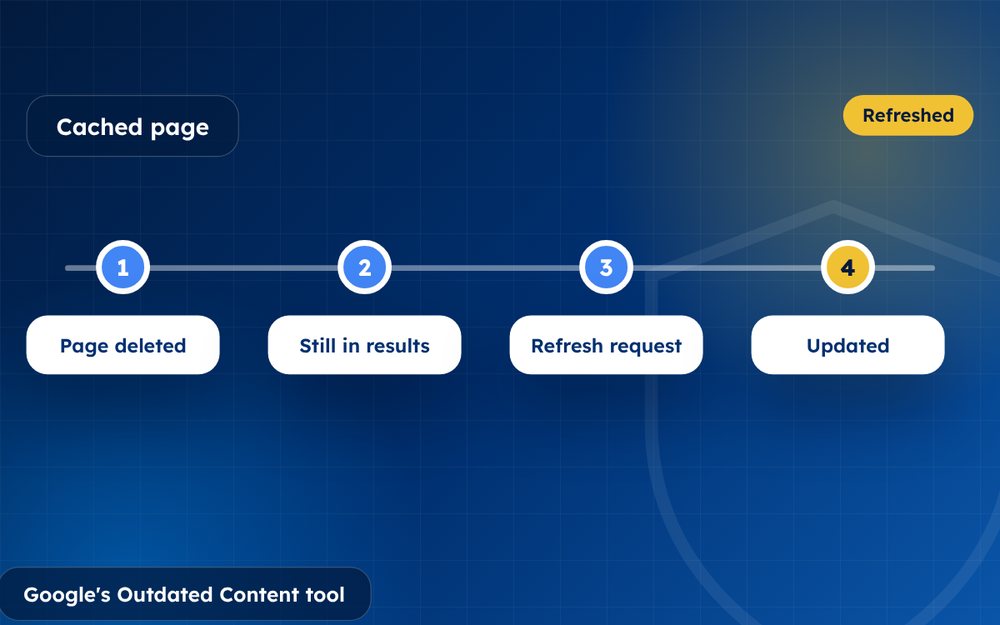
Sometimes you or a website owner has already changed or deleted a page, but Google still shows the old text in results. Google's Refresh Outdated Content tool asks Google to update that stale search result.
Search results can be out of date for a surprisingly long time. A page may have been deleted or edited weeks ago, yet Google still shows the old text. The outdated content tool helps Google catch up.
It is a small tool, but it can solve a lot of problems.
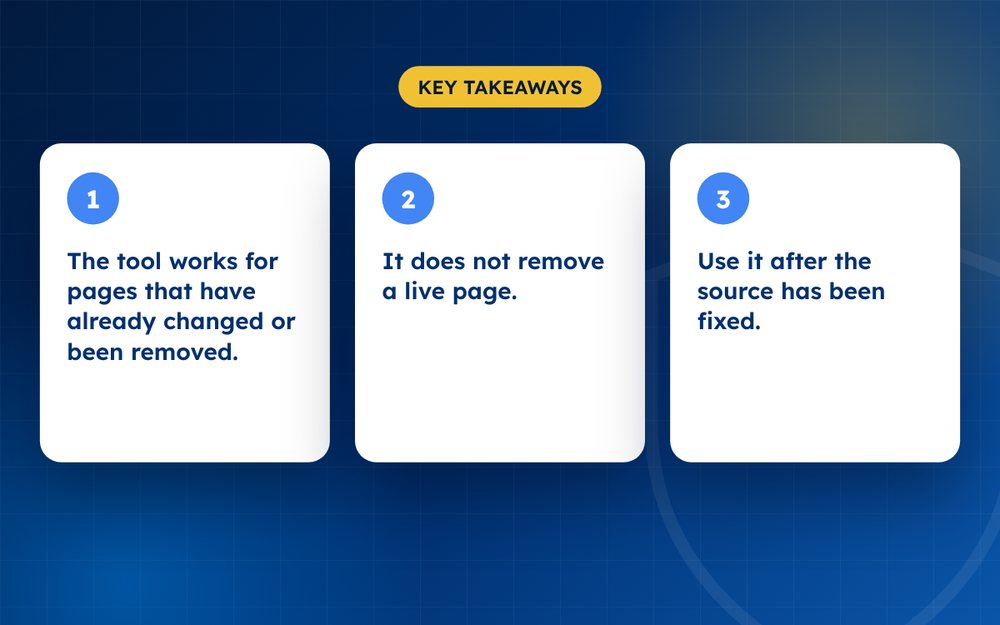
- The tool works for pages that have already changed or been removed.
- It updates Google's search result; it does not delete the source.
- Use it after the source has been fixed.
When to use it
- The page is deleted but still shows in search
- The page has changed but the snippet still shows old information
- An image has been replaced or removed
Steps
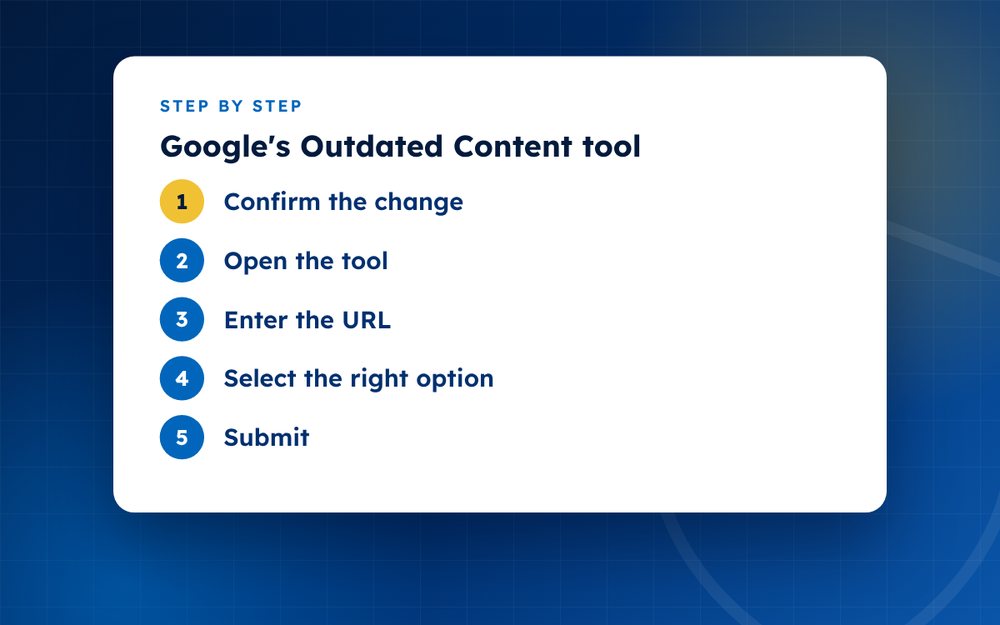
- Confirm the changeCheck that the page is truly removed or updated, including cached or copied versions.
- Open the toolUse Google's Refresh Outdated Content tool.
- Enter the URLPaste the exact page address.
- Select the right optionChoose whether the page was removed or updated.
- SubmitGoogle will check the page and update the result if it agrees.
- Check backSearch again after a few days.
When the tool is useful
- A page has been deleted but still appears in results
- A page has been edited, but the snippet shows the old text
- An image has been removed but still appears in image search
- A site owner removed your personal information and you want the result to disappear
Checking before you submit
Open the page and confirm it has changed. If the information is still present and unchanged, the tool will not work. In that case, contact the site owner or use another applicable removal route.
After you submit
Google rechecks the page and updates its results. This can take a few days. If nothing changes, make sure the page really is removed, including any cached copies, and try again. Keep notes of the dates and links.
Combining it with other tools
Outdated content requests work best alongside other removal steps. For instance, if you have asked a website to remove a page, use the tool afterwards so that Google updates its results quickly. If the page contains personal information, you may also be able to use the personal information request. Each route has its own purpose, and using the right one saves time.
Keep screenshots of the original result and the updated result as evidence in case you need to follow up.
Use the Refresh Outdated Content tool for a page or image that no longer exists, or when important information has been removed from a page that remains online. It updates Google's search result; it does not delete the source. If the information is still present and unchanged, use another applicable removal route. Verified site owners should use the appropriate Search Console tools. Email us if you are not sure which fits.
Official sources
Frequently asked questions
Why is the old page still showing?
Google had not yet re-crawled it. Search engines store copies of pages and update them periodically, so changes may take days or weeks to appear. The outdated content tool asks Google to check the page sooner, which can speed up the update.
Does this remove a live page?
No. It updates Google's search result and does not delete the source page. A live page can qualify only when the relevant information has been removed from it. If the information is still present and unchanged, use another applicable removal route, such as a personal information request.
How long does it take?
Often a few days, though it can take longer. Google reviews the request and rechecks the page. If the result still shows old information after a week or two, check that the page really has changed and consider resubmitting.
Can I use it for pages on someone else's site?
Yes, if the page has changed or been removed. You do not need to own the site to ask Google to refresh the result. Make sure the content really is gone or changed, because otherwise the request will be refused.
What if the page still exists?
If the information is still present and unchanged, the tool cannot update the result. Contact the site owner or use another applicable removal route. If the information is sensitive, consider using Google's personal information policy or other forms that fit your situation.
Is it free?
Yes. Google offers the tool at no cost. Keep records of your requests, including screenshots of the result before and after.
Need help with this?
Every situation is different. Email us the details in confidence and we will reply with an honest assessment of what can be done.
Contact us by email Google Search Result RemovalThis guide is general information, not legal advice. DMCA Reputation is not a law firm.
Related guides
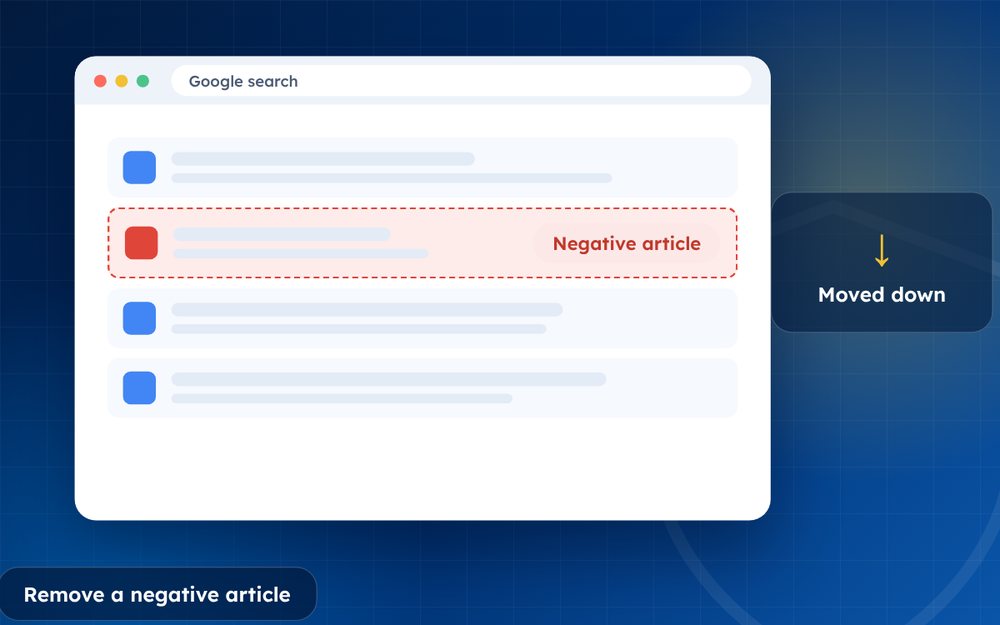
How to Remove a Negative Article From Google Search
How to remove a negative article from Google search: contact the publisher, use Google's tools and legal routes, or suppress it when removal fails.
Read the guide · 4 min
How to Remove a News Article From the Internet
How to remove a news article from the internet: approaching publishers, correction and anonymisation requests, legal grounds and search options.
Read the guide · 4 min
How to Remove Your Name From Google Search Results
How to remove your name from Google search results: what you can remove, Google's results about you tool, data brokers and what to do about the rest.
Read the guide · 4 min