
Doxxing means someone publishes your private information, such as your address, phone number or workplace, to harass or endanger you. It is frightening, but there are practical steps that reduce the risk and get content taken down.
Doxxing can happen after an argument online, a viral post, a dispute or a targeted harassment campaign. The impact can range from unwanted messages to real-world threats. Taking it seriously and acting step by step helps you stay safe and regain control.
This guide covers practical actions, but if you feel unsafe, contact local emergency services first.
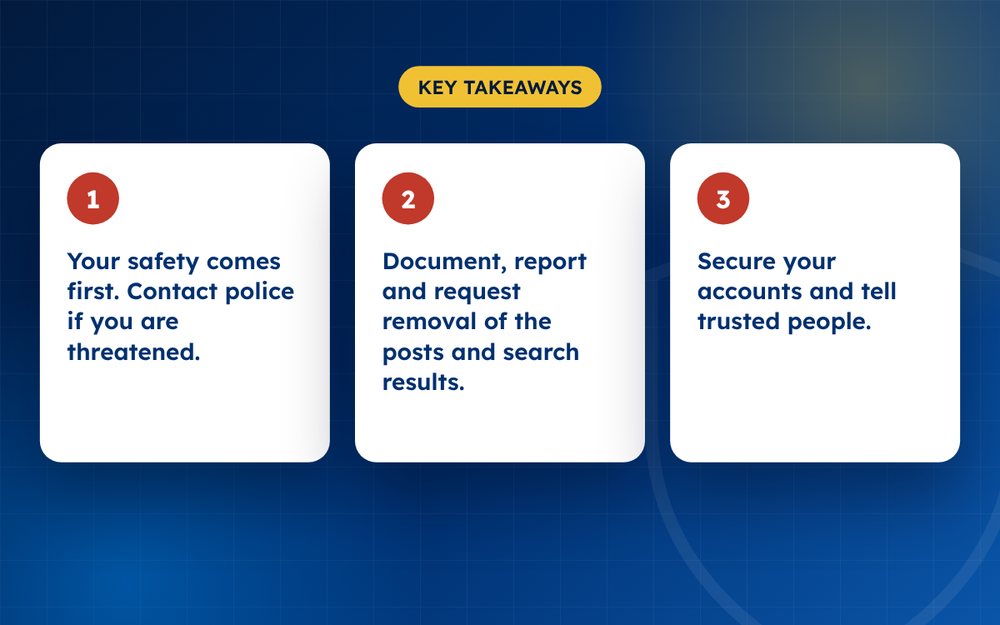
- Your safety comes first. Contact police if you are threatened.
- Document, report and request removal of the posts and search results.
- Secure your accounts and tell trusted people.
Step by step
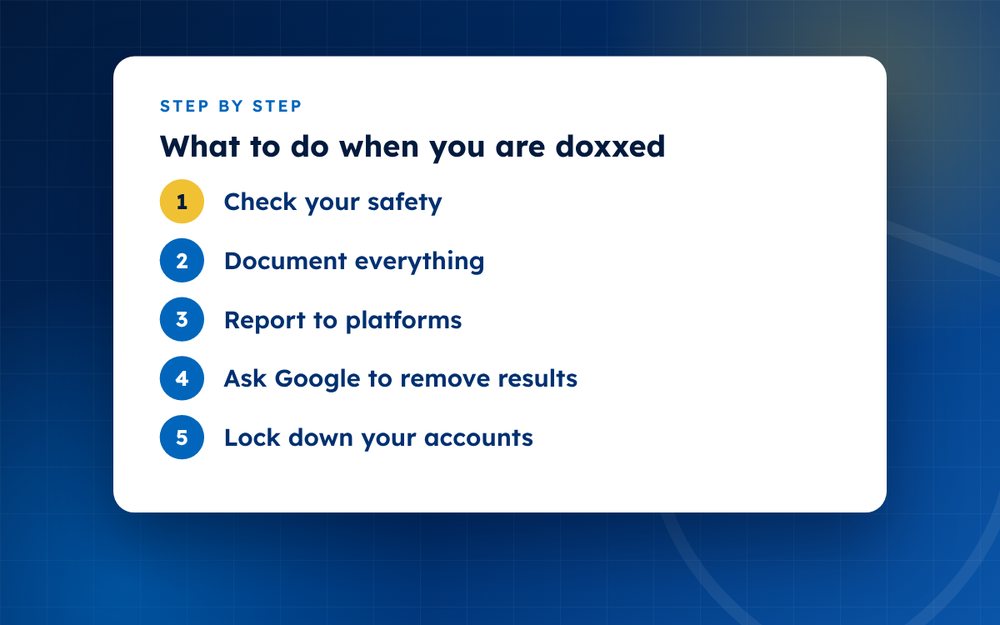
- Check your safetyIf you are in immediate danger, call emergency services. Consider staying with someone you trust.
- Document everythingScreenshot posts, usernames and links, with dates. Do this before reporting, because content may vanish.
- Report to platformsUse the report option for doxxing, private information or harassment. Most platforms prohibit publishing home addresses and contact details.
- Ask Google to remove resultsGoogle has a process for removing search results that contain personal contact information and doxxing content.
- Lock down your accountsChange passwords, turn on two-factor authentication, review recovery options and tighten privacy settings.
- Remove data from broker sitesPeople search sites republish addresses. Use their opt-out forms.
- Tell your employer and familyLet them know so they can ignore or report suspicious contact, and help watch for threats.
- Report to the policeThreats, stalking and harassment are crimes in many places. Bring your evidence.
- Seek supportTalk to friends, a counsellor or an organisation that supports victims of online abuse.
Reduce the immediate risk
If your home address has been shared, think about where you will sleep for the next few days and who you can ask to stay with you. Tell trusted neighbours or colleagues to be alert. Consider changing routines temporarily, such as travel routes or schedules.
Take control of your accounts
- Change passwords and use a password manager
- Turn on two-factor authentication everywhere
- Review which apps and devices have access to your accounts
- Check recovery emails and phone numbers
- Make social media profiles private while the situation settles
Removing the information
Report each post to the platform under its private information or harassment policy. Request removal of search results through Google's process for personal information. Contact data broker sites that list your address and ask for removal. Keep a record of every request.
Getting support
Being doxxed is stressful. Tell people you trust, consider talking to a counsellor and, if you are harassed repeatedly, contact organisations that support victims of online abuse. Reporting to the police creates a record that may be useful later.
Protecting others who may be affected
Doxxing sometimes extends to family members, partners and colleagues. If their details have been shared, help them review their privacy settings, change passwords and report content themselves. Share the evidence you have collected so they can make their own reports. A coordinated response is often more effective and less stressful than handling it alone.
Preventing a repeat
- Remove personal details from public profiles
- Use a separate email and phone number for public accounts
- Be careful with photos that show your home or location
- Monitor your name and address
If you need practical help with removals, email us in confidence. We can coordinate reports and search removals while you focus on your safety.
Frequently asked questions
Is doxxing illegal?
In many countries it may fall under harassment, stalking or privacy laws. The exact rules differ, so check local rules or speak to the police or a lawyer. Even where it is not specifically illegal, platforms usually ban it.
Will platforms remove my address?
Most do when it is reported as private information. Use the specific reporting option for private information or doxxing. Include the link, explain that the address is yours and ask for removal. Follow up if you do not receive a response.
Can Google hide my address from results?
Google can remove certain results with personal contact information when you request it. The page may still exist, so contact the site too. Use Google's personal information removal process and keep a record of your request.
Should I confront the person?
No. Document, report and let the proper authorities handle it. Confrontation can make the situation more dangerous and may give the person more material to use. If you know who it is, tell the police.
How long does the content stay up?
Some platforms act within hours, others take longer. Keep reporting and escalate if there is no response. Search results may take days to update after the page is removed. Monitor for reposts.
What if my employer is contacted?
Tell your manager or HR what is happening and give them a short, factual explanation. Ask them to forward any messages they receive and not to reply. Keep a record of any contact, and share it with the police if appropriate.
Need help with this?
Every situation is different. Email us the details in confidence and we will reply with an honest assessment of what can be done.
Contact us by email Harassment and Doxxing ResponseThis guide is general information, not legal advice. DMCA Reputation is not a law firm.
Related guides
How to Handle a Viral Negative Post About You or Your Business
How to handle a viral negative post about you or your business: first response, facts, communication and recovery.
Read the guide · 3 min
How to Respond to a Smear Campaign
How to respond to a smear campaign: document, report, communicate, build positive content and consider legal advice.
Read the guide · 3 min
What Is Online Defamation? How to Know If You Have a Case
What is online defamation? How to know if you have a case, the elements involved and what to do first.
Read the guide · 3 min