
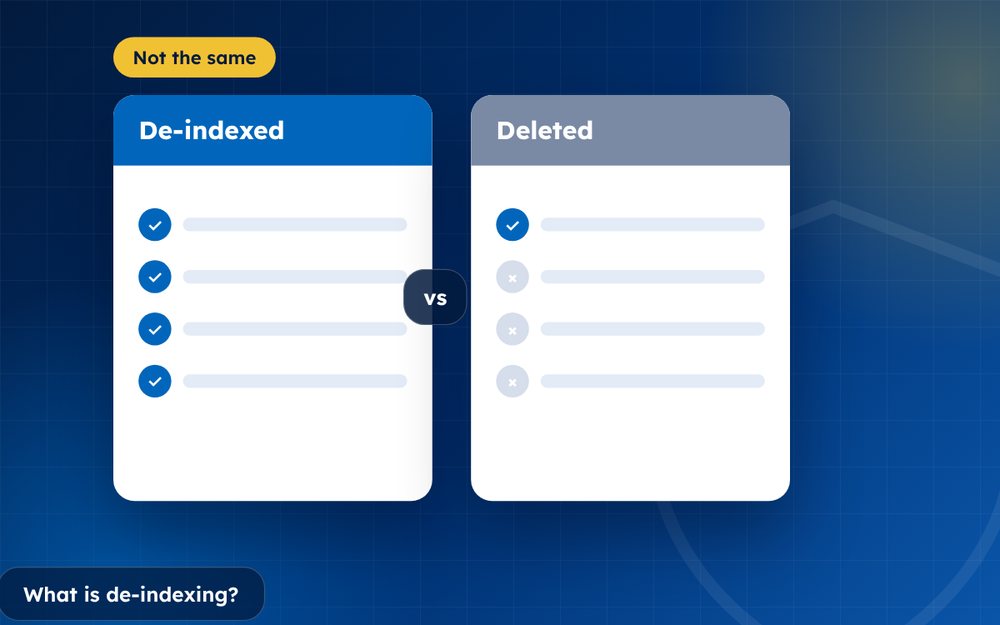
De-indexing means a search engine stops showing a page in its results. The page may still exist, but people can no longer find it through that search engine. Understanding the difference helps you choose the right fix.
People often use the words delete and remove interchangeably, but for search engines there is an important difference. A page that is deleted no longer exists. A page that is de-indexed still exists, but a particular search engine no longer shows it in results.
Knowing which one you need helps you choose the right tool and avoid disappointment.
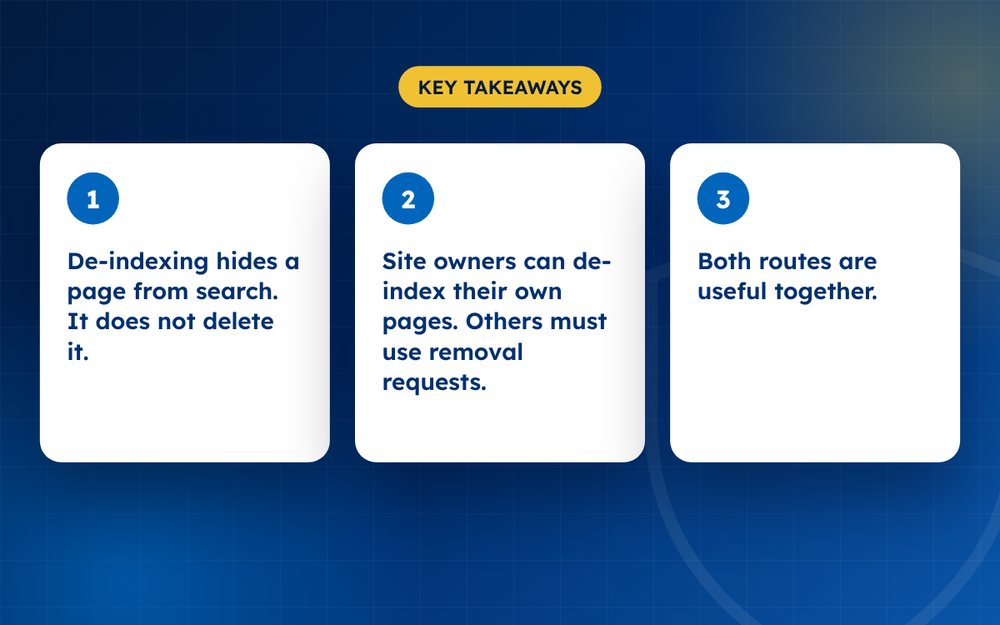
- De-indexing hides a page from search. It does not delete it.
- Site owners can de-index their own pages. Others must use removal requests.
- Both routes are useful together.
How pages are de-indexed
- The owner adds a noindex tag or deletes the page
- The owner uses a search console removal tool for temporary hiding
- A search engine removes a page after a policy or legal request
- The page is blocked or no longer reachable
What you can do
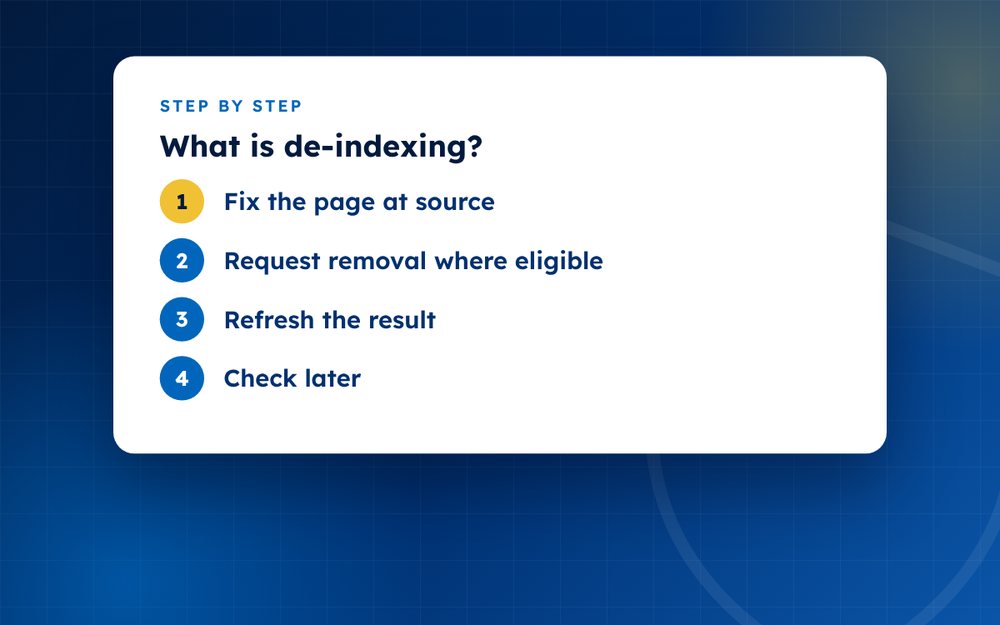
- Fix the page at sourceDelete it, or ask the owner to add a noindex tag.
- Request removal where eligibleUse the search engine's forms for outdated content, personal information or legal removals.
- Refresh the resultUse the outdated content tool after changes.
- Check laterSearch again after a few days to confirm.
How a page gets into and out of an index
Search engines send programs called crawlers across the web. They collect pages and store information about them in an index. When someone searches, the engine looks in the index. A page can leave the index if it is deleted and the crawler finds out, if the owner marks it so that search engines do not index it, or if the search engine removes it after a request.
Options for the site owner
- Delete the page so that it returns a not found error
- Add a noindex instruction so search engines drop it from results
- Use the removal tools in webmaster dashboards to hide a URL temporarily
- Redirect the old address to a different page, if appropriate
Options for everyone else
If you do not control the site, you can ask search engines to remove pages that break their policies, contain personal information or infringe your copyright. You can also use the outdated content tool when a page has already changed or disappeared. These requests apply only to that search engine, so repeat them where needed.
Why de-indexing is not a full solution
A de-indexed page can still be reached by link, shared on social media or found through other engines. If the problem is serious, you will usually want to remove the content at source as well. De-indexing is best understood as a way to reduce visibility quickly while you pursue a more lasting fix.
Practical examples
Imagine a company deletes an old press release that included your phone number. Google may still show the snippet for weeks. The outdated content tool tells Google to recheck the page and drop the result. Now imagine instead that a forum thread about you is still live. De-indexing by the forum owner using a noindex tag would remove it from search, but the thread would still exist for people who have the link.
Seeing the difference in real cases helps you decide whether to ask the owner to delete, to de-index or to ask the search engine to act.
If you need help choosing the right route, email us the URLs.
Frequently asked questions
Is de-indexing permanent?
It can be, but a page can return if it is changed, relinked or resubmitted. Temporary removals expire after a set period unless the page is deleted or marked noindex. Check your results periodically to make sure the page has not reappeared.
Does it remove the page from the internet?
No. The page may still exist and can be reached by direct link or found through other search engines. If you want the content gone entirely, you must have it deleted by the owner or host.
Can I de-index someone else's page?
Only through search engine removal requests that meet their rules, for example for personal information, non-consensual imagery, copyright or legal orders. You cannot simply instruct a search engine to drop a page you do not own.
How long does it take?
From days to weeks. Owner-controlled changes, such as noindex tags, are picked up when the crawler next visits the page. Removal requests depend on the engine's review time.
Will de-indexing hurt my own website?
Only if you de-index pages you want people to find. If you are removing outdated or sensitive pages, it can help your site by keeping results accurate. Be careful not to de-index important pages by mistake.
How can I check whether a page is indexed?
Search for its exact address or for distinctive text from the page in quotation marks. Site owners can also use the inspection tools in webmaster dashboards to see whether a page is in the index.
Need help with this?
Every situation is different. Email us the details in confidence and we will reply with an honest assessment of what can be done.
Contact us by email Google Search Result RemovalThis guide is general information, not legal advice. DMCA Reputation is not a law firm.
Related guides
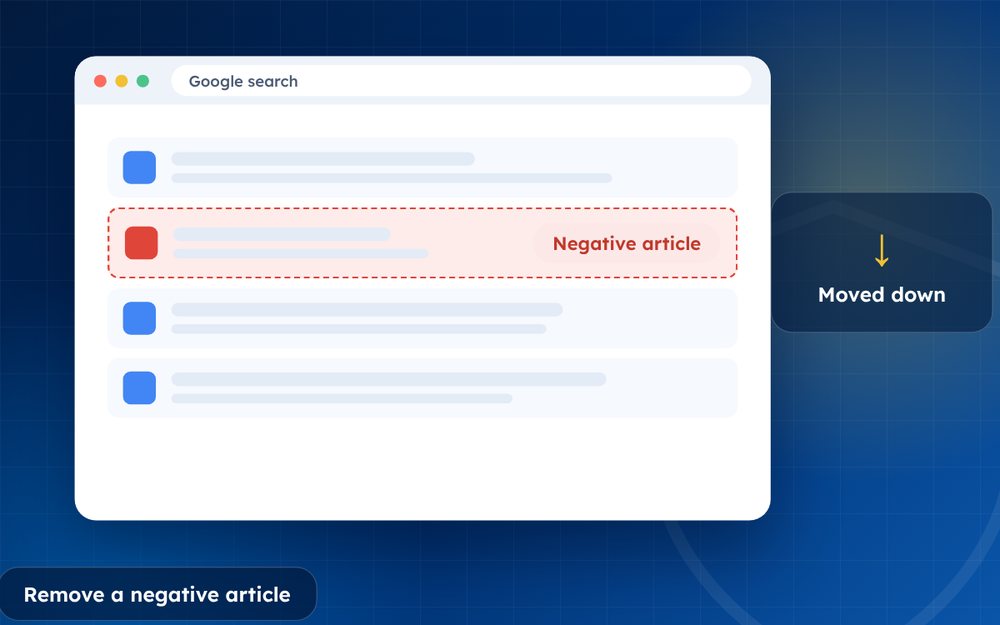
How to Remove a Negative Article From Google Search
How to remove a negative article from Google search: contact the publisher, use Google's tools and legal routes, or suppress it when removal fails.
Read the guide · 4 min
How to Remove a News Article From the Internet
How to remove a news article from the internet: approaching publishers, correction and anonymisation requests, legal grounds and search options.
Read the guide · 4 min
How to Remove Your Name From Google Search Results
How to remove your name from Google search results: what you can remove, Google's results about you tool, data brokers and what to do about the rest.
Read the guide · 4 min