
The Internet Archive's Wayback Machine saves copies of web pages. Even after a page is deleted, an archived copy may remain public. You can ask for exclusion, though results depend on the reason.
The Wayback Machine is run by the Internet Archive, a non-profit library of the web. It stores snapshots of pages so that people can see what a site looked like in the past. That is valuable for researchers, but it can also preserve content you have worked hard to remove.
The Archive does consider exclusion requests, and the odds are better when the request comes from the site owner or is based on a clear privacy or legal reason.
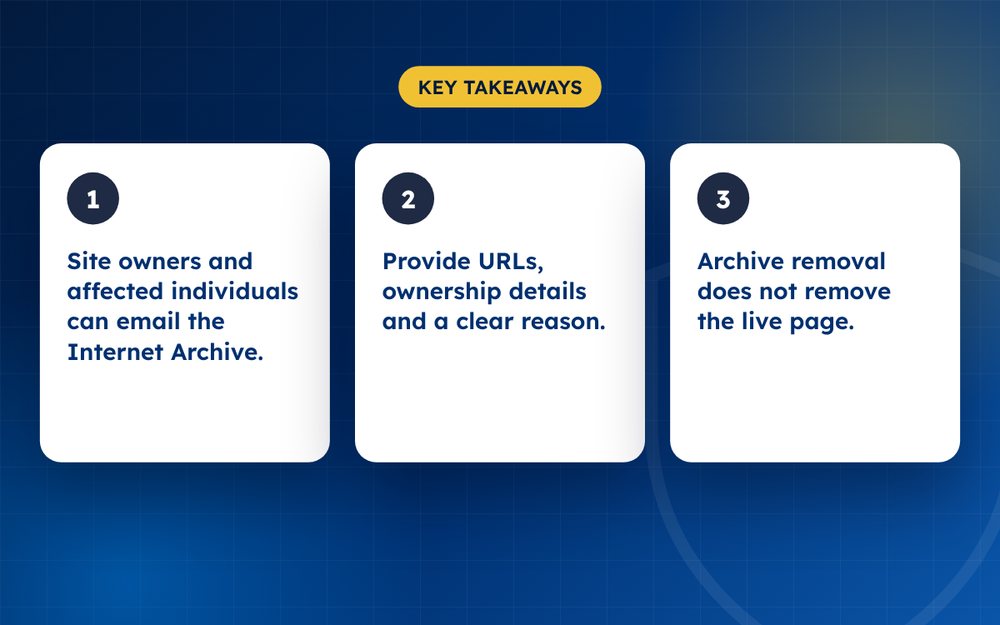
- Site owners and affected individuals can email the Internet Archive.
- Provide URLs, ownership details and a clear reason.
- Archive removal does not remove the live page.
Steps
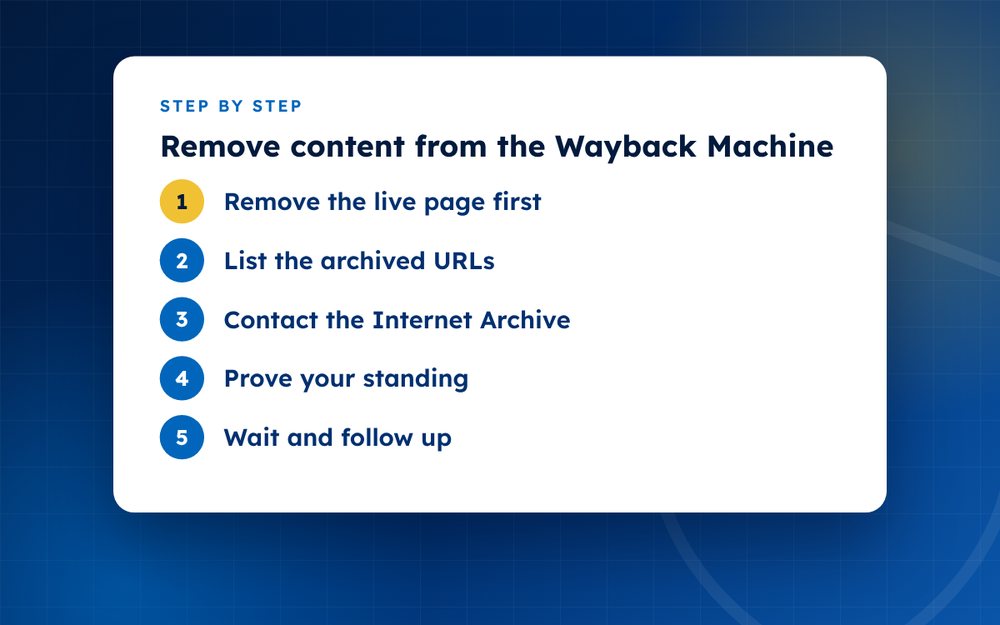
- Remove the live page firstDelete or fix the content at its source so you are not asking for an archive removal of a live page.
- List the archived URLsCopy the exact Wayback URLs that you want excluded.
- Contact the Internet ArchiveUse their published contact route and explain who you are and why you are asking.
- Prove your standingDomain owners can verify control. Individuals should explain privacy or legal grounds.
- Wait and follow upRequests are handled by a small team and can take time.
Who is most likely to succeed
Site owners who want to exclude their own pages usually have the strongest case, because they can show control of the domain. Individuals who are affected by a page on someone else's site have a harder time, but requests based on privacy, safety or legal orders can succeed. Be specific about why the page is harmful and attach evidence.
What to send
- The exact Wayback URLs you want excluded, including the date stamps
- The original page URL
- A short explanation of who you are and why you are asking
- Proof, such as a court order, a privacy complaint or evidence that you control the domain
- A contact email that you check regularly
Alternatives and complements
Archived pages are only one place that copies persist. Cached versions may remain in search results, and other archive services also exist. Use Google's outdated content tool for search caches, and contact other archives separately. If the content is on a live site, deal with that first, since an archive request cannot fix a live page.
If the archived content is not the main problem, consider whether pushing it down in search is a better use of your time. Archive pages seldom rank highly unless a person searches for them directly.
Patience and tone
The Archive is a small organisation that handles many requests. Be polite, concise and patient. A respectful, clear message is more likely to receive a helpful response than an angry one.
When an archived page keeps resurfacing
Sometimes an archived page is linked from other sites, which keeps it in circulation even after you have asked for exclusion. In that case, contact the sites that link to it and ask them to remove the link, and check whether your own pages link to archived copies. Over time, fewer links mean less visibility.
If the archived content contains personal information such as an address, mention that clearly in your request. Safety concerns are taken seriously, and a specific explanation of the risk helps the team understand why the request matters.
The Archive considers legal and privacy requests case by case. Not every request is accepted.
If an archived page is part of a wider problem, email us and we will advise.
Frequently asked questions
Does the Wayback Machine delete everything on request?
No. It reviews each request and balances the value of preserving history against privacy and legal concerns. Requests from site owners are generally easier to grant than requests from third parties, and requests with a clear legal or safety basis are treated more seriously.
Will robots.txt block archiving?
Site owners can use exclusion requests, and the Archive has historically responded to robots.txt in different ways over time. Do not assume that adding a rule will remove existing captures. If you want an old snapshot excluded, contact the Archive directly with the URLs.
Are archived pages searchable on Google?
Sometimes. Archive pages can appear in search results, though they usually rank below live pages. If an archived copy shows up, request its exclusion from the Archive and ask Google to refresh the result if it is cached.
Is it free?
Yes. The Internet Archive does not charge for exclusion requests. Be cautious of anyone who offers to remove archive pages for a fee, as they will be using the same process you can use yourself.
How long does it take?
It can take days to weeks, depending on the volume of requests and the clarity of yours. Provide all the information at the start and avoid sending repeated messages.
Can I remove the archive of my own website?
Yes, in most cases. As the owner, you can ask for exclusion of your domain or specific pages and should be able to prove control, for example by adding a verification file or sending the request from a domain email.
Need help with this?
Every situation is different. Email us the details in confidence and we will reply with an honest assessment of what can be done.
Contact us by email Negative Content RemovalThis guide is general information, not legal advice. DMCA Reputation is not a law firm.
Related guides
How to Remove a Negative Article From Google Search
How to remove a negative article from Google search: contact the publisher, use Google's tools and legal routes, or suppress it when removal fails.
Read the guide · 4 min
How to Remove a News Article From the Internet
How to remove a news article from the internet: approaching publishers, correction and anonymisation requests, legal grounds and search options.
Read the guide · 4 min
How to Remove Your Name From Google Search Results
How to remove your name from Google search results: what you can remove, Google's results about you tool, data brokers and what to do about the rest.
Read the guide · 4 min