
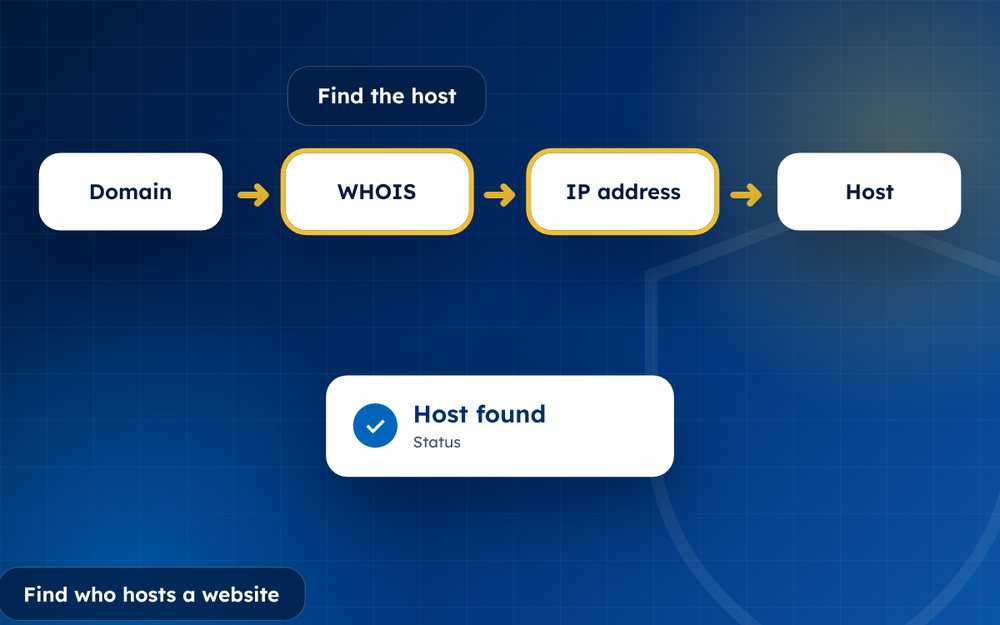
To make a complaint stick, you need to know who runs the server. A few free tools usually give the answer in minutes.
A DMCA complaint is only as effective as its recipient. Sending a notice to a site that ignores you gets you nowhere, while sending it to the hosting company that stores the files can have an immediate effect.
Fortunately, finding a host is a quick job that uses free, public tools.
- A DNS and IP lookup shows the hosting provider.
- A WHOIS lookup shows the registrar.
- CDNs can hide the real host.
Steps
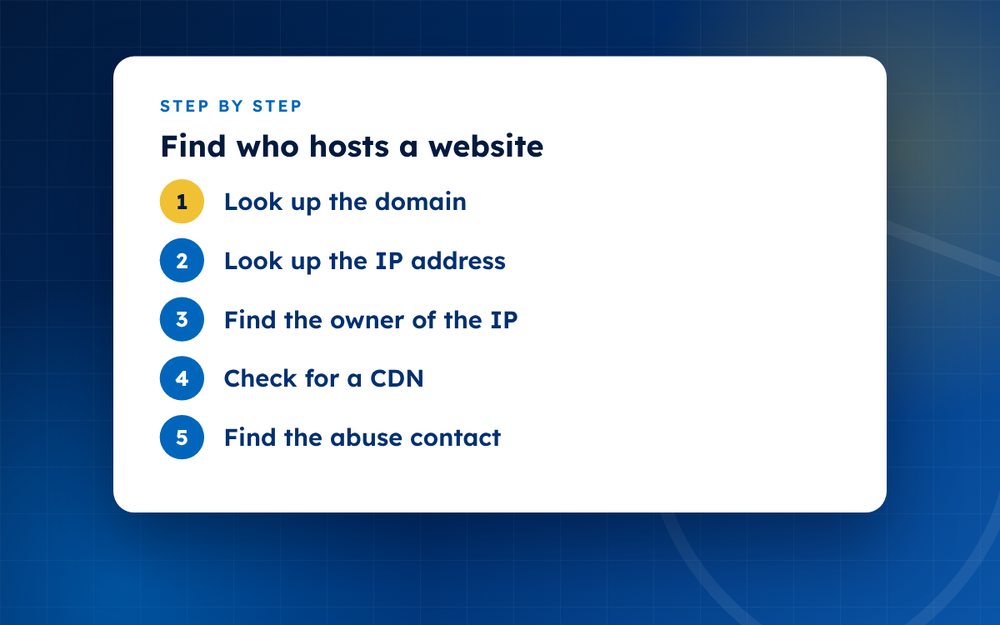
- Look up the domainUse a WHOIS tool to find the registrar and any listed contacts.
- Look up the IP addressUse a DNS lookup tool to find the site's IP.
- Find the owner of the IPAn IP lookup tool shows the network or hosting company.
- Check for a CDNIf the IP belongs to a CDN, use its abuse form to request the host details.
- Find the abuse contactHosts publish an abuse or DMCA address. Look on their site.
- Send your noticeInclude your URLs and the legal statements.
How the pieces fit together
A website has a domain name, which points to a server address called an IP address. That address belongs to a network operated by a hosting company or a content delivery network. By looking up each of these pieces in turn, you can usually work out who to contact.
Tools you can use
- A WHOIS lookup to find the registrar and sometimes the registration details
- A DNS lookup tool to find the IP address of the site
- An IP lookup tool to find which network or company owns that address
- Online hosting checkers that combine these steps
- The abuse pages of the companies you find
When a CDN hides the host
Content delivery networks sit between visitors and the real server to speed up and protect websites. If the IP address you find belongs to a CDN, you can submit a complaint through the CDN's abuse form, and it will usually forward your report and tell you who the host is. You can then send a notice directly to the host.
Putting it into practice
Once you have identified the host, find its abuse or DMCA page. Many list a designated agent. Send your notice there, with exact URLs and the required statements. Keep a note of the date and the contact you used. If you do not receive a reply, follow up and, if needed, escalate to the registrar.
A worked example
Suppose a leaked video appears on a site called example-videos dot com. A WHOIS lookup shows that the registrar is a well-known registration company. A DNS lookup shows an IP address, and an IP lookup shows that it belongs to a hosting company. You then visit the hosting company's website, find the abuse contact and send your notice with the exact URLs. If the IP belongs to a content delivery network instead, you submit an abuse report through that provider's form.
After a few days, you check whether the content has gone and follow up if not.
Tips
- Check several tools if results differ
- Note the date you looked up the details
- Send to both the host and the registrar
Email us if you want us to track down hosts for you.
Frequently asked questions
What if WHOIS is hidden?
Many domains use privacy protection, which hides the owner's details. The registrar and host still have abuse contacts, and you can send your complaint to them. Registrars are often required to forward complaints to the registrant.
Can I find the owner's name?
Often not, because of privacy protection and the use of nominees. In some cases, a court order can require a registrar or host to disclose information, but that is a legal process. For most notices, you do not need to know the owner's name.
Is it legal to look up this information?
Yes. WHOIS, DNS and IP information is public, and using it to find an abuse contact is normal practice. Do not use the information to harass or threaten anyone.
Why do hosts change?
Sites move to evade complaints, to find cheaper hosting or because their provider has suspended them. That is why it is useful to check again if a site reappears. Keep a record of the hosts you have already contacted.
What if the site uses several providers?
Send your notice to each relevant party, such as the host and the CDN, and keep a record. It may be that one acts faster than the other.
Can an online tool do this automatically?
Several online services combine WHOIS, DNS and IP lookups, which can save time. Check their results by visiting the host's website to confirm the abuse contact.
Need help with this?
Every situation is different. Email us the details in confidence and we will reply with an honest assessment of what can be done.
Contact us by email DMCA TakedownThis guide is general information, not legal advice. DMCA Reputation is not a law firm.
Related guides
How to Remove Leaked Photos or Videos From the Internet
How to remove leaked photos or videos from the internet: evidence, platform reports, DMCA, search removal and prevention. A calm step-by-step guide.
Read the guide · 4 min
How to Remove Non-Consensual Intimate Images (NCII), Step by Step
How to remove non-consensual intimate images (NCII): reporting, StopNCII.org, Google removal, legal options and support. A step-by-step guide.
Read the guide · 4 min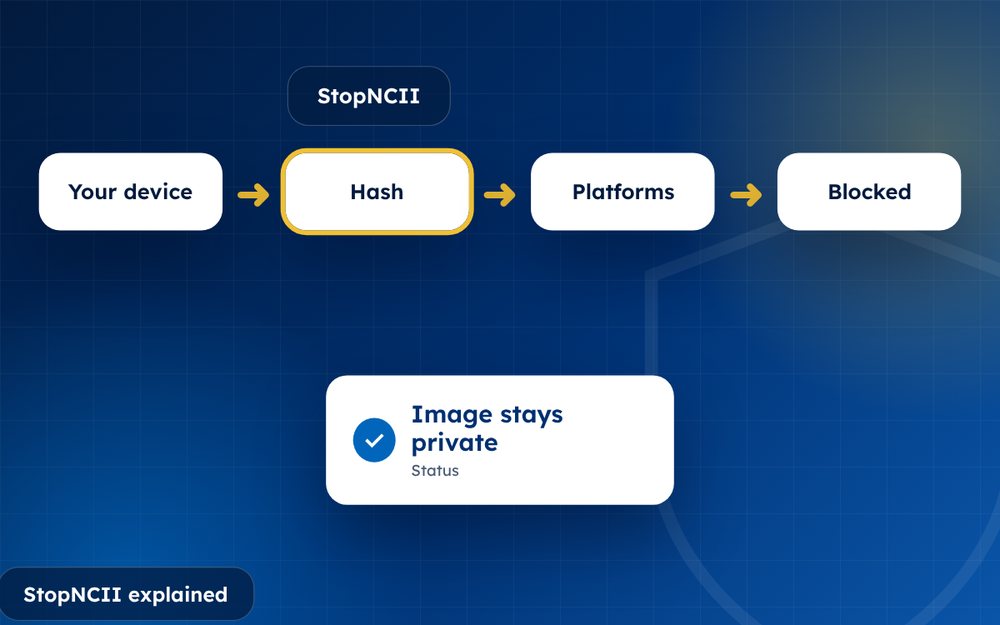
StopNCII Explained: How to Stop Your Images From Spreading
StopNCII explained: how the free hash-matching tool works, who can use it, which platforms take part and what it cannot do.
Read the guide · 4 min