
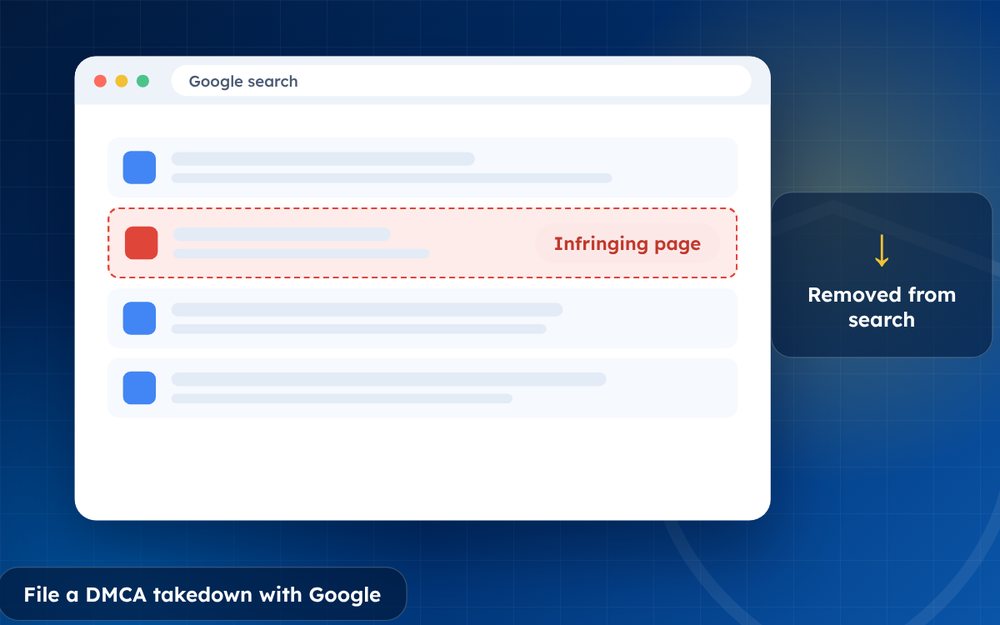
If a website is hosting your copyrighted work, you can ask Google to remove the pages from search results. This reduces the traffic they receive, even when the site itself stays online.
Google is often the biggest source of traffic to pirate pages. Asking it to remove infringing URLs from search can cut that traffic dramatically, even when the sites themselves refuse to act.
The process is free and open to any copyright owner, and it is worth setting up a routine if you deal with infringement regularly.
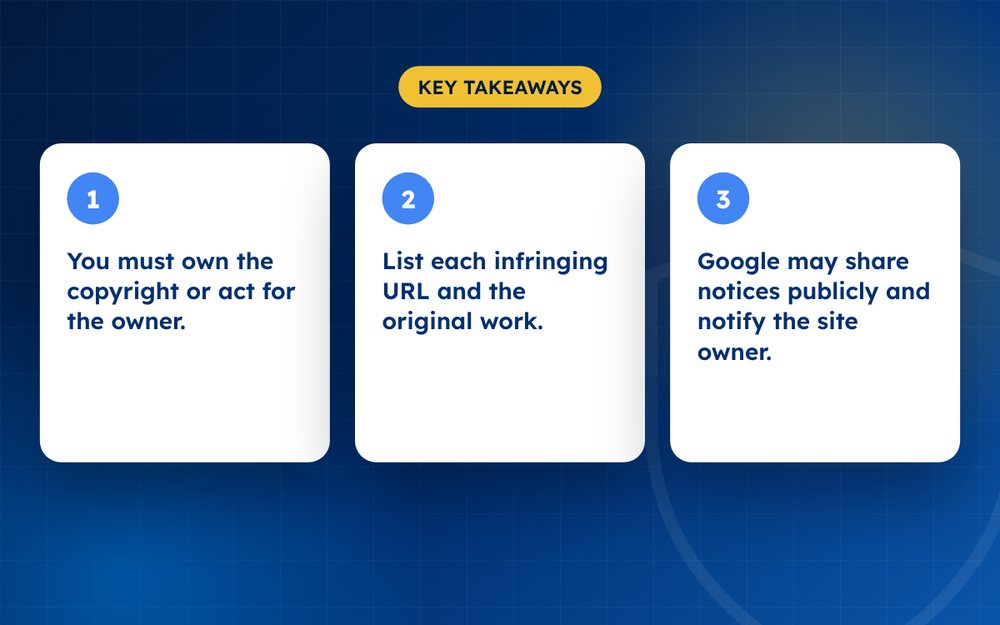
- You must own the copyright or act for the owner.
- List each infringing URL and the original work.
- Google may share notices publicly and notify the site owner.
What to prepare
- A description or link to your original work
- The exact URLs of each infringing page
- Your contact details
- A good faith statement and a declaration under penalty of perjury
- Your signature
Steps
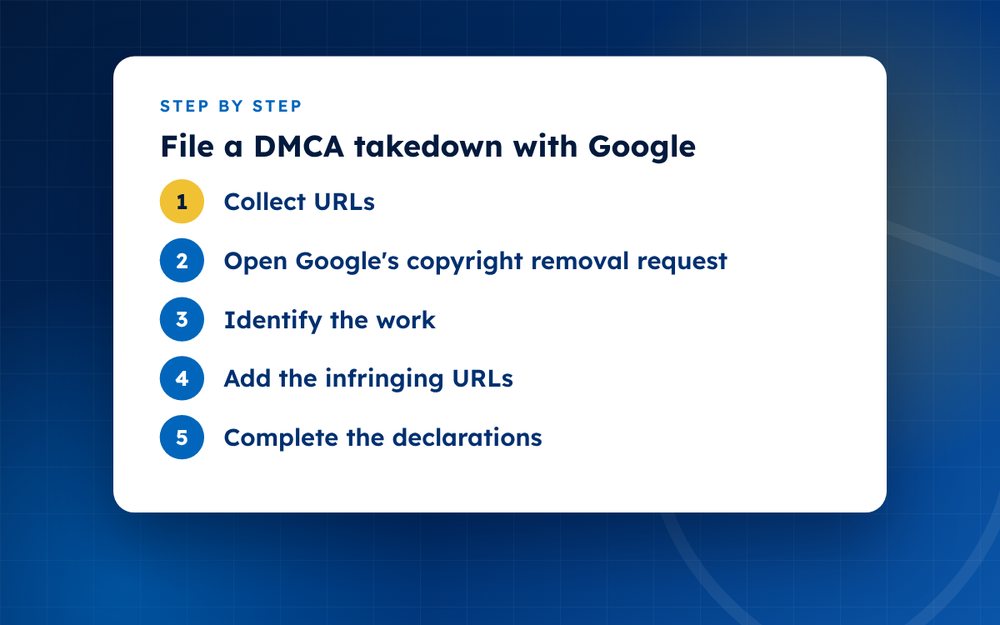
- Collect URLsMake a list of every page. Use a spreadsheet if there are many.
- Open Google's copyright removal requestUse the legal removal tool for copyright.
- Identify the workDescribe it and add a link to the original.
- Add the infringing URLsPaste them one by one or in groups.
- Complete the declarationsRead the legal statements carefully.
- Sign and submitKeep the confirmation.
- TrackCheck the status. Repeat for new URLs.
Understanding what Google does
When Google receives a valid copyright notice, it removes the listed URLs from its search results and tells the site owner through its tools. It also publishes information about notices, often through a public database, so assume that your name and the details of the notice may be visible. If the site owner believes the removal was a mistake, they can file a counter-notice.
Organising your requests
- Keep a spreadsheet with the infringing URL, the original URL, the date submitted and the outcome
- Group URLs by work, because the form asks you to identify the original for each
- Check that each URL actually contains your work, not just a link to it
- Submit in batches if you have many URLs
- Use a business email that you are comfortable making visible
Common reasons for rejection
Requests may be rejected if the URLs are incomplete or lead to pages that do not contain your work, if the original work is not identified or if the legal statements are missing. Check the details before you submit. If you receive a request for more information, answer quickly.
After removal
Monitor for new copies. Infringing sites often change their URLs and republish. Repeat the process and, where a site repeatedly infringes, send notices to the host and registrar as well.
Combining with other removal routes
Search removal works best alongside notices to the host and the site. While Google processes your request, the site and its host may also act. If the site is removed, check that the URLs disappear from search. If it moves to a new address, repeat your request for the new URLs and include a note about the earlier ones.
Keep a master list of every URL, the date you submitted it and the result, so that you can quickly spot patterns and repeated offenders.
Misusing the process can have legal consequences, so only claim material you own.
Email us if you need help filing at volume.
Frequently asked questions
Does this remove the page from the internet?
No. It removes the page from Google Search results, which reduces visibility and traffic. The page may still exist on the website and may appear in other search engines. For a lasting solution, also send notices to the site and its host.
Will the site owner see my details?
Google may forward the notice to the site owner and may publish a copy in a public database, with some personal information removed. Consider using a business contact and think about what you are comfortable sharing.
Can I file for someone else?
Yes, if you are authorised to act for the copyright owner. State your role clearly in the form, and keep a record of your authority. Agencies and managers commonly file on behalf of creators.
How long does it take?
Often a few days, though it can be quicker or slower depending on the volume of requests. You will usually receive an email when the request is processed. If a URL is not removed, check the reason given and resubmit if appropriate.
What if the site files a counter-notice?
Google may restore the page unless you take legal action. If that happens, review the counter-notice carefully and speak to a lawyer. Do not ignore it, because the process has deadlines.
Is there a limit to the number of URLs?
You can submit many URLs in a single request, though large batches may take longer. Break them into logical groups to make your requests easier to manage.
Need help with this?
Every situation is different. Email us the details in confidence and we will reply with an honest assessment of what can be done.
Contact us by email DMCA TakedownThis guide is general information, not legal advice. DMCA Reputation is not a law firm.
Related guides
How to Remove Leaked Photos or Videos From the Internet
How to remove leaked photos or videos from the internet: evidence, platform reports, DMCA, search removal and prevention. A calm step-by-step guide.
Read the guide · 4 min
How to Remove Non-Consensual Intimate Images (NCII), Step by Step
How to remove non-consensual intimate images (NCII): reporting, StopNCII.org, Google removal, legal options and support. A step-by-step guide.
Read the guide · 4 min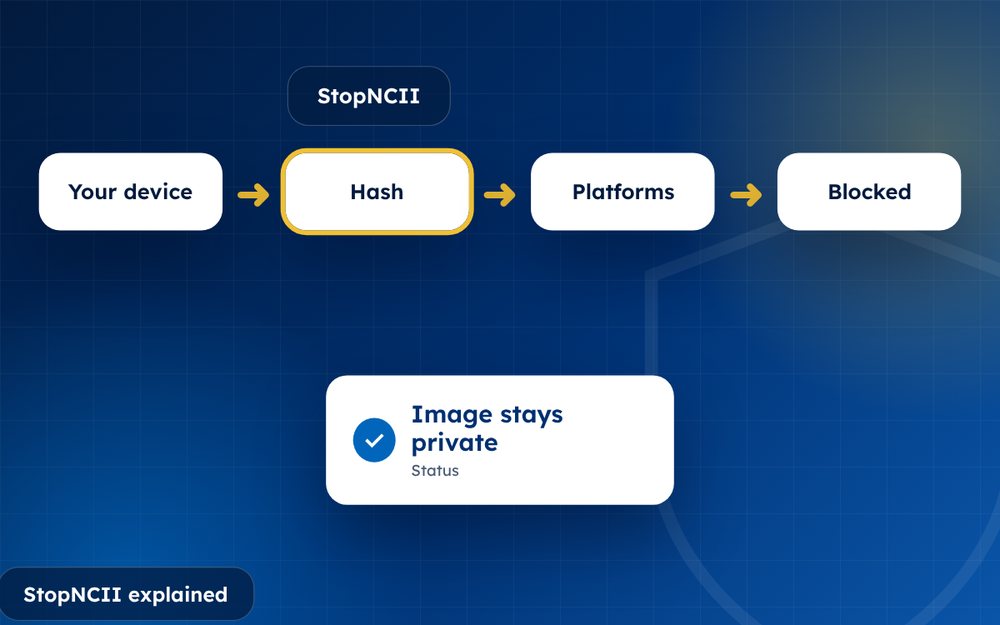
StopNCII Explained: How to Stop Your Images From Spreading
StopNCII explained: how the free hash-matching tool works, who can use it, which platforms take part and what it cannot do.
Read the guide · 4 min