
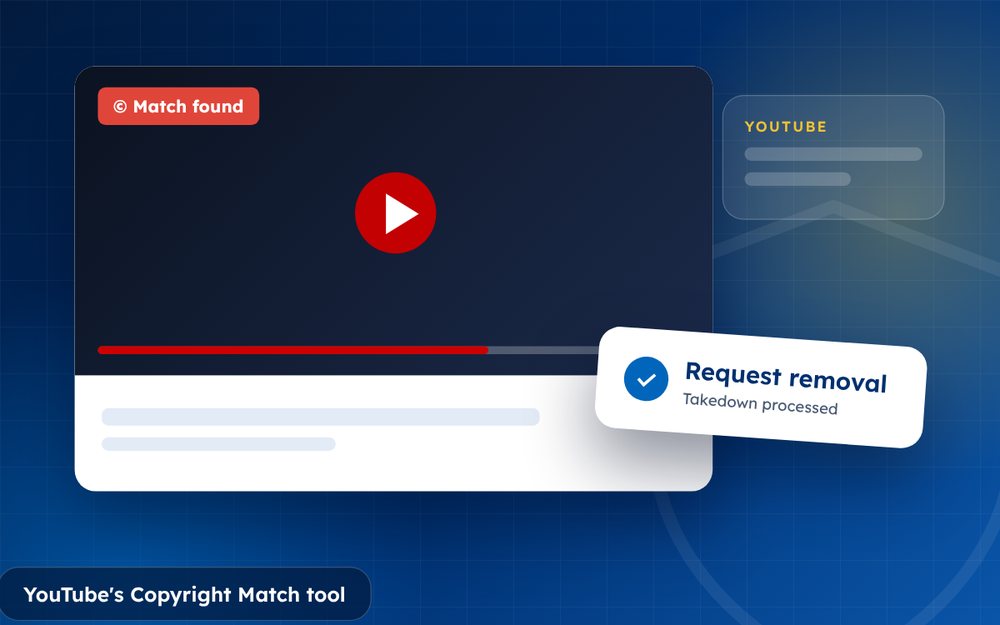
Copyright Match finds videos on other channels that match your original uploads. It saves hours of searching, and it lets you respond to each match in a few clicks. Availability depends on your channel's eligibility.
Finding stolen copies of your videos by hand is slow and tiring. Copyright Match was created to automate that first step. It scans newly uploaded videos on YouTube and compares them with the videos you have uploaded, then shows you the ones that look the same or very similar.
It is a powerful tool, but it is not a substitute for judgement. Each match still needs a decision from you.
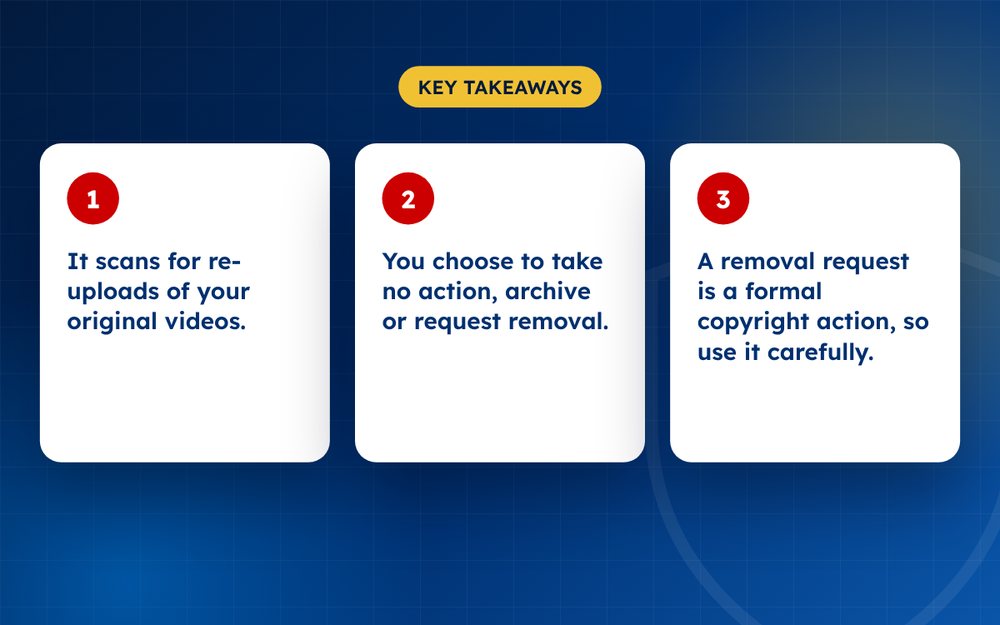
- It scans for re-uploads of your original videos.
- You choose to take no action, archive or request removal.
- A removal request is a formal copyright action, so use it carefully.
Steps
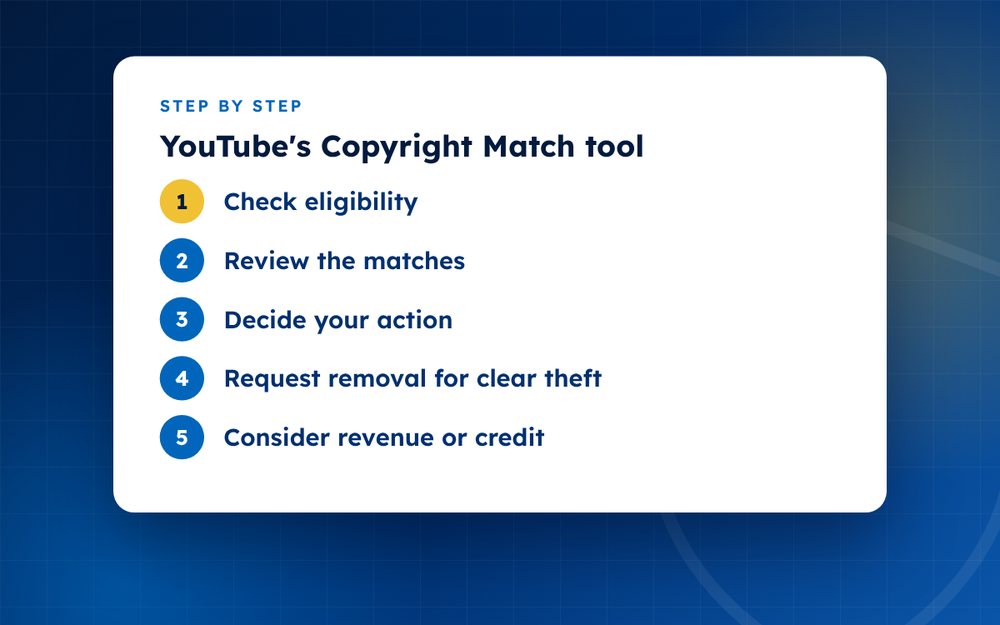
- Check eligibilityLook for Copyright Match in YouTube Studio under content detection. It is offered to eligible channels.
- Review the matchesOpen each match and compare it with your video.
- Decide your actionOptions generally include archiving it, requesting removal or taking no action.
- Request removal for clear theftUse removal when the video is an obvious copy with no permission.
- Consider revenue or creditFor fan content you may accept, think about archiving instead.
- Track outcomesCheck any counter-notifications and respond in time.
Who can use it
Copyright Match is offered to eligible channels, and the rules for eligibility change over time, so check YouTube Studio under the content detection section to see whether it is available to you. If it is not, you can still use the copyright removal webform for individual videos, and you can search for re-uploads yourself.
Reading a match
Each match shows the other video, the channel, how much of your video it contains and the timestamps where the overlap happens. Watch the match before you act. Some matches are full re-uploads, some are short clips used in commentary and some are false alarms such as videos that use the same licensed music or stock footage.
Your choices for each match
- Take no action when the use is harmless or you are happy for it to stay
- Archive the match so that it is saved for later review without a decision
- Request removal when the video is a clear copy and the uploader has no permission
- Contact the uploader first when you believe it is a misunderstanding
Using it responsibly
Requesting removal is a formal copyright action. It can lead to a strike on the uploader's channel, and it makes your name visible to them. Do not use it to settle personal disputes or to remove criticism of your work. If you are unsure whether a use is permitted, take advice, because misuse of the tool can lead to consequences for your own account.
Review your matches regularly. Doing a little every week is easier than clearing a large backlog, and it lets you act while a copy is still new and has few views.
Only request removal when you own the content. False claims can harm your channel.
If you are not eligible or the volume is high, email us and we can monitor and file for you.
Frequently asked questions
Does it find all copies?
No. It finds matches that its detection system recognises, and edited, cropped, mirrored or heavily altered copies may be missed. Treat it as a very good first filter, and combine it with manual searches of your titles and with reverse image searches of your thumbnails.
Is a removal a strike?
A removal request that is processed as a valid copyright complaint can lead to a copyright strike on the uploader's channel. That is a serious consequence for them, which is why you should only request removal when you own the content and the copy is not authorised.
What about short clips?
Short clips may be covered by fair use or fair dealing, depending on the country and the circumstances, such as criticism, commentary or education. Look at how much was taken, whether the uploader added something new and whether the clip replaces your video. If it is unclear, consider archiving the match or asking for advice.
Is it free?
Yes, there is no charge for the tool itself. It is part of YouTube Studio for eligible channels. Be careful of third parties who offer to use it for you and ask for access to your account, because sharing access can create security risks.
What if the uploader files a counter-notification?
The uploader can dispute a removal by saying that it was a mistake or that their use is lawful. YouTube will tell you, and the video may be restored unless you start legal action within a set period. Take legal advice before deciding how to respond.
Can I use it if my videos are licensed to others?
You can act only on content you own or are authorised to enforce. If you have licensed your videos, check your contract about who has the right to enforce copyright, because licensees sometimes have their own tools.
Need help with this?
Every situation is different. Email us the details in confidence and we will reply with an honest assessment of what can be done.
Contact us by email YouTube Copyright TakedownThis guide is general information, not legal advice. DMCA Reputation is not a law firm.
Related guides
How to Get a Stolen YouTube Video Taken Down
How to get a stolen YouTube video taken down: find re-uploads, use Copyright Match, file a copyright complaint and handle counter-notices.
Read the guide · 4 min
How to File a YouTube Copyright Takedown, Step by Step
How to file a YouTube copyright takedown step by step: the webform, required details, strikes and what happens after you submit.
Read the guide · 5 min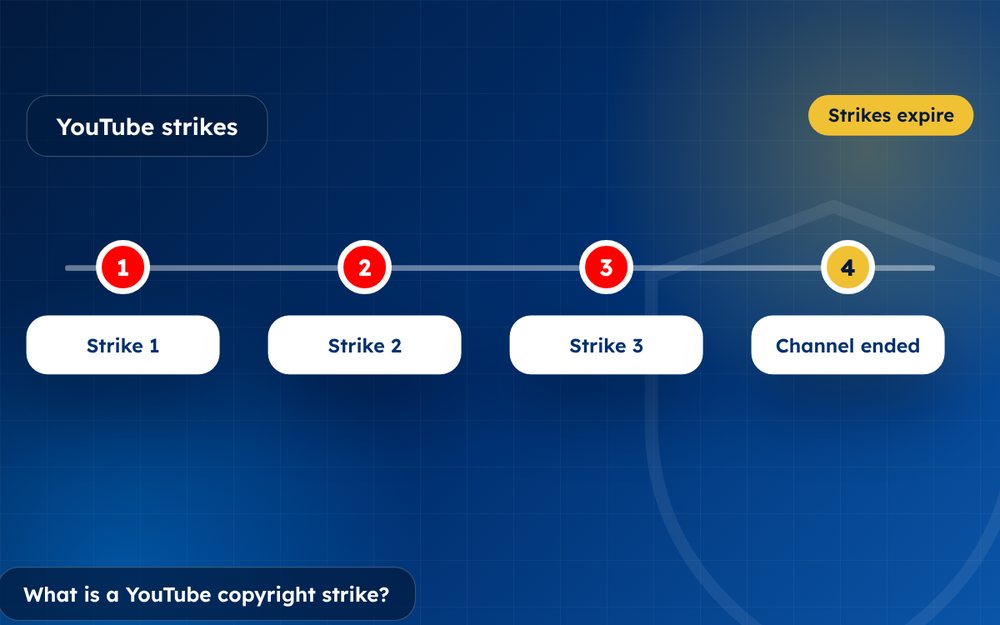
What Is a YouTube Copyright Strike and How Does It Work?
What is a YouTube copyright strike and how does it work? How strikes differ from Content ID claims, how long they last and how to respond.
Read the guide · 3 min