
If someone has uploaded your video, music, photos or other copyrighted work to YouTube, you can file a formal copyright takedown request. This guide walks through the webform and explains what happens next.
YouTube's copyright removal form is straightforward, but small mistakes can delay or invalidate a request. Having your information ready before you begin saves time and increases your chances of a quick outcome.
This guide walks through the form from the first click to the follow-up, and explains what happens to the other channel.
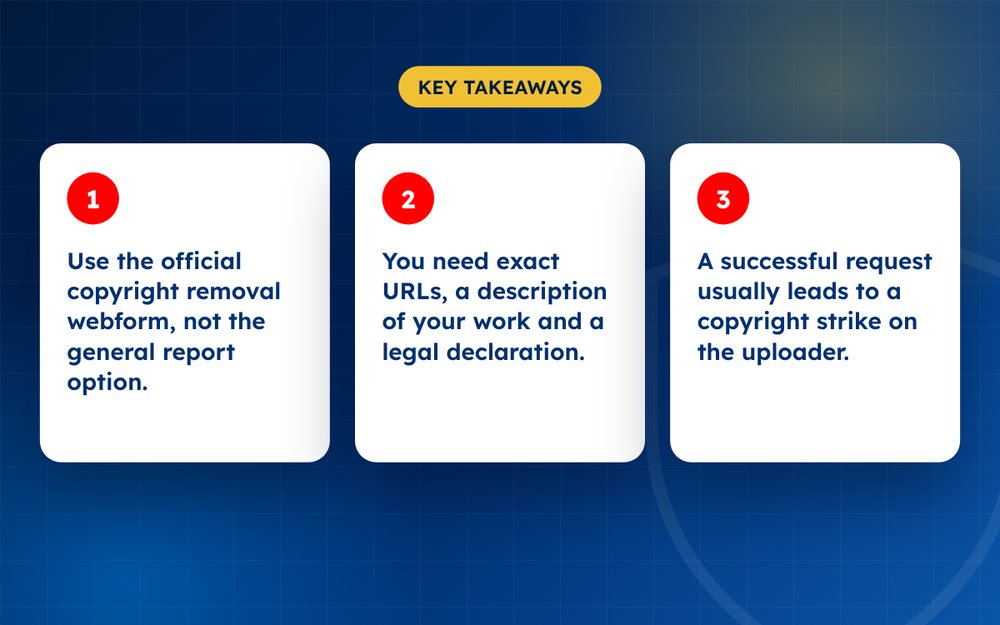
- Use the official copyright removal webform, not the general report option.
- You need exact URLs, a description of your work and a legal declaration.
- A successful request usually leads to a copyright strike on the uploader.
Before you start
- Make sure you own the work or are authorised to act for the owner
- Gather the URLs of each infringing video
- Note timestamps where your content appears
- Prepare proof such as original files or links to your original upload
Filing the request
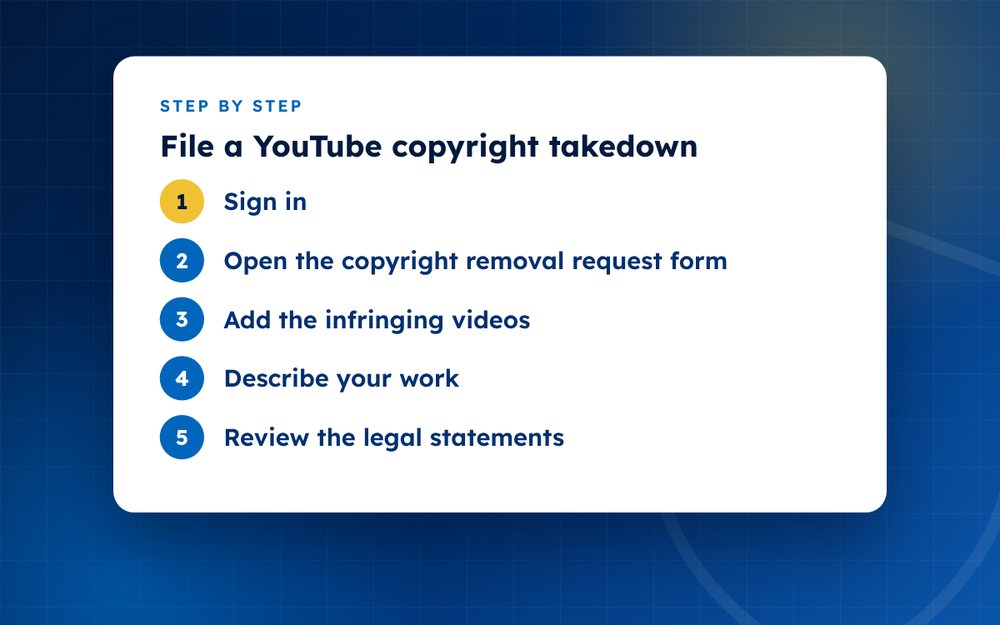
- Sign inUse the YouTube account linked to your business or channel.
- Open the copyright removal request formFind it in YouTube’s Help Centre under copyright. Choose to submit a copyright removal request.
- Add the infringing videosPaste each URL, add timestamps where your work appears and indicate how the video infringes.
- Describe your workExplain what is copyrighted and provide a link to the original if you have one.
- Review the legal statementsYou declare that you have a good faith belief the use is not authorised and that your claim is accurate. Read these carefully.
- Sign and submitAdd your full legal name as an electronic signature. Keep a copy of the confirmation email.
- Track the outcomeYouTube typically contacts the uploader and removes the video if the claim is valid. They may then file a counter-notification.
Common mistakes to avoid
- Reporting a video you do not own or have authority to act for
- Listing the channel instead of the exact video URLs
- Missing timestamps, which makes it harder for reviewers to check
- Using the general report button instead of the copyright process
- Leaving out the legal statements or signing with a username instead of a legal name
What YouTube does with your request
YouTube reviews the information and, if it looks valid, removes the video and applies a copyright strike to the uploader's channel. The uploader is told who filed the request and why. They can ask you to retract it, wait for the strike to expire or file a counter-notification. Because your name and contact details may be shared with the uploader, consider using a business contact where appropriate.
Following up
Keep the confirmation email and the list of URLs you reported. If the video is not removed within a reasonable time, check your email for requests for more information. If the uploader responds with a counter-notification, you will be told what to do next. Do not ignore these messages.
Other options
If you want to share revenue, or only monitor the video, Content ID may be more appropriate. If your complaint is about privacy rather than copyright, use the privacy complaint process instead. Choosing the right tool prevents wasted effort.
Preparing a repeatable process
If you expect to file several requests, create a simple template that includes your contact details, a short description of your work and a checklist of the URLs and timestamps to add. Store your evidence in a folder for each case. This makes each new request quicker and more consistent, and it helps if you need to escalate or take legal advice later.
Take care with the tone of any messages. Keep it factual and professional, even if you are frustrated. A calm record is always more persuasive than an angry one.
What happens to the uploader
A valid copyright removal usually results in a copyright strike. Repeated strikes can lead to channel termination. The uploader can dispute the strike, and you may be notified if they do.
Alternatives
If you only want to share revenue or track views, Content ID claims may be better. If the content is a privacy violation rather than a copyright one, use YouTube’s privacy complaint process.
If you are overwhelmed by re-uploads, email us and we can handle filing and monitoring for you.
Frequently asked questions
Can I take down a video that uses my name but not my content?
That would not usually be a copyright issue. A privacy complaint, an impersonation report or a harassment report may be more suitable, depending on what the video does.
Is the process free?
Yes. YouTube does not charge for copyright complaints. Be careful about third parties who charge fees for simple filings without adding value. If you have many videos to report, a service may save time, but you can file the form yourself at no cost.
What if I filed by mistake?
You can usually retract a copyright removal request. Contact YouTube promptly through the instructions in your confirmation email or the help page. If the uploader has already been given a strike, retraction may help remove it, so act quickly and politely.
Do I need a lawyer?
Not for a standard request, but take advice if the uploader disputes your claim or if significant income is at stake. A lawyer can help you prepare a response to a counter-notification and decide whether to start legal action.
How long does the process take?
Many valid requests are handled within a few days. Complex cases or incomplete requests take longer. If you do not hear back, check your email and spam folder and look at the status in your YouTube account.
Will the uploader know it was me?
Yes, in most cases your name and details are shared with the uploader. Consider how you want to be identified when you file, for example by using a business name and a dedicated email address. Do not share personal details that you do not want the uploader to see.
Need help with this?
Every situation is different. Email us the details in confidence and we will reply with an honest assessment of what can be done.
Contact us by email YouTube Copyright TakedownThis guide is general information, not legal advice. DMCA Reputation is not a law firm.
Related guides
How to Get a Stolen YouTube Video Taken Down
How to get a stolen YouTube video taken down: find re-uploads, use Copyright Match, file a copyright complaint and handle counter-notices.
Read the guide · 4 min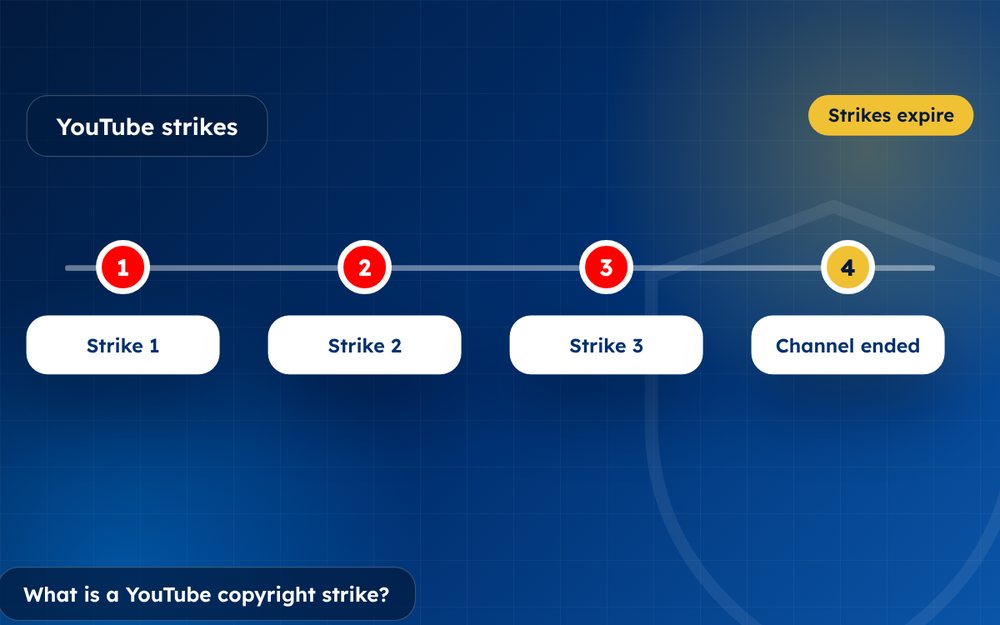
What Is a YouTube Copyright Strike and How Does It Work?
What is a YouTube copyright strike and how does it work? How strikes differ from Content ID claims, how long they last and how to respond.
Read the guide · 3 min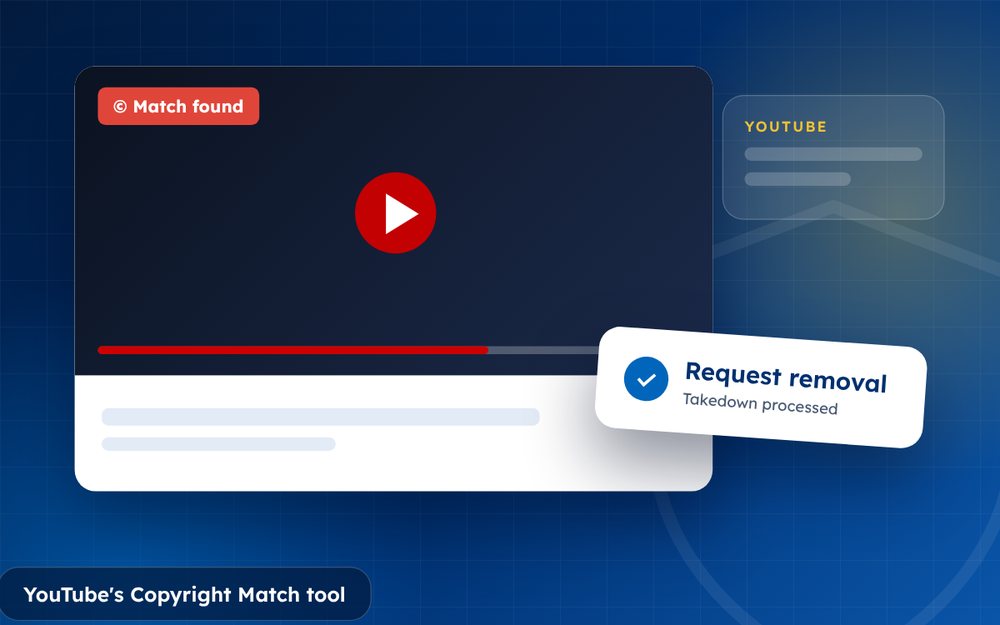
How to Use YouTube's Copyright Match Tool
How to use YouTube's Copyright Match tool to find re-uploads of your videos and decide whether to archive, track or request removal.
Read the guide · 4 min