
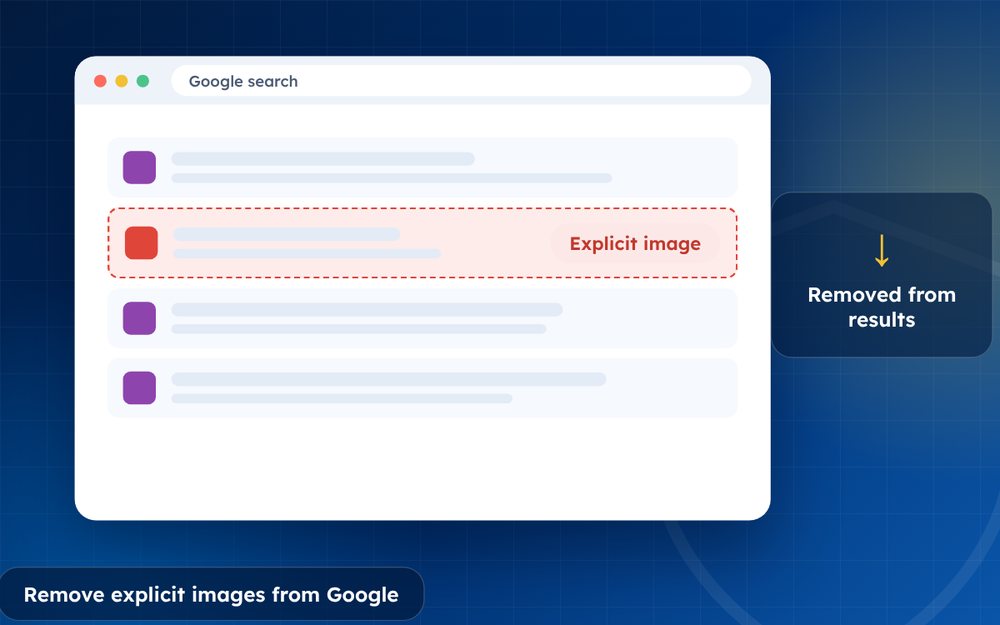
If explicit images of you appear in Google Search without your consent, you can ask Google to remove them from results. This does not delete the images from the websites, so you should also pursue the source.
Search engines make it easy for explicit images to be found by anyone who types your name. Google has a specific removal process for non-consensual explicit imagery, and many people find that it is more effective than they expected.
The key is to be organised: collect each link, submit each request clearly and follow up as new results appear.
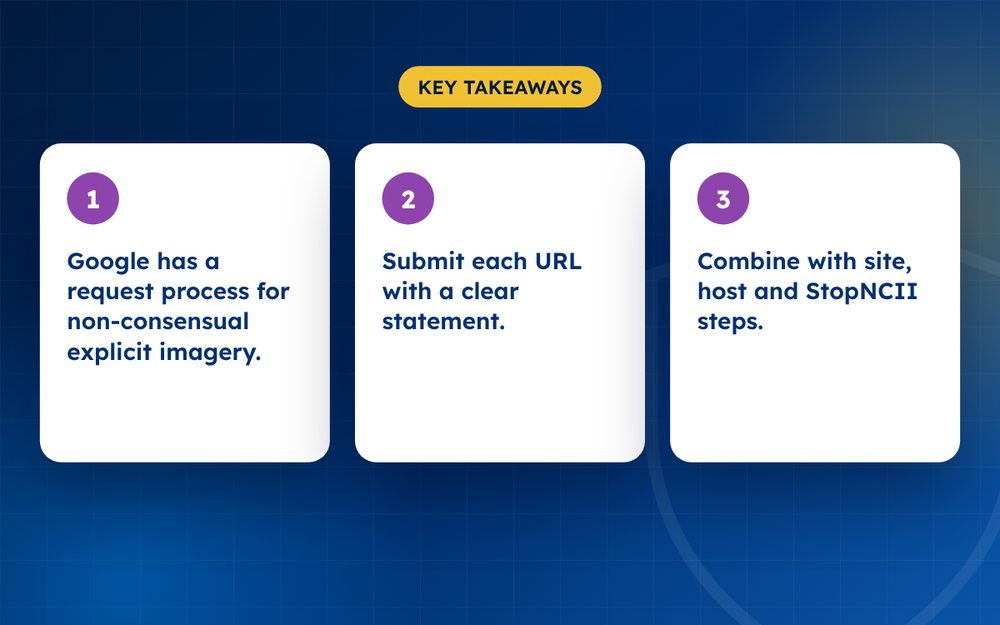
- Google has a request process for non-consensual explicit imagery.
- Submit each URL with a clear statement.
- Combine with site, host and StopNCII steps.
Steps
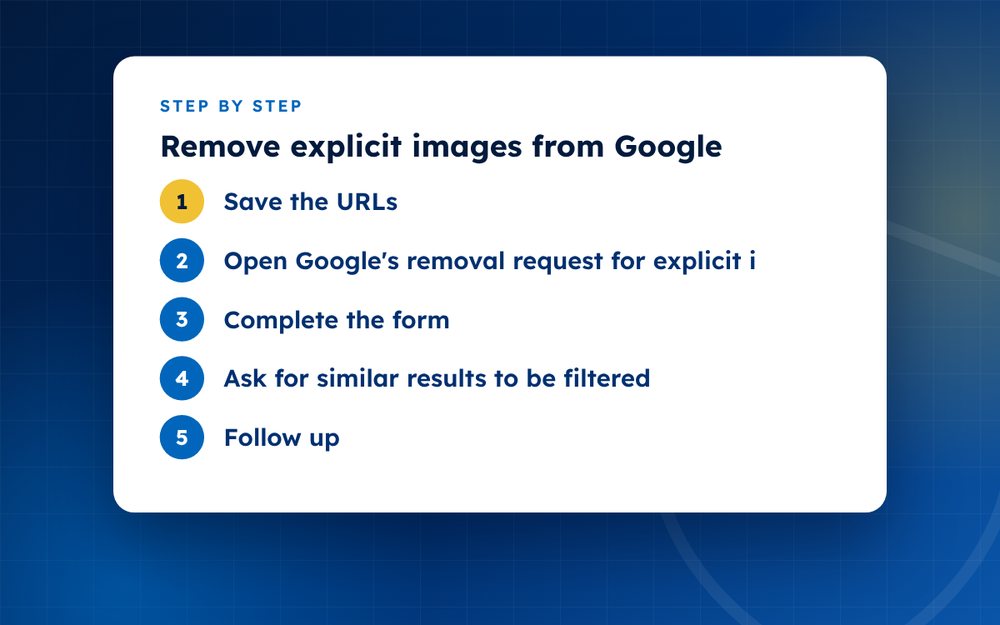
- Save the URLsCopy the links to each page or image. Take screenshots if it is safe to do so.
- Open Google's removal request for explicit imageryUse the help page for removing involuntary explicit imagery.
- Complete the formDescribe the situation, list the URLs and confirm that the image is shared without your consent.
- Ask for similar results to be filteredGoogle may also filter explicit results that duplicate the image.
- Follow upCheck the status and resubmit new URLs when you find them.
- Contact the source sitesAsk the website and its host to delete the images.
- Use hash toolsStopNCII.org helps block images on participating platforms.
What Google considers
Google's policy covers real intimate images shared without consent and, increasingly, synthetic sexual content created without consent. The request form asks you to confirm that the content is non-consensual and to provide the links. You do not have to prove who shared it. You can also ask that explicit results be filtered for searches that include your name.
Preparing your list
- Search for your name, usernames and phrases that others might use
- Copy the exact URL of each page and each image result
- Take screenshots if you can do so safely
- Note the date you found each result
- Keep your list in a document that you can update
After submitting
Google may confirm by email and may ask for more information. If the request is approved, the result is removed from search for the relevant queries. The page itself may remain online, so contact the website and its host as well. Repeat the process for new URLs that appear.
Other search engines
Bing, Yahoo and other engines have their own forms. Submit requests to each, using the same list. For lasting protection, combine search removals with StopNCII.org, platform reports and monitoring.
What to do if the request is rejected
If Google does not remove a result, check whether the image is explicit and non-consensual as defined in its policy. If it is not clearly explicit, or if consent is unclear, the request may be handled differently. Provide more context and resubmit if appropriate. You can also use other routes such as copyright notices if you own the image, or privacy requests.
Keep records of every request and response, which helps if you need to escalate or seek legal advice.
Searching for these images repeatedly is distressing. Email us in confidence and we will take over the searching and requests.
Frequently asked questions
Do I need to prove who I am?
You may be asked to confirm that the content shows you or someone you represent. Google may ask for limited information, and you should provide it through the official form only. Do not send images or ID documents by email to anyone claiming to act for Google.
Does it include fake or AI images?
Google has policies for synthetic sexually explicit imagery, and you can use a similar request process. Explain that the content is fake and was created without your consent. Include the URLs and any details you have about where it came from.
Is it free?
Yes. Google does not charge for these requests. Be careful of services that charge large fees for something you can do yourself. A specialist can still be useful if you have many links or want someone else to do the searching.
What about Bing?
Bing has its own form for reporting non-consensual intimate imagery. Submit your requests there as well, because each search engine acts independently. Keep a record of which links you have submitted to which engine.
How long does it take?
Many requests are processed within a few days, but the time varies. If you do not hear back, check your email and consider resubmitting with additional information. Results may reappear if new copies are posted.
Will the website remove the image too?
Not automatically. Google removal only affects its results. Contact the website owner and the host to request removal, and use DMCA notices if you own the copyright. Combining routes gives the best chance of success.
Need help with this?
Every situation is different. Email us the details in confidence and we will reply with an honest assessment of what can be done.
Contact us by email NCII RemovalThis guide is general information, not legal advice. DMCA Reputation is not a law firm.
Related guides
How to Remove Leaked Photos or Videos From the Internet
How to remove leaked photos or videos from the internet: evidence, platform reports, DMCA, search removal and prevention. A calm step-by-step guide.
Read the guide · 4 min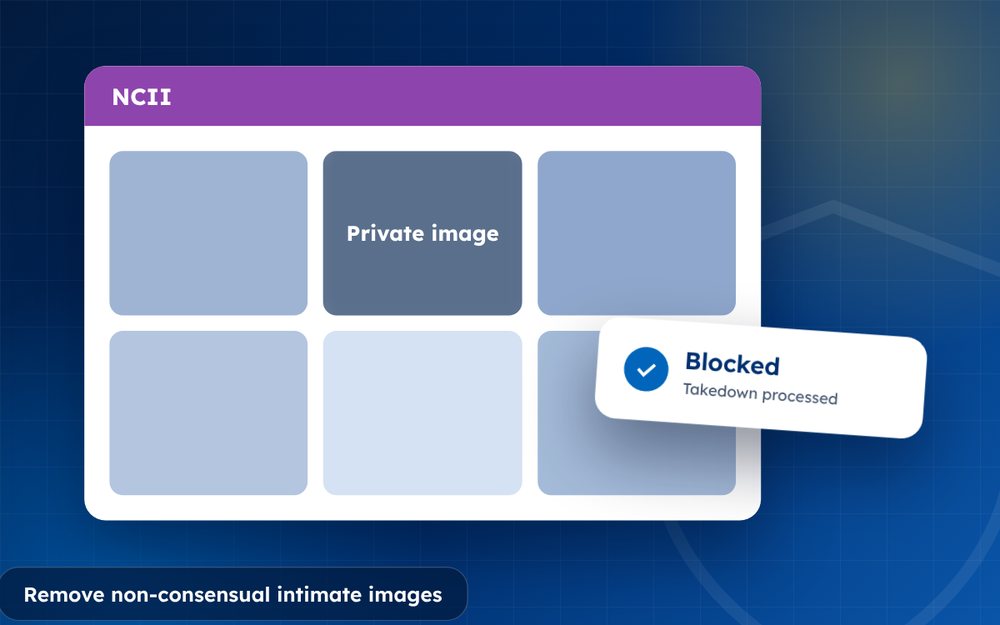
How to Remove Non-Consensual Intimate Images (NCII), Step by Step
How to remove non-consensual intimate images (NCII): reporting, StopNCII.org, Google removal, legal options and support. A step-by-step guide.
Read the guide · 4 min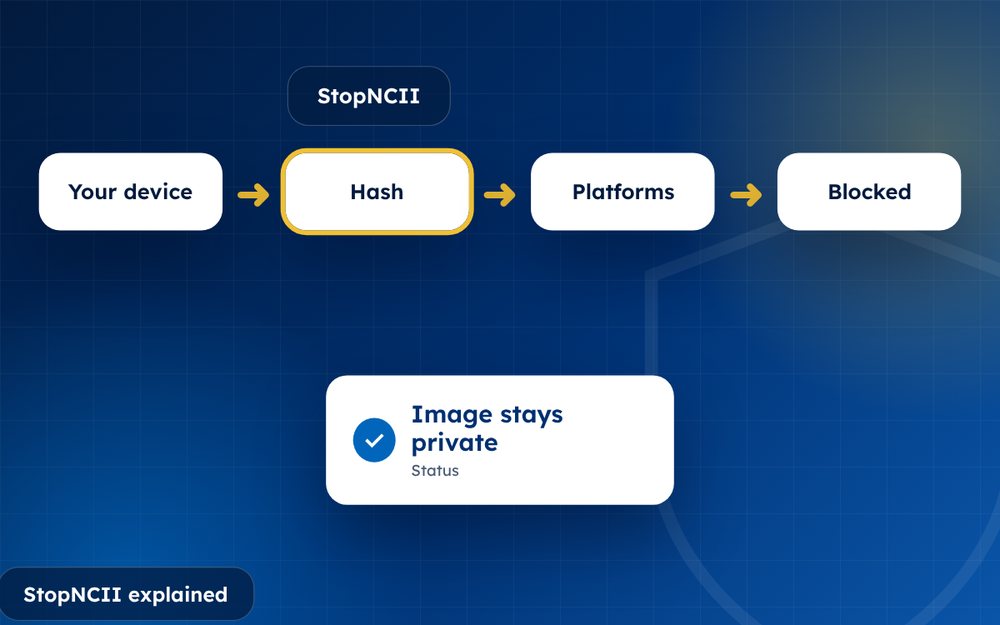
StopNCII Explained: How to Stop Your Images From Spreading
StopNCII explained: how the free hash-matching tool works, who can use it, which platforms take part and what it cannot do.
Read the guide · 4 min