
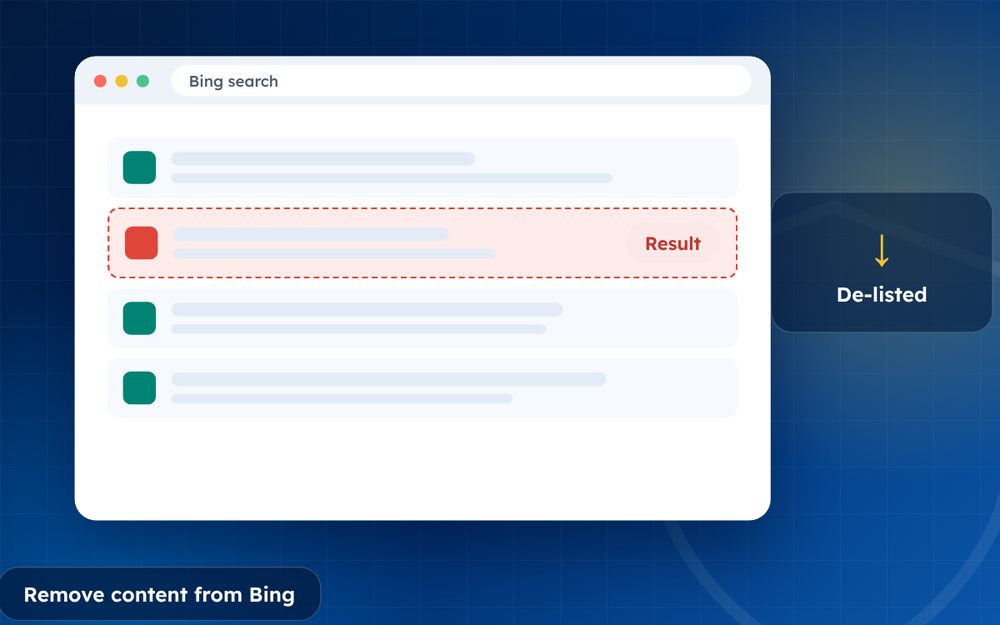
Google is not the only place people find you. Bing powers or feeds several other search tools, so request removal there too. Each engine has its own forms.
Most people focus on Google, but other search engines also display your name and your content. Bing, in particular, supplies results to other services, so a result that remains on Bing may appear elsewhere.
Handling several search engines is not hard, but it requires organisation.
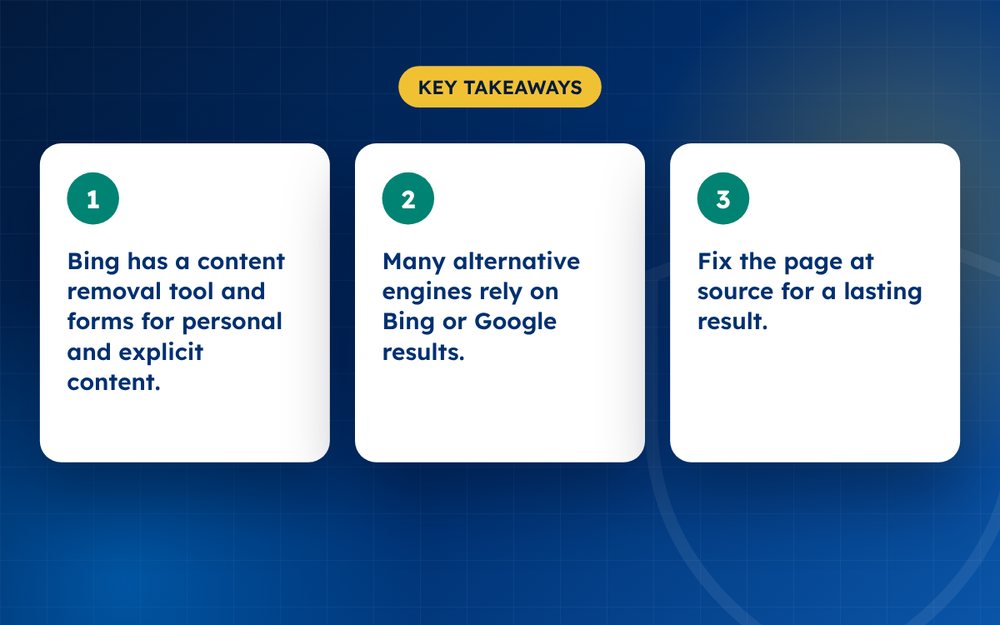
- Bing has a content removal tool and forms for personal and explicit content.
- Many alternative engines rely on Bing or Google results.
- Fix the page at source for a lasting result.
Bing
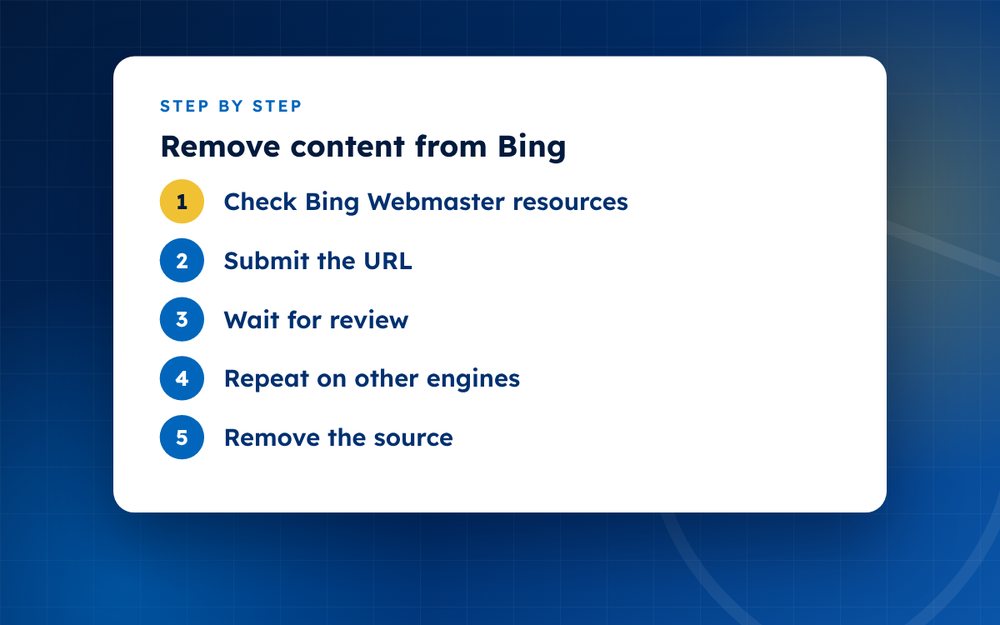
- Check Bing Webmaster resourcesBing offers content removal and report forms for outdated content, personal data and non-consensual explicit imagery.
- Submit the URLProvide the page link and the reason.
- Wait for reviewBing's team assesses each request.
- Repeat on other enginesYahoo, DuckDuckGo and others often draw on Bing or have their own forms.
- Remove the sourceContact the website owner, because search removal alone does not delete the page.
What to prepare
Keep a list of every URL you want removed, with the reason and the date. Use the same evidence for each engine. Some engines accept requests for outdated content, personal information and non-consensual intimate images, while others only accept legal or copyright requests.
Engine by engine
- Bing: has forms for content removal and personal information
- Yahoo: draws on Bing results, so requests to Bing often help
- DuckDuckGo: uses other sources, so request removal at the source and the underlying engines
- Other regional engines: check their help pages for removal options
Following up
Check your results after a few weeks. If a result persists, resubmit with more detail or contact the website. A lasting solution still depends on removing content at the source.
Why a multi-engine approach matters
If you only clean Google, a person searching on Bing or another engine may still see the content. This matters more in some markets and among certain age groups and devices. A thorough clean-up covers each engine your audience is likely to use.
Set a reminder to review each engine every few months. Results change, and content you removed earlier can reappear.
Tips
- Keep a list of every request you file
- Use the same evidence you used for Google
- Check back in a few weeks
Managing several engines is time consuming. Email us if you need help coordinating.
Frequently asked questions
Does removal from Google remove it from Bing?
No. Each search engine decides separately, so you need to submit a request to Bing and any other engine you want to cover. Removing the page at the source is the most effective way to ensure it disappears from all engines.
Does DuckDuckGo remove results?
It draws results from other sources, including Bing, so requests to remove content should go to the source and the underlying engines. DuckDuckGo has limited control over what it shows, so focus your efforts on the sources it uses.
Is there a fee?
No, standard forms are free. Be careful of anyone who charges a fee for submitting a form on your behalf without adding value. Some specialists offer help with complex cases and monitoring, which may be worth paying for.
What about AI search?
Many AI tools draw on search indexes, so correcting the source and the index helps. If an AI assistant shows wrong information about you, use its feedback or privacy tools, and fix the underlying pages. Changes can take time to appear.
How long does it take?
Days to weeks, depending on the engine and the type of request. Keep records and check your results after a few weeks. If a result persists, resubmit with more detail or contact the website directly.
Should I do all engines at once?
Start with Google and Bing, since they cover most searches, then others as needed. Doing them together saves time because you can reuse your evidence. Keep a spreadsheet so that you can track each request and its outcome.
Need help with this?
Every situation is different. Email us the details in confidence and we will reply with an honest assessment of what can be done.
Contact us by email Google Search Result RemovalThis guide is general information, not legal advice. DMCA Reputation is not a law firm.
Related guides
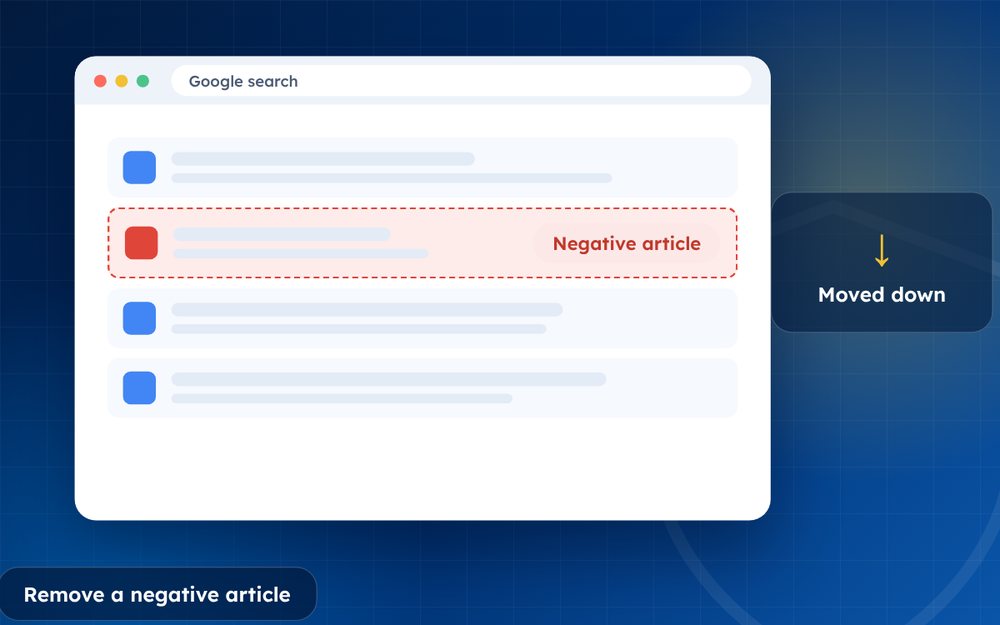
How to Remove a Negative Article From Google Search
How to remove a negative article from Google search: contact the publisher, use Google's tools and legal routes, or suppress it when removal fails.
Read the guide · 4 min
How to Remove a News Article From the Internet
How to remove a news article from the internet: approaching publishers, correction and anonymisation requests, legal grounds and search options.
Read the guide · 4 min
How to Remove Your Name From Google Search Results
How to remove your name from Google search results: what you can remove, Google's results about you tool, data brokers and what to do about the rest.
Read the guide · 4 min