
If your video, image or personal information appears on Vimeo without permission, you can report it. Vimeo has routes for copyright and for violations of its guidelines.
Vimeo has a reputation as a platform for professional creators, but it is still used to share stolen and harmful content. Fortunately, it has reasonably clear processes for copyright and for guideline violations, and many reports are resolved quickly.
The key is to use the right form and to give precise details.
- Use Vimeo's copyright process for stolen content.
- Report privacy and harassment under its guidelines.
- Include precise URLs and proof of ownership.
Steps
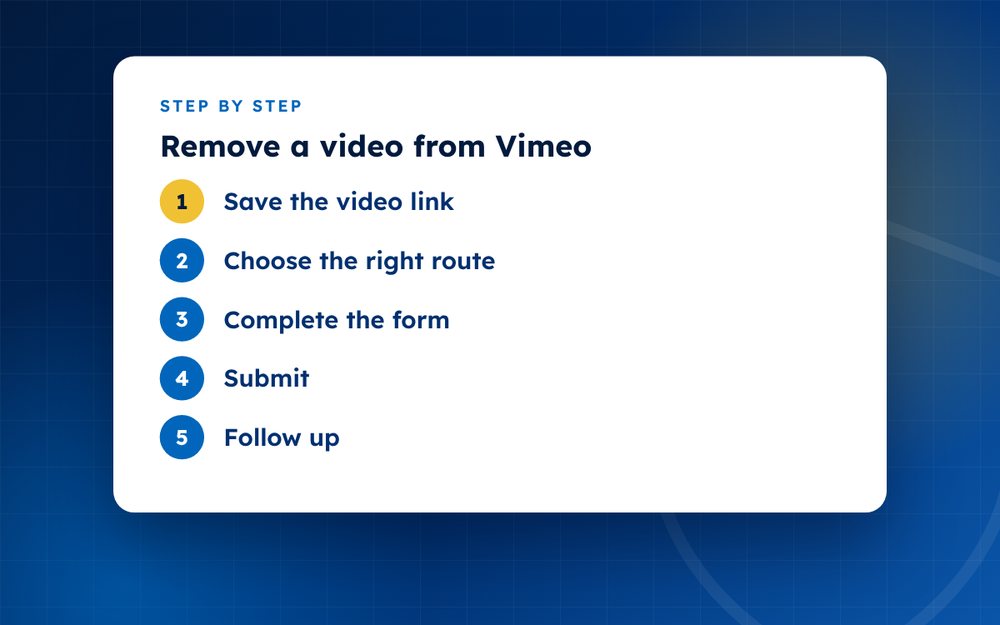
- Save the video linkCopy the URL and take screenshots.
- Choose the right routeCopyright complaint for stolen content, or a report for harassment or privacy.
- Complete the formProvide your details, the original work and the legal statements for copyright.
- SubmitKeep a copy of your submission.
- Follow upIf the video remains, check your email for replies and respond promptly.
Choosing the right route
- Copyright infringement: use Vimeo's copyright complaint process when someone has uploaded your work
- Privacy or harassment: report the video under the guidelines when it shows you without consent or targets you
- Non-consensual intimate content: use the specific reporting option, which gets priority
- Impersonation: report accounts that pretend to be you or your business
What to include in a copyright complaint
Identify your original work and provide a link if you have one. Give the exact link to the Vimeo video. State that you have a good faith belief that the use is not authorised and that the information is accurate, and sign with your name. Keep a copy of your complaint and any replies.
After you submit
Vimeo normally removes the video if the complaint is valid and tells the uploader. The uploader may file a counter-notice, in which case the video could be restored after a waiting period unless you take legal action. If a user repeatedly infringes, Vimeo may close the account. Keep your records in case you need to show a pattern.
Protecting your own uploads
If you share work on Vimeo, use privacy settings to control who can view and download it, add watermarks and keep original files. Consider disabling downloads for client work and using password protection for early cuts.
When the uploader is a client or collaborator
Not every problem on Vimeo is piracy. Sometimes a client or collaborator uploads work without checking the rights, or keeps a video online after a contract ends. In that case, a polite message that refers to your agreement is usually the best first step. Keep a record of the licence terms and any emails about usage rights.
If a friendly request fails, use the formal copyright process. Make sure you can show who owns the work, and think about how the dispute will affect your working relationship before you escalate.
Email us if you need help with notices.
Frequently asked questions
Does Vimeo remove videos quickly?
Valid complaints are usually handled within days, although timing varies. Complete, accurate complaints are processed faster. If you have not heard back after a week, check your email and the status of your report and follow up politely.
Can the uploader dispute it?
Yes. The uploader can file a counter-notice if they believe the removal was a mistake or that their use is lawful. Vimeo may restore the video after a set period unless you start legal action. Take advice if the dispute is serious.
What about private videos?
If a video is set to private, you may not be able to see it. Report it with the link if you have it, and explain how you know about it. Vimeo can check private content when it receives a valid complaint.
Is there a cost?
No. Vimeo does not charge for copyright or guideline reports. If you have many videos to report, you may prefer a service to manage the process.
Can I ask Vimeo to tell me who uploaded it?
Not usually. Vimeo does not share user identities without legal process. Your complaint is handled through the platform, and the uploader receives a notice.
What if the video is embedded on other sites?
Removing the video from Vimeo disables the embed. If the video is copied to other platforms, you need to report it there as well.
Need help with this?
Every situation is different. Email us the details in confidence and we will reply with an honest assessment of what can be done.
Contact us by email Vimeo Video RemovalThis guide is general information, not legal advice. DMCA Reputation is not a law firm.
Related guides
How to Get a Stolen YouTube Video Taken Down
How to get a stolen YouTube video taken down: find re-uploads, use Copyright Match, file a copyright complaint and handle counter-notices.
Read the guide · 4 min
How to File a YouTube Copyright Takedown, Step by Step
How to file a YouTube copyright takedown step by step: the webform, required details, strikes and what happens after you submit.
Read the guide · 5 min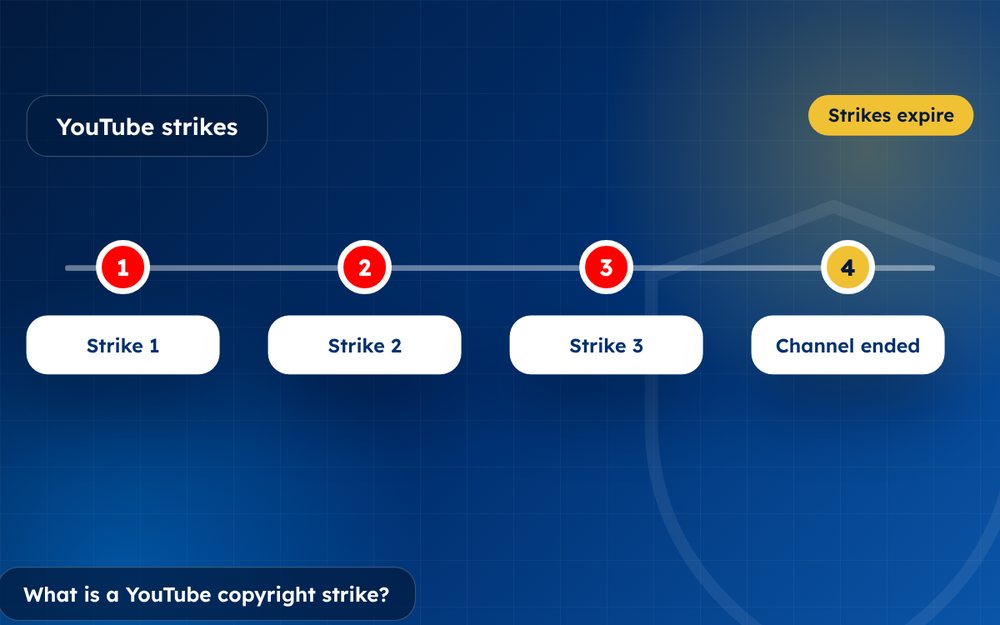
What Is a YouTube Copyright Strike and How Does It Work?
What is a YouTube copyright strike and how does it work? How strikes differ from Content ID claims, how long they last and how to respond.
Read the guide · 3 min