
A photo you do not want public can appear in Google Images within hours and stay for years. Removing it from Google Images is possible in several situations, but the image will keep returning unless the original is dealt with too.
Photos spread quickly. A single picture posted to a forum or a news site can be copied to dozens of other places and indexed by Google Images within hours. That can make removal feel hopeless, but a methodical approach still works in many cases.
The most important principle is to work from the source outwards. Removing the image where it is hosted, and then asking Google to update its results, gives a more lasting outcome than asking Google alone.
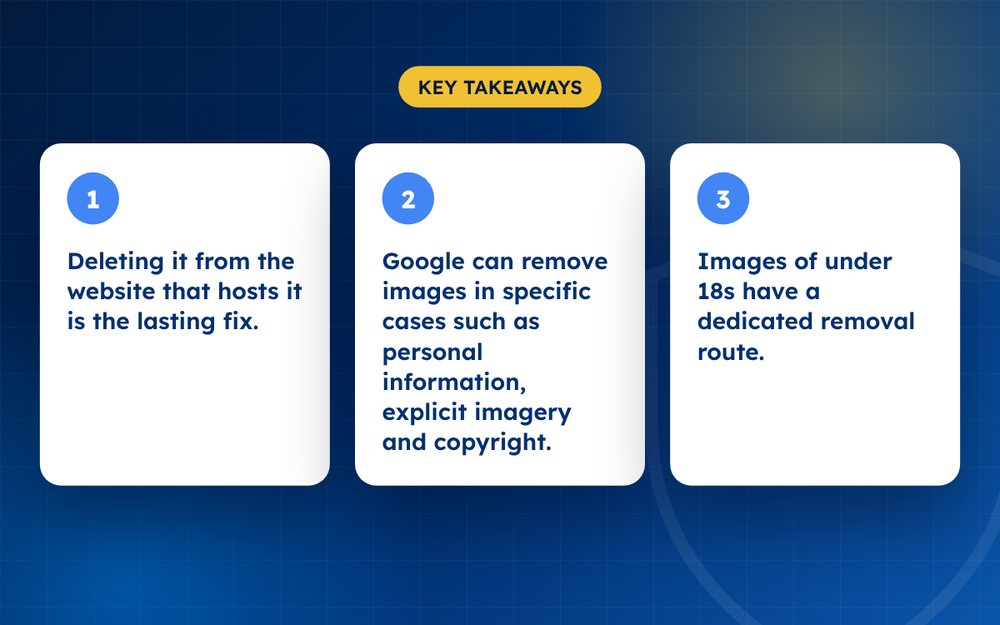
- Deleting it from the website that hosts it is the lasting fix.
- Google can remove images in specific cases such as personal information, explicit imagery and copyright.
- Images of under 18s have a dedicated removal route.
Pick the right route for your situation
- You own the photo and someone used it without permission: a copyright (DMCA) request
- The image is intimate and shared without consent: Google's non-consensual explicit imagery request
- The image shows your personal information such as documents or an address: a personal information request
- The image shows someone under 18: Google allows removal requests for such images in search results
- The image is outdated or already deleted: an outdated content request
How to do it
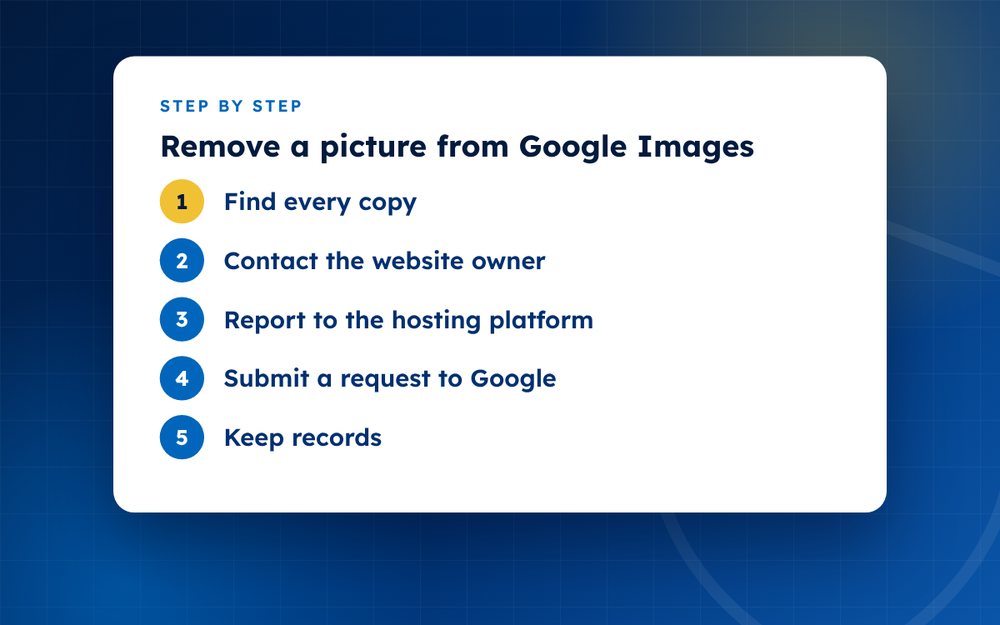
- Find every copyUse Google Lens or a reverse image search to find where the picture appears. Copies on several websites each need a request.
- Contact the website ownerAsk them to remove the picture. Many agree, especially when the request is polite, specific and gives a clear reason.
- Report to the hosting platformIf the site refuses or ignores you, report to its host or the social platform where the image is stored.
- Submit a request to GoogleUse the matching Google form for your situation. Include the page URL, the image URL and a screenshot.
- Keep recordsSave copies of your messages and Google's replies in case you need to follow up.
- MonitorSearch periodically with reverse image tools to see if the image is reuploaded.
Finding every copy
Reverse image search tools, such as Google Lens and TinEye, show where else a picture appears. Search with the original and with crops, because copies are often resized. Record each URL and note who owns the site. A spreadsheet helps once you reach more than a handful of copies.
Choosing the strongest ground
Be specific about why the image should be removed. If you took the photo yourself, copyright is a strong basis. If the photo shows personal information, such as a document or home address, use Google's personal information policy. If it is intimate and shared without consent, use the non-consensual imagery process. If it shows a person under 18, Google has a separate route for requesting removal from search results.
Writing to the site owner
A short, polite message with the exact URL, the reason and what you want done is often enough. Avoid emotional language or threats. If the site has a contact or abuse form, use that, because it is more likely to be monitored than a general email address.
After the image is gone
Once the original is removed, use Google's outdated content tool to refresh the result if it still appears. Set a reminder to run a reverse image search again in a month. Images are sometimes re-uploaded, and early detection makes removal easier.
What to avoid
Do not repost the image to complain about it, which increases its spread, and do not pay anyone who contacts you offering guaranteed removal.
If the image is sensitive or part of harassment, contact us by email for a confidential assessment.
Frequently asked questions
Will Google delete the image from the website?
No. Google only controls what appears in its search results. The website owner must remove the original file. Without that, the image can still be found by other search engines and direct links.
Can I remove a photo of myself that I posted?
Yes. Delete it from the platform where you posted it. If it continues to appear in Google Images afterwards, use Google's outdated content tool to ask Google to refresh the result.
What if the site is overseas?
Most platforms and hosts have abuse processes that work regardless of where they are based. Google also accepts removal requests regardless of the location of the site. Response times can vary, so keep records and follow up politely.
Does it cost anything to ask Google?
No. Google's removal request forms are free. Be cautious of anyone who charges large fees for something you can do yourself, although specialist help can be worthwhile for complex cases.
Can I stop people from reposting the image?
You cannot prevent reposts entirely, but monitoring and fast takedown requests reduce how far an image spreads. Some platforms also have tools to block known images from being uploaded again.
What if the image is of a child?
Google allows people under 18, or their parent or guardian, to request removal of images from search results in many cases. Contact the website and the platform too, and seek support from trusted adults or organisations.
Need help with this?
Every situation is different. Email us the details in confidence and we will reply with an honest assessment of what can be done.
Contact us by email Image RemovalThis guide is general information, not legal advice. DMCA Reputation is not a law firm.
Related guides
How to Remove a Negative Article From Google Search
How to remove a negative article from Google search: contact the publisher, use Google's tools and legal routes, or suppress it when removal fails.
Read the guide · 4 min
How to Remove a News Article From the Internet
How to remove a news article from the internet: approaching publishers, correction and anonymisation requests, legal grounds and search options.
Read the guide · 4 min
How to Remove Your Name From Google Search Results
How to remove your name from Google search results: what you can remove, Google's results about you tool, data brokers and what to do about the rest.
Read the guide · 4 min