
LinkedIn profiles often rank on page one for a person's name. A well optimised profile helps you control that result.
For many professionals, their LinkedIn profile is the top search result for their name. That is a gift, because it is a page you control and that is designed to present your career in the best light.
Optimising it means making it complete, clear and visible to search engines.
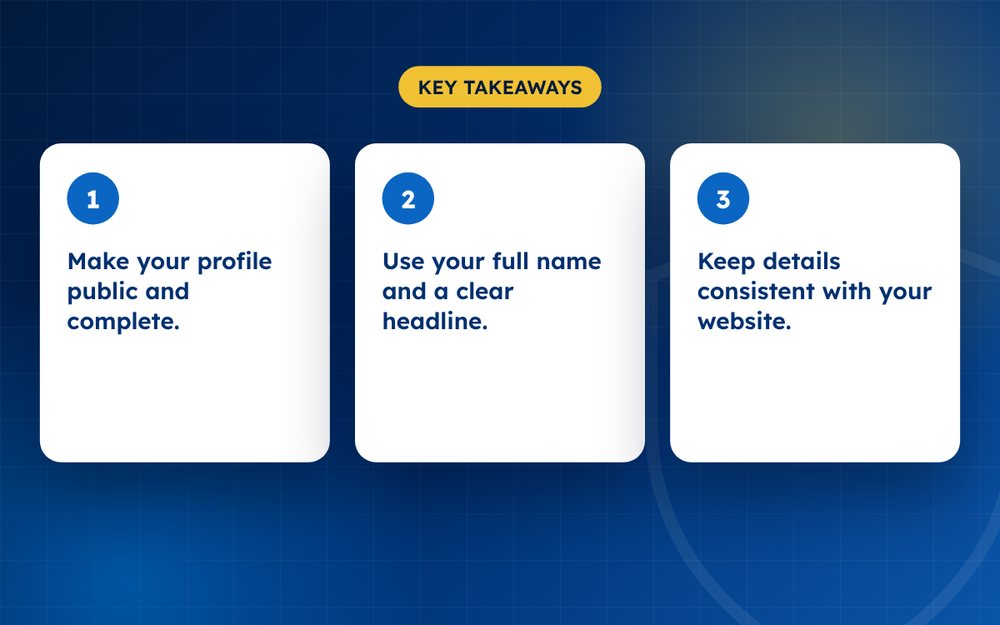
- Make your profile public and complete.
- Use your full name and a clear headline.
- Keep details consistent with your website.
Steps
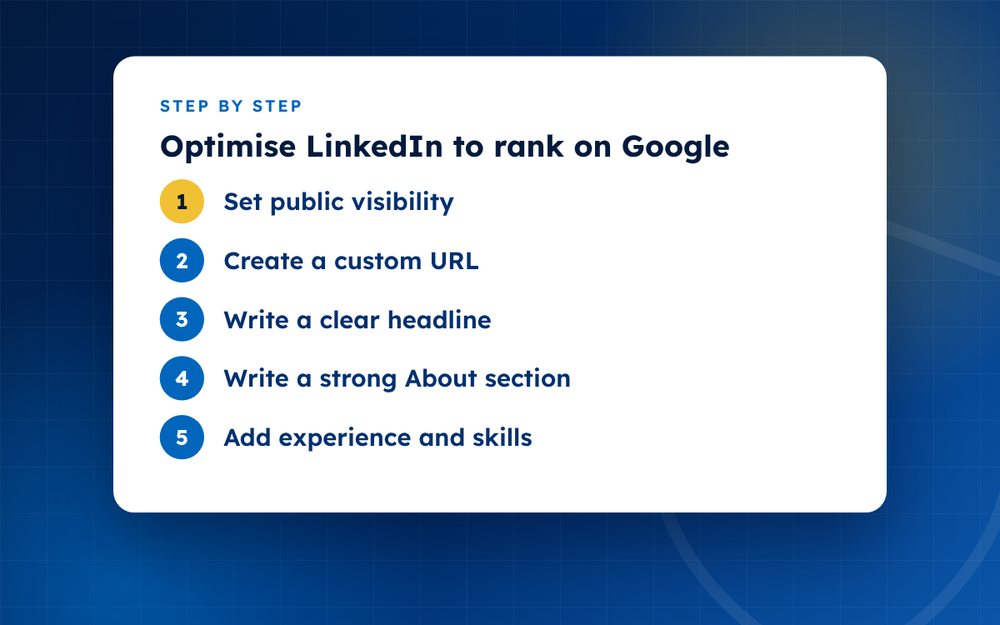
- Set public visibilityEnable your public profile in settings.
- Create a custom URLUse your name in the address.
- Write a clear headlineState what you do and who you help.
- Write a strong About sectionUse natural keywords and your story.
- Add experience and skillsBe specific and accurate.
- Feature your best workAdd links, media and articles.
- Link to your websiteAdd it in contact info.
- Publish occasionallyShare posts and articles.
Technical settings
Make sure your profile is public and that the search engine visibility option is on. Create a custom address that includes your name. Check that your name is spelled as you want it to appear in search. Add contact information and a link to your website.
Writing for people and search
- Use a headline that says what you do and who you help, not just your job title
- Write an About section in your own voice that includes your key skills and keywords
- List your experience with results, not only duties
- Add skills that match what people search for
- Collect recommendations from colleagues and clients
Featured content
Use the featured section to link to articles, projects, talks and press. This gives visitors and search engines more to see, and it supports your claims. Keep your content fresh by sharing updates regularly.
Keep it consistent
Your LinkedIn profile should match your website and other profiles. If your title or company changes, update everywhere. Inconsistent information confuses people and search engines.
Common mistakes
- Leaving the profile private or hiding it from search
- Using a headline that only repeats a job title
- Filling the About section with buzzwords and no specifics
- Inconsistent names across LinkedIn and other profiles
- Never updating after a promotion or new project
- Ignoring messages and recommendations
Fixing these basics often produces a bigger improvement than any advanced tactic.
Email us if you want a review of your search presence.
Frequently asked questions
Does a photo help?
Yes. A clear, professional photo builds trust and makes your profile more recognisable, which helps people confirm that they have found the right person. Use a recent image with good lighting.
Should I use my full name?
Yes, the name you use professionally. A consistent name helps search engines connect your profile with other pages. Avoid adding extra words or symbols to your name.
Does it rank for my name?
Often, if the profile is public and complete. Rankings depend on competition, but LinkedIn pages frequently appear on the first page for personal names. Strengthen it by linking to it from your website and other profiles.
How long until it ranks?
Often within weeks after you update the profile and make it public, though it can take longer for common names. Keep your profile active and link to it from other pages.
Should I use a custom headline?
Yes. The headline appears in search results and beside your name across LinkedIn. Make it specific and keyword-rich without being spammy.
Is it worth upgrading to a paid plan?
Not for search visibility. Paid features help with outreach and insights, but the basic profile is what appears in search results.
Need help with this?
Every situation is different. Email us the details in confidence and we will reply with an honest assessment of what can be done.
Contact us by email LinkedIn OptimisationThis guide is general information, not legal advice. DMCA Reputation is not a law firm.
Related guides
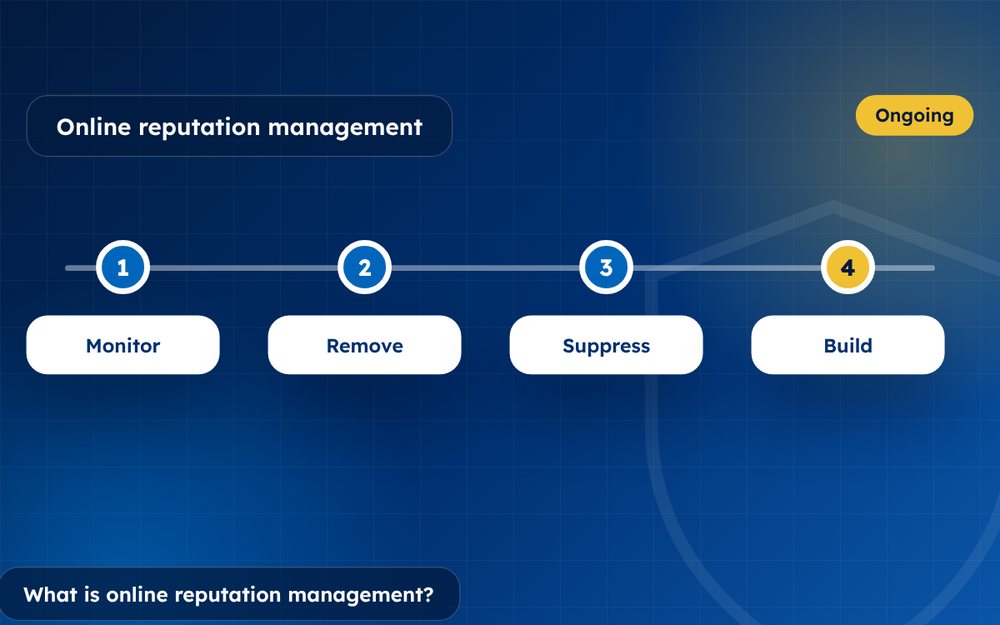
What Is Online Reputation Management? A Beginner's Guide
What is online reputation management? A beginner's guide to monitoring, removal, suppression and building a positive online presence.
Read the guide · 4 min
How to Build a Positive Online Reputation, Step by Step
How to build a positive online reputation step by step: profiles, content, reviews, press and monitoring for individuals and businesses.
Read the guide · 4 min
Personal Branding: How to Build a Strong Personal Brand Online
Personal branding guide: how to build a strong personal brand online with a clear message, a website, profiles and consistent content.
Read the guide · 3 min