
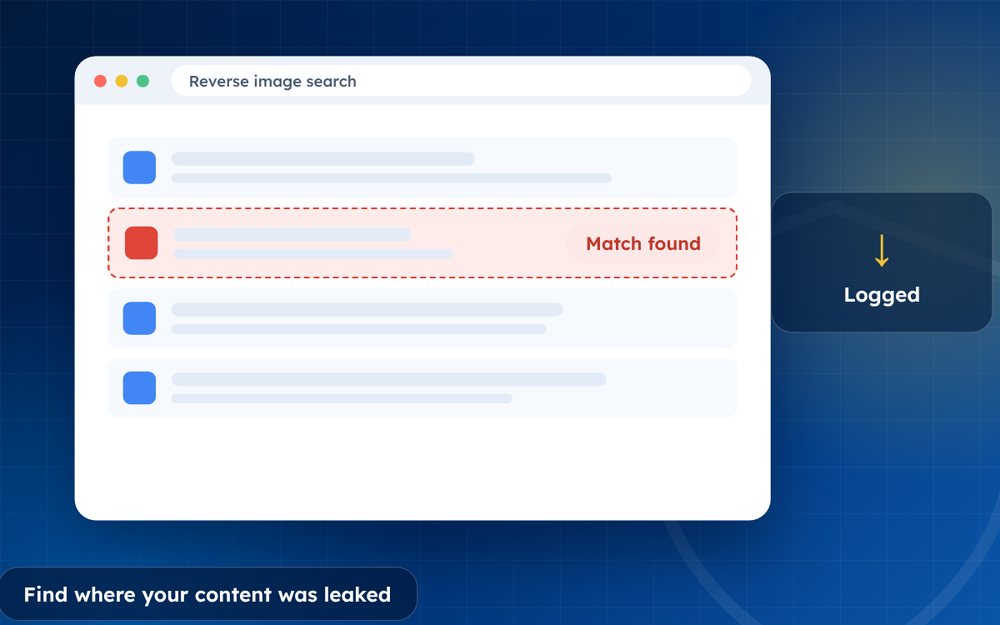
You cannot remove what you cannot find. A methodical search shows how far content has spread and where to send notices.
Many people only discover how far content has spread when someone tells them. A systematic search shows you the real picture and helps you decide where to start. It also gives you a record that is useful for every other step.
This guide covers the main methods and some habits that make them more effective.
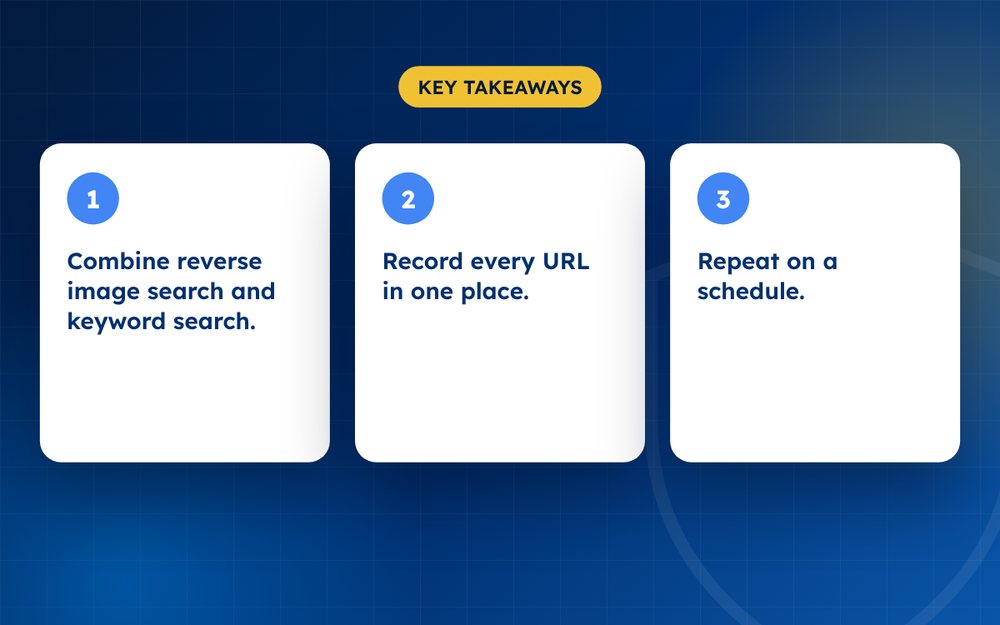
- Combine reverse image search and keyword search.
- Record every URL in one place.
- Repeat on a schedule.
Steps
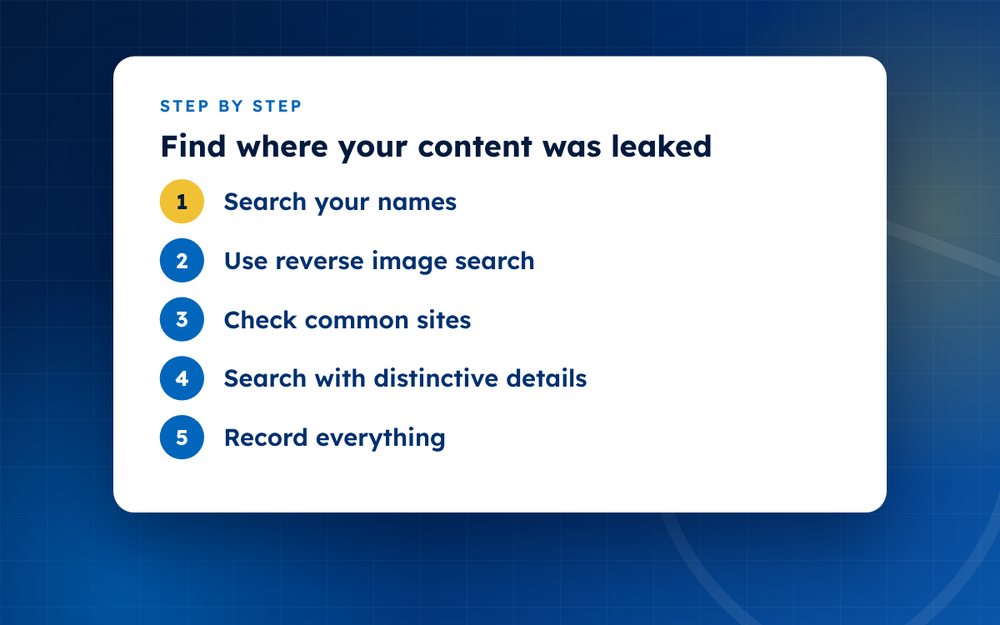
- Search your namesSearch your name, username and stage name with words such as leak or free.
- Use reverse image searchTry Google Lens, Bing Visual Search and TinEye with your photos and video frames.
- Check common sitesForums, tube sites, file sharing links and social platforms.
- Search with distinctive detailsCaptions, tattoos, backgrounds or titles.
- Record everythingUse a spreadsheet with URL, date, site and status.
- PrioritiseSend notices first to the highest traffic pages.
- Set a scheduleRepeat weekly or monthly, or use a monitoring service.
Starting with text searches
Search for your stage name, username and your real name in combination with words such as leak, free, download and mega. Use quotation marks for exact phrases. Try different search engines, because results vary. Search the titles of your videos and the captions of your photos, as many leakers copy them.
Reverse image and video searches
- Upload a distinctive photo to Google Lens, Bing Visual Search or TinEye
- Crop the image to focus on a unique feature, such as a background or tattoo
- For video, take screenshots of frames that include a unique scene
- Use thumbnails from your original posts
- Check the results pages for visually similar items as well as exact matches
Checking known hotspots
Look at forums, tube sites, Telegram channels, Reddit and file-sharing links. Some have their own search tools. Be careful to protect yourself while you do this, using a separate browser profile and avoiding downloads or clicking on suspicious links.
Keeping track
Record every link in a spreadsheet with columns for the URL, the site, the date, the type of content and the status of your takedown request. This lets you see patterns, such as which sites are repeat offenders, and it saves time when you send notices.
Making searching sustainable
Searching for your own leaked content can be emotionally draining. Limit the time you spend on it, set a regular schedule and take breaks. Consider asking a friend or a service to take over the searching, and agree what they should report to you. It is perfectly reasonable to protect your wellbeing while still taking action.
Use your spreadsheet to keep track so that you do not have to remember everything, and so that you can see progress over time.
Face search tools raise privacy concerns. Use them carefully and avoid uploading others' images.
We offer ongoing monitoring so you do not need to keep searching. Email us for details.
Frequently asked questions
Can reverse search find videos?
Not directly, but you can take screenshots of distinctive frames and use image search on them. Some tools also match video, though results vary. Searching for the title and description often works well for videos.
How often should I search?
Weekly if you are an active creator or have been leaked recently. Monthly may be enough if you are less exposed. Setting a regular time makes it easier to keep up the habit.
Does searching expose me?
Use private browsing and a separate profile, and avoid logging in with accounts that are linked to your identity. Be careful about clicking on links that may contain malware. A friend or a service can do the searching for you.
Can alerts help?
Yes. Set up alerts for your name and stage name, and consider using monitoring services that look for specific images. Alerts do not catch everything, but they save time.
What if I find content I do not recognise?
It may be a different person or an edited copy. Compare details carefully and, if you think it is yours, record it and send a notice. If it is not yours, do not claim it.
Is face search a good idea?
Face search tools raise privacy concerns and can expose you to risk. If you use them, choose reputable services, avoid uploading other people's images and understand how your data is handled.
Need help with this?
Every situation is different. Email us the details in confidence and we will reply with an honest assessment of what can be done.
Contact us by email Piracy MonitoringThis guide is general information, not legal advice. DMCA Reputation is not a law firm.
Related guides
How to Remove Leaked Photos or Videos From the Internet
How to remove leaked photos or videos from the internet: evidence, platform reports, DMCA, search removal and prevention. A calm step-by-step guide.
Read the guide · 4 min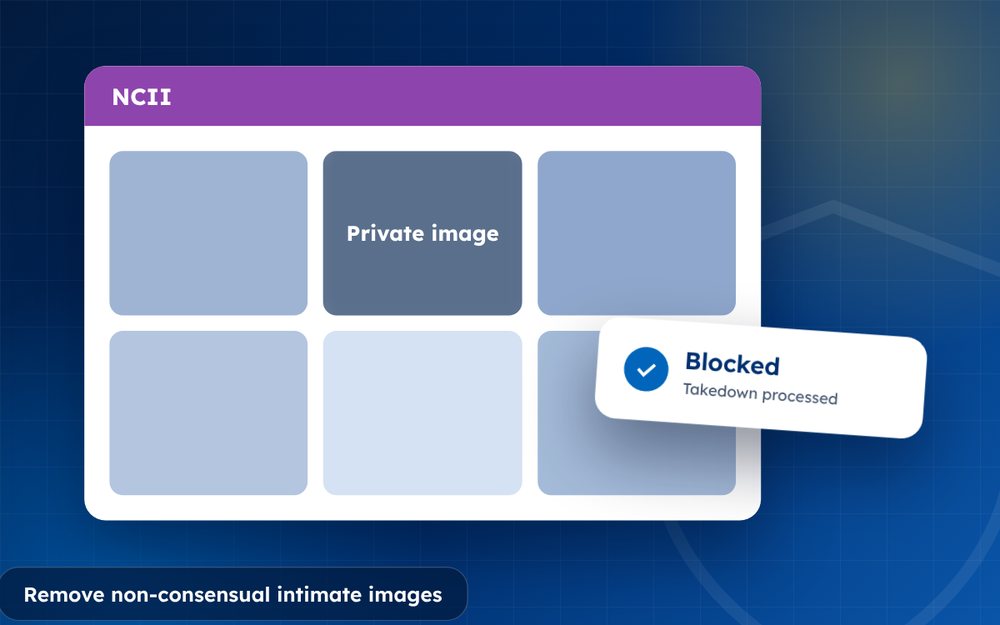
How to Remove Non-Consensual Intimate Images (NCII), Step by Step
How to remove non-consensual intimate images (NCII): reporting, StopNCII.org, Google removal, legal options and support. A step-by-step guide.
Read the guide · 4 min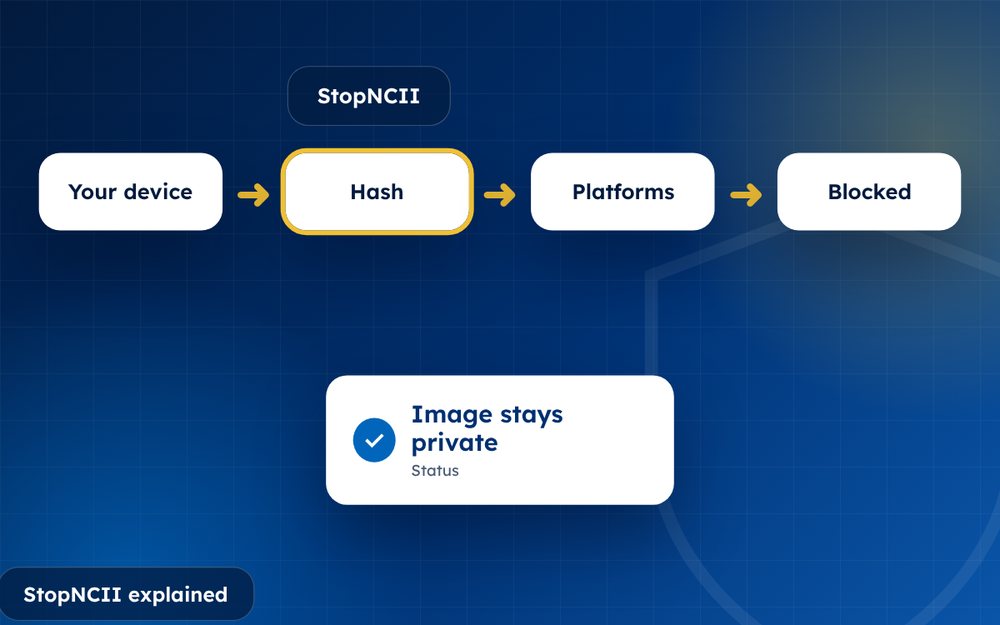
StopNCII Explained: How to Stop Your Images From Spreading
StopNCII explained: how the free hash-matching tool works, who can use it, which platforms take part and what it cannot do.
Read the guide · 4 min