
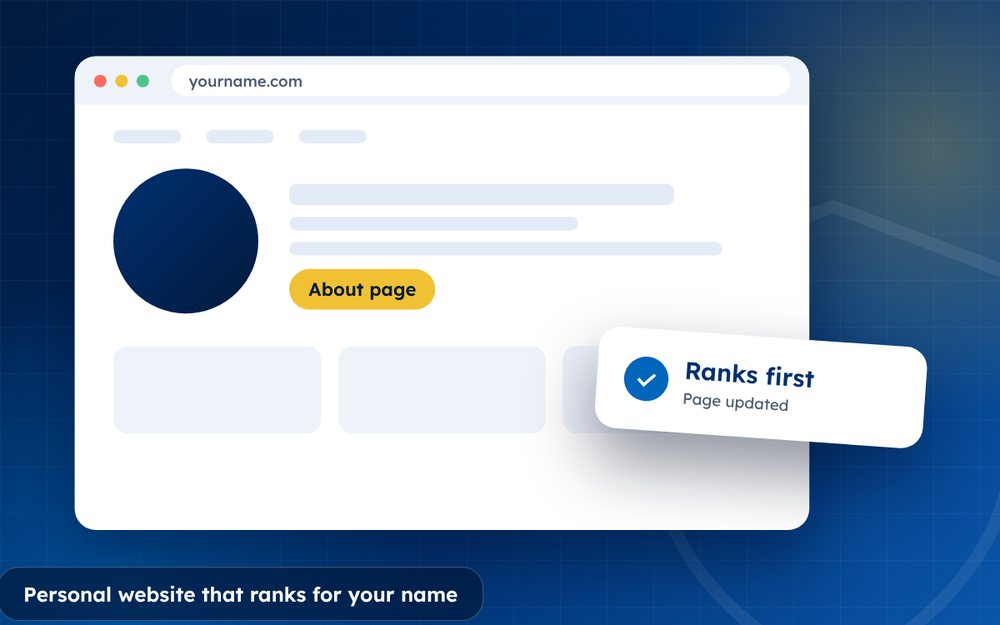
A personal website is the one place online you fully control. With the right basics, it can rank first for your name.
Your name is your most valuable search term. When someone types it, you want them to find a page that you wrote, that tells your story accurately and that points to your best work. A personal website does exactly that.
You do not need to be a designer or a developer. A simple, clear site on a good domain is enough to start.
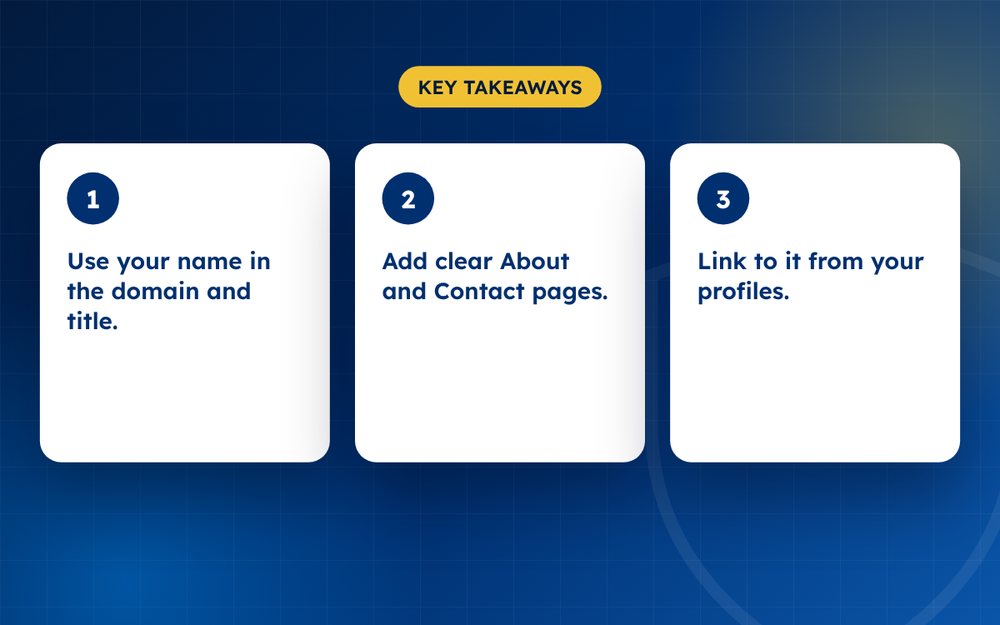
- Use your name in the domain and title.
- Add clear About and Contact pages.
- Link to it from your profiles.
Steps
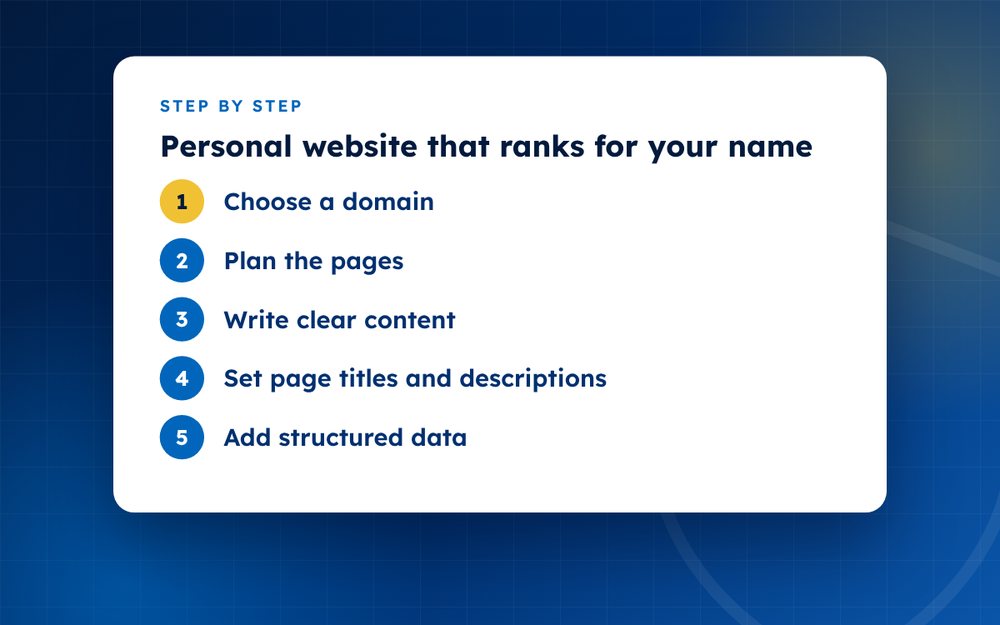
- Choose a domainUse yourname.com if possible.
- Plan the pagesHome, About, Work or Services, Contact.
- Write clear contentState who you are and what you do, using your full name naturally.
- Set page titles and descriptionsInclude your name and role.
- Add structured dataUse person schema markup.
- Link from profilesAdd the website to LinkedIn and social bios.
- Keep it fast and mobile friendlySearch engines favour good user experience.
- Update regularlyAdd news or articles.
Choosing a domain
The best domain is usually your full name followed by dot com. If it is taken, try adding your profession or a simple word such as the name followed by a title. Avoid hyphens and numbers where possible, because they are harder to remember and share. Register the domain in your own name so that you own it, and keep your login details safe.
What to include
- A home page that says who you are and what you do in a sentence or two
- An About page with your story, experience and contact details
- A page for your work, services or portfolio
- Testimonials or case studies
- A way to contact you, such as an email address
- Links to your profiles and any articles about you
Helping search engines
Put your full name in the title of the home page and the About page. Write a clear description. Use headings that make sense and keep the text readable. Add structured data that describes you as a person, so that search engines can understand the facts. Make sure the site is fast, works on phones and uses secure connections.
Keep it alive
Update your site whenever something important changes. Add news, articles or projects regularly, even if only occasionally. Link to the site from your social profiles and email signature. A site that is current and well linked is more likely to rank.
Mistakes to avoid
- Using a site builder that you do not control, so you cannot move your domain
- Hiding your name on the page and using only a brand
- Publishing thin pages with no useful information
- Forgetting to link the site from your profiles
- Leaving old information online after you change jobs
Avoiding these mistakes keeps your website a strong, reliable asset.
A simple launch plan
In week one, choose and register your domain and write your About page. In week two, add your work and contact details. In week three, link your profiles to the site and add structured data. In week four, share the site with your network and ask a few people to link to it. Then update it regularly.
Email us if you want a site built for you.
Frequently asked questions
Do I need a blog?
It helps but is not required. A blog gives you a way to publish fresh content and show your expertise. If you do not have time for one, a simple site with a clear About page and a news section can still rank well for your name.
How long to rank?
For a unique name, often within a few weeks of publishing and linking to the site. For common names or competitive fields it can take months. Keep adding links and content to improve your chances.
What if my name is common?
Add your profession, city or middle initial in your page titles and in your content, so that search engines and visitors can tell you apart. Build links from profiles that already rank for your name.
Is it worth paying for hosting?
Yes, for reliability and speed. Free hosting often comes with ads, limits and poor performance. Choose a reputable provider with backups and security.
Can I build it myself?
Yes, with a modern site builder. Choose a simple template, write clear text and avoid clutter. If you need something custom, a freelancer or an agency can help.
Should I put my photo on it?
Yes, a professional photo builds trust and helps people recognise you. Use the same photo on your profiles.
Need help with this?
Every situation is different. Email us the details in confidence and we will reply with an honest assessment of what can be done.
Contact us by email Websites and MicrositesThis guide is general information, not legal advice. DMCA Reputation is not a law firm.
Related guides
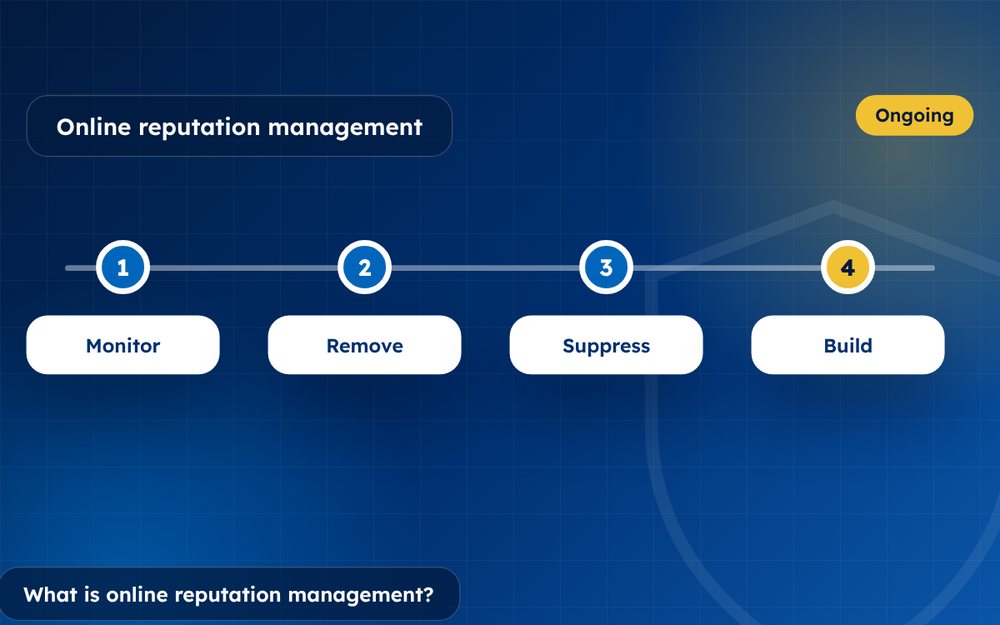
What Is Online Reputation Management? A Beginner's Guide
What is online reputation management? A beginner's guide to monitoring, removal, suppression and building a positive online presence.
Read the guide · 4 min
How to Build a Positive Online Reputation, Step by Step
How to build a positive online reputation step by step: profiles, content, reviews, press and monitoring for individuals and businesses.
Read the guide · 4 min
Personal Branding: How to Build a Strong Personal Brand Online
Personal branding guide: how to build a strong personal brand online with a clear message, a website, profiles and consistent content.
Read the guide · 3 min