
Google has two tools that sound similar but do different jobs. Choosing the right one saves time and avoids rejected requests.
The outdated content tool is for anyone who sees a search result that no longer matches the live page. The removals tool in Search Console is for site owners who want to hide their own URLs temporarily.
Neither tool is for removing pages that are still live and not yours. For those cases, you need other forms or direct contact with the site.
Choosing the wrong tool is one of the main reasons requests fail. A quick check of two things, whether the page is live and whether you own it, usually tells you which one fits.
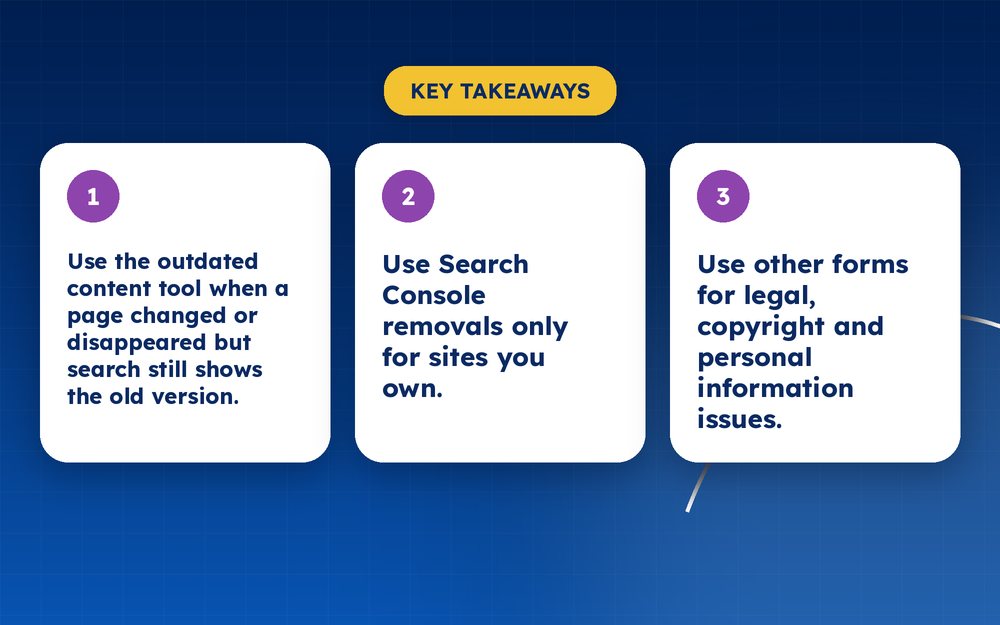
- Use the outdated content tool when a page changed or disappeared but search still shows the old version.
- Use Search Console removals only for sites you own.
- Use other forms for legal, copyright and personal information issues.
How to choose, step by step
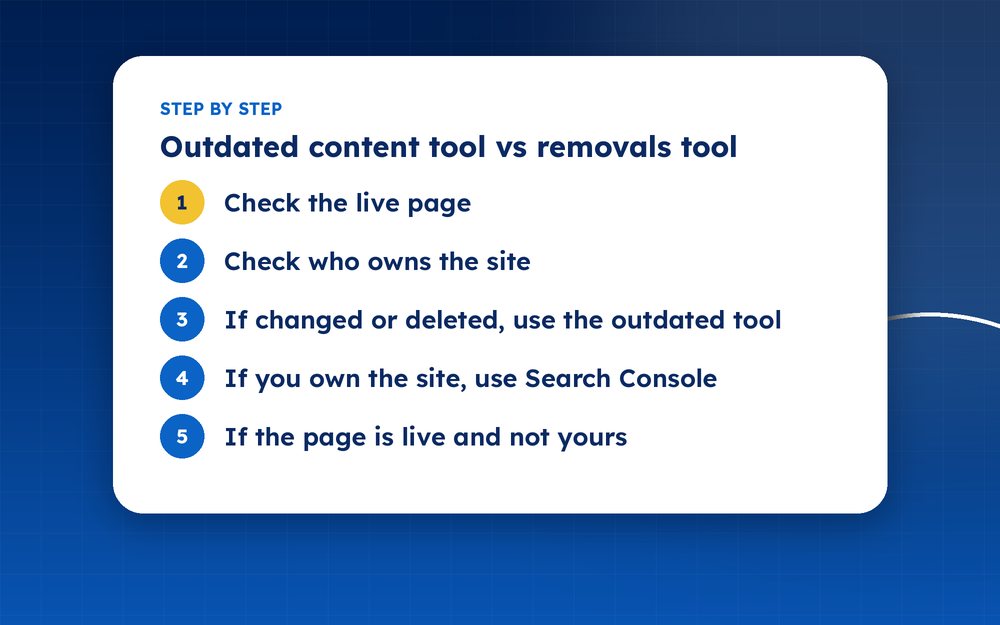
- Check the live pageIs it deleted, changed or unchanged? Open the page. Check whether it loads, shows an error or shows different content from what appears in search.
- Check who owns the siteDo you control it? Work out if you own or manage the site. If not, you cannot use the owner tools.
- If changed or deleted, use the outdated toolSubmit the link for a refresh. If the page was changed or deleted, the outdated content tool asks Google to refresh its copy.
- If you own the site, use Search ConsoleRequest temporary removal and fix the page. If you own the site, Search Console lets you temporarily hide pages and clear cached versions. Pair it with a permanent fix.
- If the page is live and not yoursUse the relevant policy or legal form. If you do not own the site and the page is still live, you need to contact the owner or use the forms for legal, personal or copyright issues.
- Track the requestNote dates and references. Both tools show the status of your requests. Note dates and responses.
- Escalate to the site ownerIf the content must go, ask the owner or host. If the page is live and the owner is not responding, contact the host or other providers, and use the relevant removal forms.
Comparing the two
The outdated tool changes how Google shows a page that has already changed. The Search Console tool is a control for site owners to hide URLs. They solve different problems, and mixing them up leads to rejected requests.
What each cannot do
Neither tool can force a third-party site to delete content. They also cannot override policy on what Google lists. For harmful live content, use the policy-based or legal forms.
Using them with other routes
For a full fix, remove the source, refresh search results and monitor. Many cases need several tools together.
Timing
Both can take days, and results vary. Check again after a short wait before resubmitting.
What a typical case looks like
Two people want a page gone from results. The first has deleted her own page, but it still appears. She uses the removals tool in Search Console and fixes the page. The second wants a page on someone else's site hidden, and the page is still live. He cannot use the owner tool, so he asks the owner to remove it and, when that fails, submits a request on the personal information form.
Each used a different route because their situations differed.
Common mistakes to avoid
Do not use outdated tools for live content. Do not use Search Console for sites you do not own. Do not resubmit repeatedly. And do not forget to fix the source.
How a specialist can help
A specialist team can choose the right route for each page and handle follow-up. We cannot promise results, but we will be honest about what is realistic. Email us in confidence.
Frequently asked questions
What is the main difference between the tools?
The outdated content tool refreshes results for pages that have changed or gone. The removals tool in Search Console lets site owners temporarily hide pages.
Can I use the removals tool on someone else's page?
No. It is for verified site owners.
What if the page is still live and not mine?
Contact the site owner, and consider the forms for legal, personal or copyright issues.
Do I need both?
Sometimes. Owners often use both a hide and a permanent fix.
How do I know which to use?
Check whether the page is live and whether you own the site.
Is this legal advice?
No. It is general information. For privacy rights or claims, speak to a qualified lawyer.
Need help with this?
Every situation is different. Email us the details in confidence and we will reply with an honest assessment of what can be done.
Contact us by email Google search result removalThis guide is general information, not legal advice. DMCA Reputation is not a law firm.
Related guides
What Is a Noindex Tag and Can It Hide a Page About You?
What is a noindex tag and can it hide a page about you? How it works, who can add one, how to ask a site owner for it and what it cannot fix.
Read the guide · 4 min
How to Remove Content From DuckDuckGo and Yandex
How to remove content from DuckDuckGo and Yandex: how each uses other indexes, where to send requests, what to expect and how to reduce visibility.
Read the guide · 3 min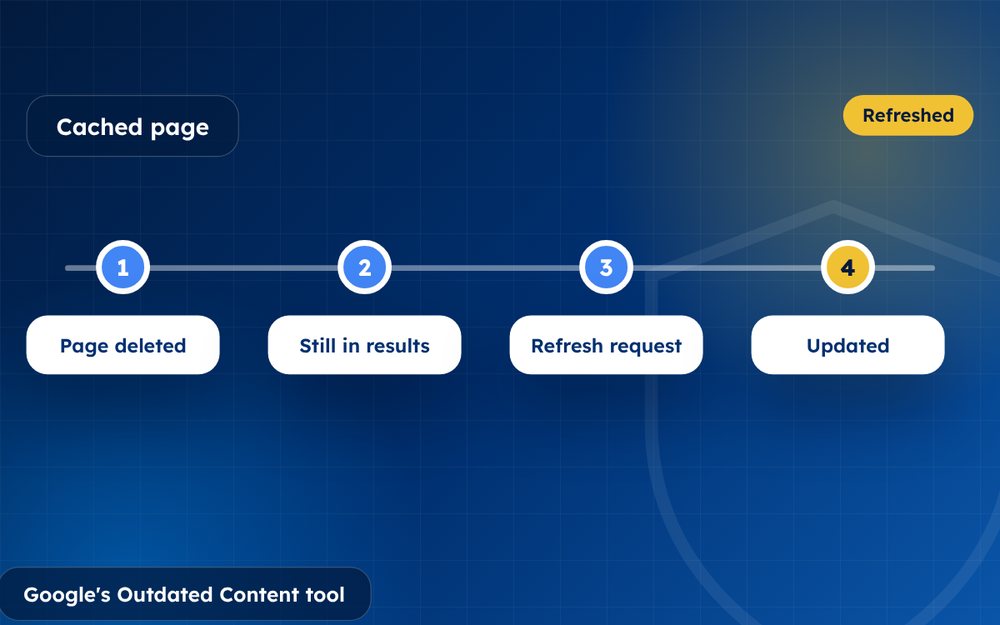
How to Refresh Outdated Content in Google Search
How to use Google's Refresh Outdated Content tool when a page or image no longer exists, or when important information has been removed from a page that stays online.
Read the guide · 4 min