
A fake LinkedIn profile can be used for scams, fake recruitment or to damage your name. LinkedIn takes fake profiles seriously and lets you report them quickly.
LinkedIn is built on trust. When someone creates a fake profile using your name and photo, they can contact your colleagues, approach recruiters or pretend to offer jobs, and the damage to your professional reputation can be immediate.
Because LinkedIn depends on real identities, it takes fake profiles seriously, and there are clear ways to report them.
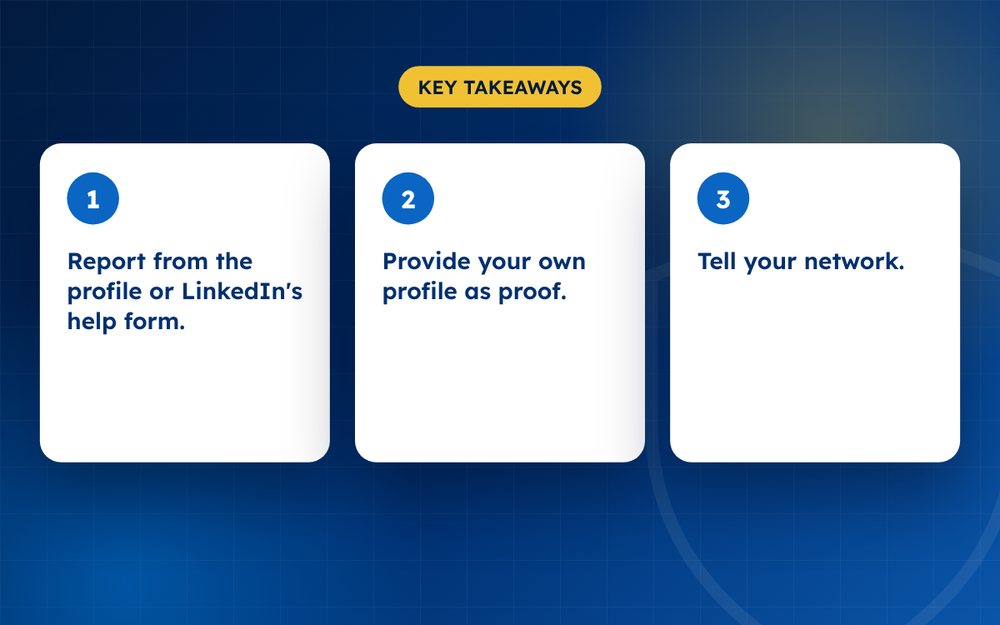
- Report from the profile or LinkedIn's help form.
- Provide your own profile as proof.
- Tell your network.
Steps
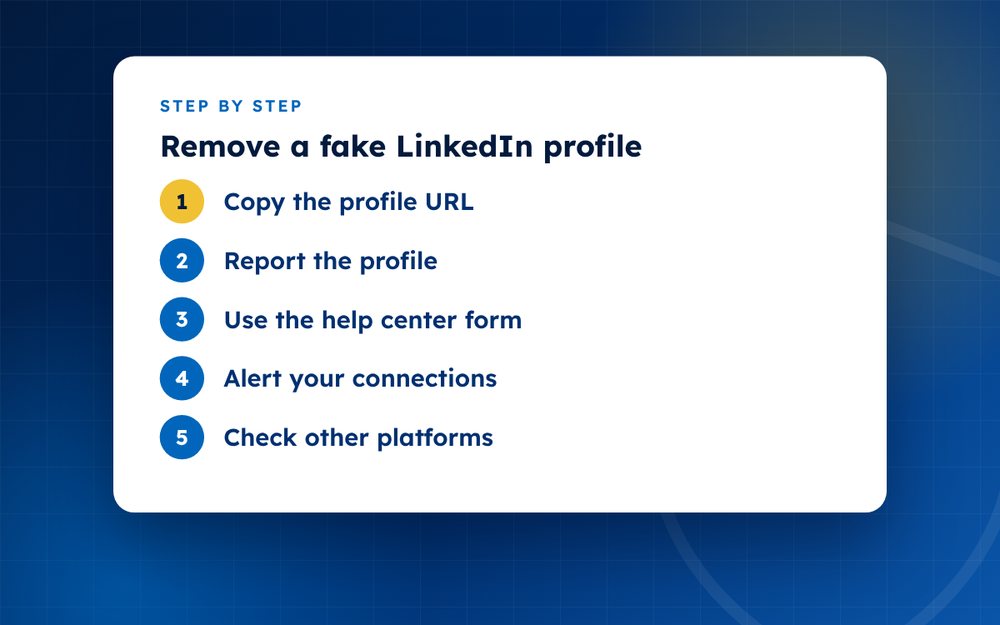
- Copy the profile URLSave screenshots as well.
- Report the profileUse the three dot menu, choose report and select fake profile or impersonation.
- Use the help center formProvide your details and a link to your real profile.
- Alert your connectionsPost a short notice.
- Check other platformsFake profiles often copy several networks.
- Strengthen your own profileComplete it and add verification if available.
How fake profiles are used
- Sending connection requests to your contacts to gain trust
- Posing as a recruiter or employer to collect personal data
- Promoting scams or fake investments
- Damaging your reputation by posting offensive content
- Collecting information about your company for fraud
Reporting the profile
Open the profile, use the menu and choose report, then select the option for a fake profile or for pretending to be someone else. If you cannot find it or the profile is hidden from you, use LinkedIn's help centre form for reporting fake profiles. Provide your own profile link so that LinkedIn can compare.
Tell your network
Post an update on your real profile or send a message to key contacts. Explain that a fake exists and ask them not to accept requests or reply. If the fake has contacted clients or colleagues, a short, factual note to them is a good idea.
Strengthening your own profile
Complete your profile, use a clear photo, add verification where it is offered and keep your contact details up to date. A strong, complete profile ranks well in search and makes it easier for people to identify the real you.
Special risks for professionals
A fake LinkedIn profile can be used to build trust with your colleagues before asking for confidential information or sending malicious links. If you work in a regulated or sensitive field, tell your employer's security team so they can warn staff. If clients are targeted, a short note to them can prevent fraud and protect your relationship.
Consider reviewing what information you share publicly on your profile, such as your email address and your connections list. Limiting it reduces the material that impersonators can copy.
Email us if you need help.
Frequently asked questions
Can they use my photo?
Not legally without your consent, and LinkedIn bans it. If someone uses your photo on a fake profile, report it as impersonation. If you took the photo yourself, you can also use a copyright complaint.
Will LinkedIn remove it?
Usually, when it is clearly fake. LinkedIn looks at signs such as copied details, unusual activity and reports from multiple users. Provide a link to your real profile and, if asked, proof of identity to speed things up.
Can I see who made it?
No. LinkedIn does not share who created an account. If the fake is used for fraud or harassment, report it to the police and seek advice about legal options.
Is it urgent?
Yes, especially if recruiters or colleagues are being targeted. The faster you report and warn others, the less damage the fake can do. Take screenshots first, then report.
What if the fake profile claims to work at my company?
Tell your company's HR or security team, because fake profiles can be used to target employees. They may be able to report the profile too and warn staff.
How can I protect myself in future?
Set a custom profile address, keep your profile complete, review your privacy settings and search your name periodically. Consider enabling two-factor authentication to protect your real account.
Need help with this?
Every situation is different. Email us the details in confidence and we will reply with an honest assessment of what can be done.
Contact us by email LinkedIn RemovalThis guide is general information, not legal advice. DMCA Reputation is not a law firm.
Related guides
How to Report a Fake Instagram Account Impersonating You
How to report a fake Instagram account impersonating you: reporting steps, what to do without an account, evidence and next steps.
Read the guide · 4 min
How to Remove a Fake Facebook Profile
How to remove a fake Facebook profile impersonating you: reporting steps, the impersonation form and protecting your real account.
Read the guide · 3 min
How to Report a Fake X (Twitter) Account
How to report a fake X (Twitter) account impersonating you: what X's impersonation policy covers and how to report.
Read the guide · 3 min