
A suspended Google Business Profile can cut off calls, directions and reviews overnight. Reinstatement usually depends on fixing the issue Google identified and sending a clear appeal.
Suspensions happen for reasons such as inconsistent business details, address problems, prohibited content, duplicate listings or suspected policy violations. Google sometimes suspends legitimate businesses by mistake, especially after edits or when reviews spike.
Check the notice in your account, fix any issues and submit a reinstatement request with evidence that your business is real and compliant.
Suspensions are usually caused by something in the profile that breaks a rule, often a small detail. Finding the cause and fixing it before you appeal is more effective than appealing repeatedly.
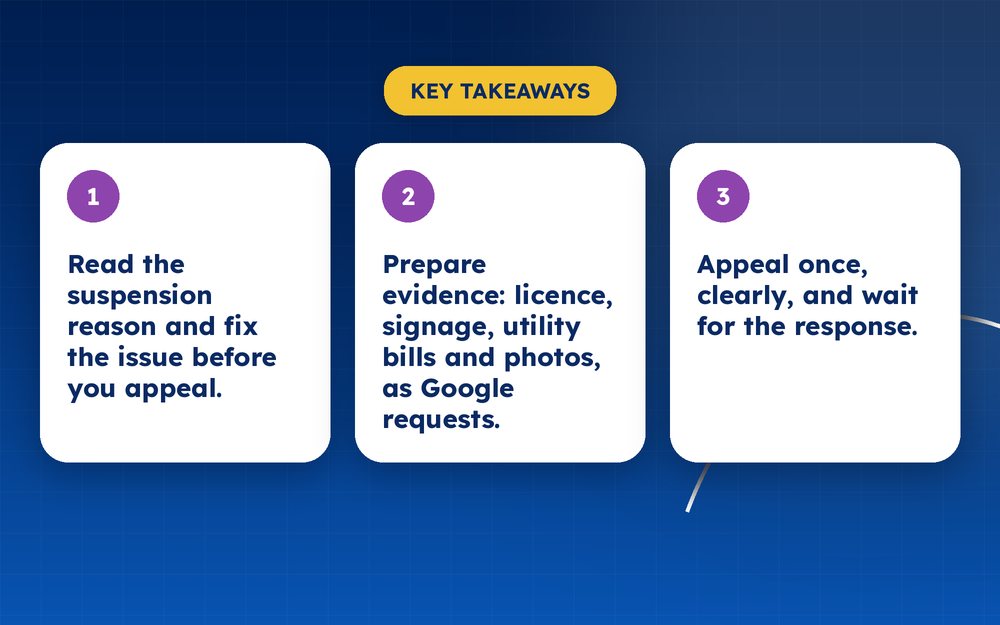
- Read the suspension reason and fix the issue before you appeal.
- Prepare evidence: licence, signage, utility bills and photos, as Google requests.
- Appeal once, clearly, and wait for the response.
How to get reinstated, step by step
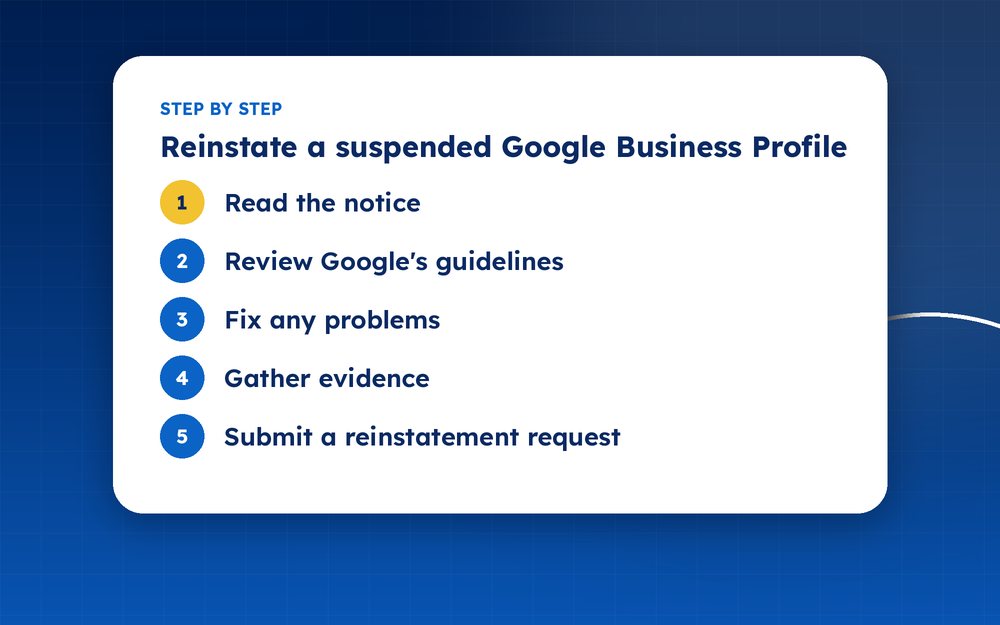
- Read the noticeOpen your profile and check the suspension message and listed reasons. Read the notice and note the reason given and any instructions. Save a copy.
- Review Google's guidelinesCompare your name, address, category and website with the guidelines. Check the current rules on business name, address, category, service areas, hours and website. Compare each with your profile.
- Fix any problemsCorrect business name, address, hours, category and remove anything that breaks rules. Fix anything that does not match, such as the name, address, or a virtual office. Make sure your website and profile match.
- Gather evidencePrepare business registration, licences, photos of signage and the premises, and proof of address. Collect proof: licences, utility bills, photos of the premises, signage and website. Keep them clear.
- Submit a reinstatement requestUse the form in the profile or Google's help page, and explain what you fixed. Submit a reinstatement request with a short explanation and your proof. Do not submit more than needed.
- Wait and trackDo not submit multiple requests. Keep the reference. Reinstatement can take days or longer. Check status and avoid sending duplicates.
- Prevent repeatsAvoid big changes at once, keep details consistent and follow review rules. After reinstatement, avoid changes that might trigger another review, and keep information consistent.
Common causes
Typical reasons include keyword stuffing in the business name, a virtual or shared address that does not meet rules, a changed address without verification, duplicate profiles and content that Google sees as spam. Review each against the guidelines.
Preparing strong evidence
Clear photos of the storefront with signage, documents that show your business name and address and proof that you operate at that location help. If you serve customers at their location, follow the service-area rules.
If your appeal is refused
Check the response, fix any remaining issues and consider contacting support through the official channels. Be careful with services that guarantee reinstatement, since they cannot control Google's decisions.
Protecting your profile
Limit who has access, keep contact details current and avoid practices that look like review manipulation. Document changes you make.
What a typical case looks like
A plumber's profile is suspended after he changes his business name to include keywords. He reads the notice, restores the real name and collects a licence and photos of his van. He submits a request with the proof and waits. After eight days the profile is reinstated, and he keeps the details consistent from then on.
Fixing the cause first meant the appeal had a clear basis.
Common mistakes to avoid
Do not create a new profile as a workaround. Do not submit many appeals. Do not make changes while a request is pending. And do not trust guarantees.
How a specialist can help
A specialist team can review your profile against guidelines, prepare evidence and follow up. We cannot promise reinstatement, since Google decides, but we will be honest about what is realistic. Email us in confidence.
Frequently asked questions
Why was my Google Business Profile suspended?
Common causes are name changes, address problems, ineligible businesses and policy breaches.
How long does reinstatement take?
Often days, sometimes weeks.
Should I appeal several times?
No. Fix the problem, submit a clear request and wait.
What proof helps?
Licences, utility bills, photos and signage.
How do I avoid another suspension?
Keep your name, address and details accurate and consistent.
Is this legal advice?
No. It is general information, and laws differ by place. For claims or court action, speak to a qualified lawyer.
Need help with this?
Every situation is different. Email us the details in confidence and we will reply with an honest assessment of what can be done.
Contact us by email Google review removalThis guide is general information, not legal advice. DMCA Reputation is not a law firm.
Related guides
How to Respond to a Patient Review Without Breaking Confidentiality
How to respond to a patient review without breaking confidentiality: safe wording, what to avoid, examples of structure and when to take the conversation offline.
Read the guide · 3 min
What to Do When Someone Demands Money or They Will Leave a Bad Review
What to do when someone demands money or they will leave a bad review: do not pay, save evidence, report to the platform and handle the review if it is posted.
Read the guide · 3 min
How to Remove a Google Review: A Complete Guide for Business Owners
How to remove a Google review: what Google will remove, how to report it, how to appeal and what to do if it stays. A guide for business owners.
Read the guide · 6 min