
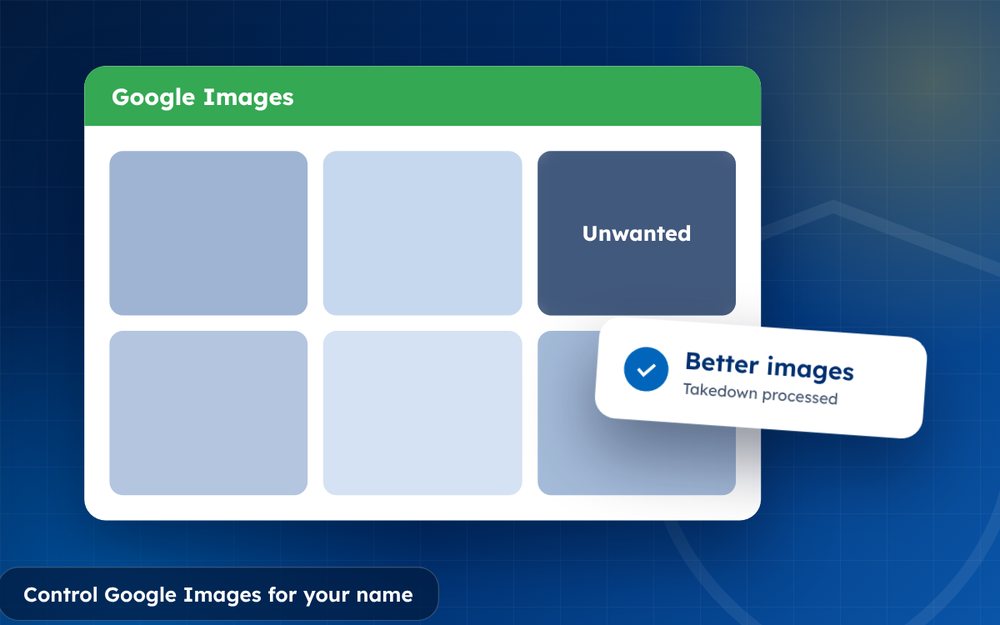
Image results are often the first thing people see. You can shape them by publishing good photos and removing unwanted ones.
For many people, the first thing they see about you in a search is a row of images. A single old photo or a mugshot can shape an impression before anyone reads a word. Controlling image results is therefore an important part of managing your reputation.
The approach combines removing what you can, publishing good images and helping search engines understand which ones belong to you.
- Use consistent professional photos across profiles.
- Name and describe images properly.
- Request removal where eligible.
Steps
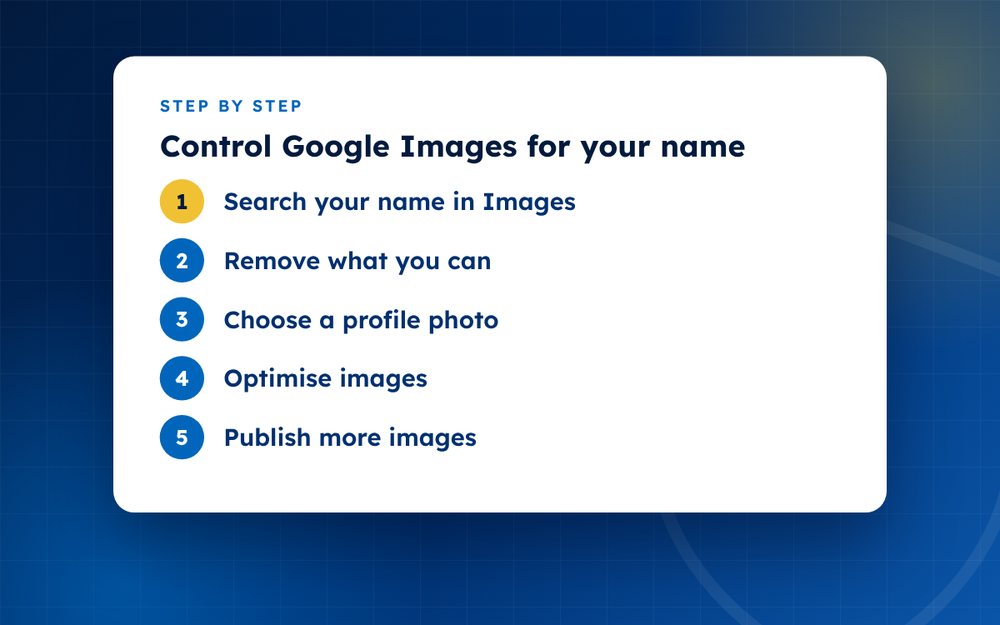
- Search your name in ImagesNote each unwanted picture and where it is hosted.
- Remove what you canContact the host and use Google's request forms.
- Choose a profile photoUse the same professional photo on key profiles.
- Optimise imagesUse descriptive file names and alt text on your website.
- Publish more imagesAdd event, speaking or work photos on trusted sites.
- MonitorCheck images regularly.
How images get into results
Google Images draws pictures from web pages. It looks at the image file, the text around it, the title of the page and the file name and alt text. Images from profiles you control, such as your website and LinkedIn, can appear if they are well labelled and the pages rank well.
Removing unwanted images
- Find where each image is hosted and ask the owner to remove it
- Use Google's forms for personal information, explicit imagery and copyright
- Ask for outdated images to be refreshed after they are changed
- Record every request and its result
Putting good images in front
Choose a professional photo and use it consistently across your profiles. Add a few additional images from events or work. On your website, use descriptive file names such as your name with your job title, add alt text that describes the image and place images near relevant text. Embed images on pages that already rank well.
Be careful with privacy
Do not publish images that reveal your home, your family or other details you want to protect. Check the metadata of photos before you upload, because it can include location data. Think about how an image might look in a few years.
A simple image checklist
- Use the same professional headshot on your main profiles
- Name image files with your name and role instead of random numbers
- Write short, accurate alt text for each image
- Place images next to relevant text on pages that rank well
- Request removal of unwanted images from search and from the source
- Check image results every month
Following a checklist makes the work less overwhelming and ensures that you do not skip simple steps.
Email us for help with removals.
Frequently asked questions
Why do old photos appear?
They are linked from pages Google trusts, such as news sites, old profiles and forums. The age of an image does not matter much to search engines. Removing or replacing the source, and publishing new images, helps.
Does alt text help?
Yes, for accessibility and for search. Alt text describes an image to people who cannot see it and gives search engines context. Write it naturally and accurately, without stuffing keywords.
Can I stop others posting photos?
Not entirely. You can ask platforms to remove photos that break their rules or your rights and use privacy settings to limit tagging. You cannot control all public photos, but you can influence which images rank.
How long to change?
Weeks to months. Removal requests can take days or weeks. New images take time to be crawled and ranked. Monitor results regularly and adjust your plan.
Should I use the same photo everywhere?
Using one or two consistent professional photos across your profiles helps people recognise you and helps search engines link your pages. Update it every few years.
What if the image is of a minor?
Google allows requests for removal of images of people under 18 in many cases. Contact the website and platform too, and seek support from trusted adults.
Need help with this?
Every situation is different. Email us the details in confidence and we will reply with an honest assessment of what can be done.
Contact us by email Image ResultsThis guide is general information, not legal advice. DMCA Reputation is not a law firm.
Related guides
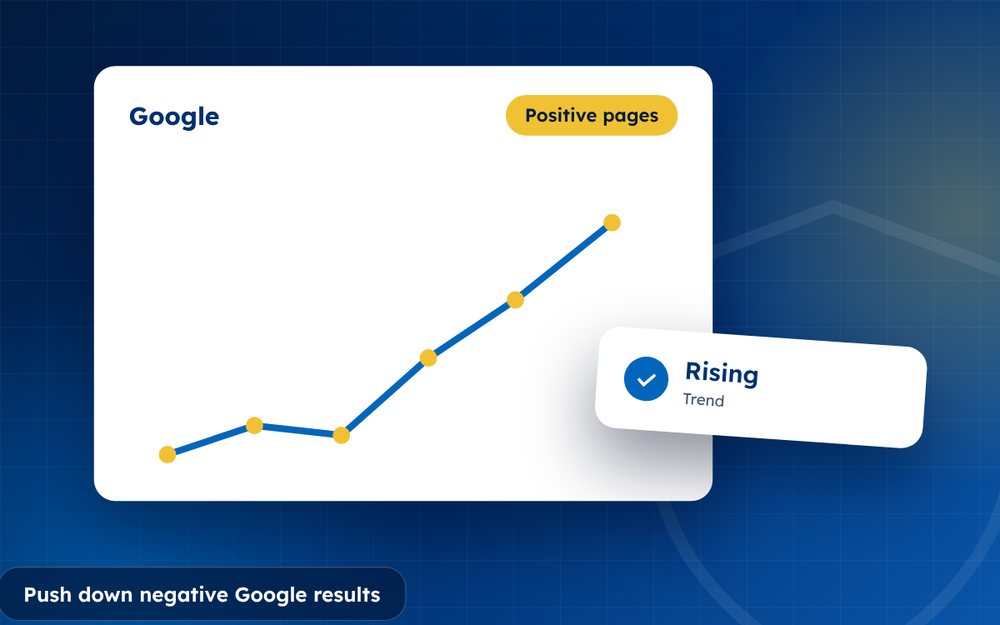
How to Push Down Negative Google Results
How to push down negative Google results: a step-by-step suppression strategy with owned profiles, quality content and realistic timelines.
Read the guide · 4 min
Search Suppression vs Removal: Which Do You Need?
Search suppression vs removal: how they differ, when each works best and how to decide which one you need.
Read the guide · 3 min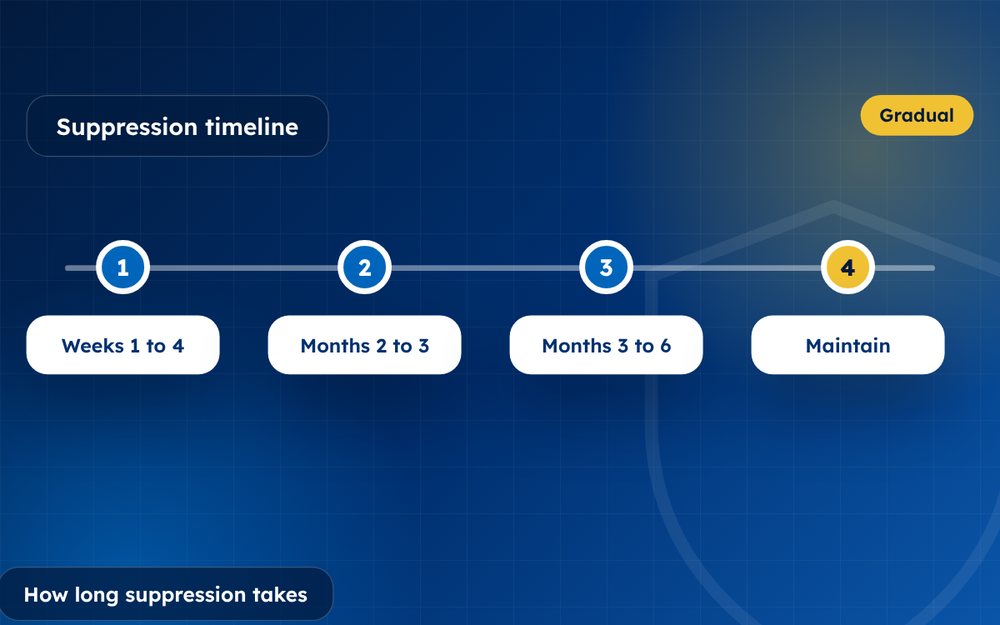
How Long Does Search Suppression Take?
How long does search suppression take? Typical timelines and the factors that make it faster or slower.
Read the guide · 3 min