
Employers and recruiters often search candidates online. A quick audit and tidy-up can remove obstacles and help your best information show first.
You cannot erase your past, but you can influence what is easy to find. Many problems are small: old posts, outdated profiles, photos or people-search listings.
Start at least a few weeks before applications, since requests and updates take time.
Most recruiters spend only a short time searching a candidate. The first page of results and the first few social profiles carry the most weight, so concentrate on those.
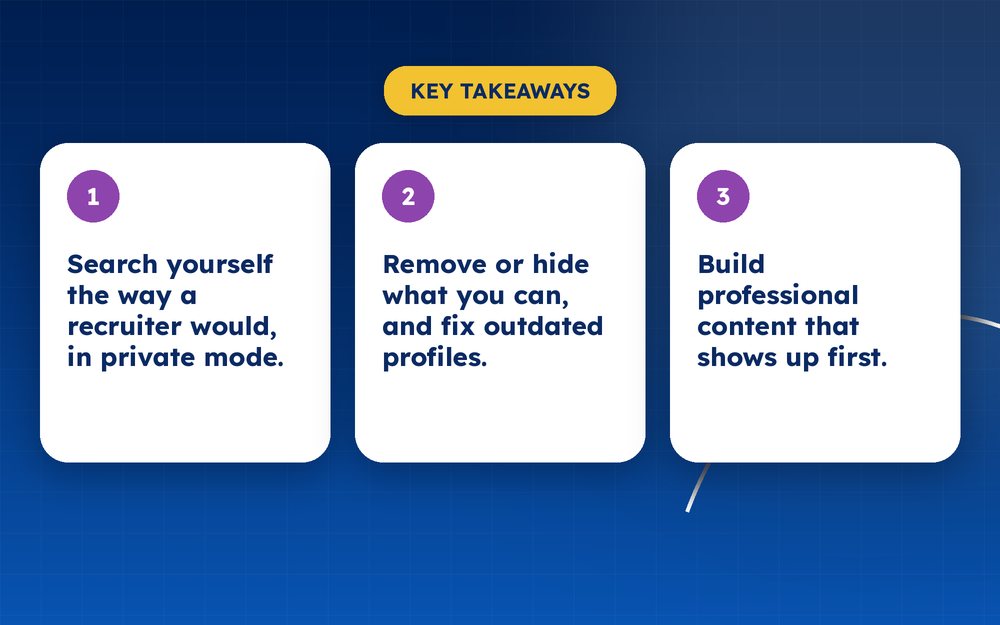
- Search yourself the way a recruiter would, in private mode.
- Remove or hide what you can, and fix outdated profiles.
- Build professional content that shows up first.
What to do, step by step
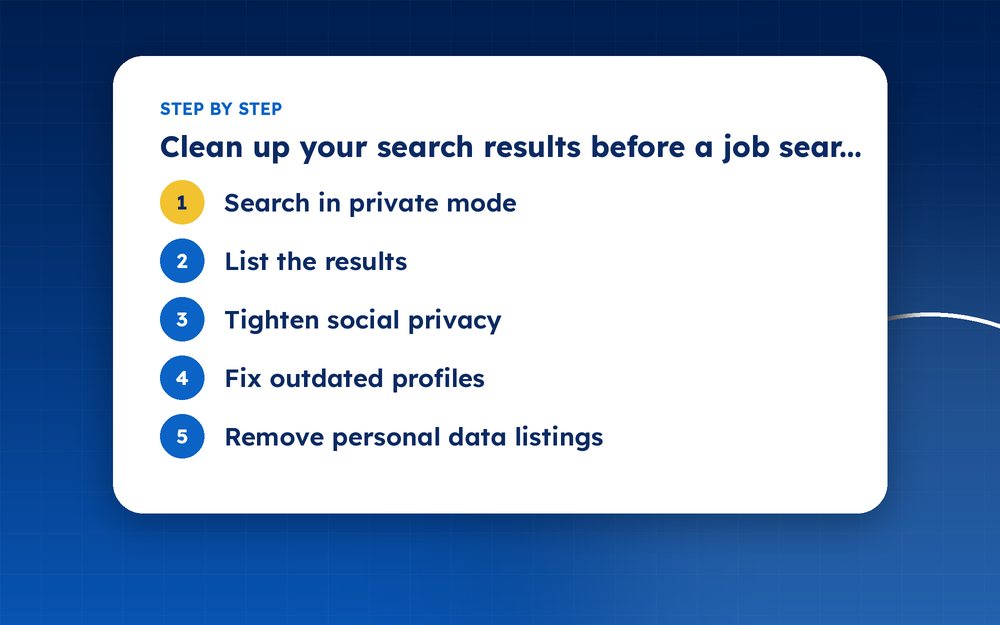
- Search in private modeSearch your name with city, employer and school. Use a private window and, if possible, a browser where you are signed out. Search your name with your city, employer and field.
- List the resultsNote what appears on the first two pages and in image search. List each result with its link, whether it is helpful, neutral or a problem, and who controls it.
- Tighten social privacySet personal accounts to private and delete posts you no longer want public. Check privacy settings on social accounts, remove old tags and review what is public. Consider limiting old posts.
- Fix outdated profilesUpdate professional profiles and old bios. Update old profiles, delete unused ones and make sure your name, job title and photo are consistent.
- Remove personal data listingsOpt out of people-search sites. Opt out of people-search and data broker sites that list your address and phone number.
- Request removal where eligibleUse platform reports and search forms for harmful or private content. Ask search engines to remove results that expose private data or other eligible content. Not all requests succeed.
- Build professional contentPublish a profile site or articles that show your work. Publish a professional profile, articles or portfolio so your best information ranks first.
What employers look for
Recruiters often look for professional profiles, public posts and anything that suggests problems with conduct. A consistent, professional presence reduces concerns.
Common sources of trouble
Old social posts, tagged photos, forum comments, outdated personal sites and listing pages are frequent issues. Many can be removed or hidden by you or by asking others.
Same-name confusion
If someone with your name has a bad story online, add details such as your middle initial or profession to your professional profiles to help separate you.
Explaining what cannot be removed
If accurate negative information exists, prepare a short, honest explanation and focus on what you learned and what you do now.
What a typical case looks like
A job seeker searches her name and finds an old forum post, a school page with her address and a profile with an outdated title. She tightens privacy on her social accounts, opts out of two data broker sites and asks the school to remove the address. She updates her professional profile and publishes a short portfolio page. Two weeks later, the first page of results shows her profile and portfolio, and the old post is on page three.
She did not remove everything, but she changed what employers saw first.
Common mistakes to avoid
Do not delete everything. Do not lie. Do not start too late. And do not forget image search.
How a specialist can help
A specialist team can audit your results and remove eligible content. We cannot promise to remove accurate negative information, but we will be honest about what is realistic. Email us in confidence.
Frequently asked questions
Do employers really search candidates online?
Many do, at least with a quick search of your name and social profiles. It is sensible to check first.
Can I remove old posts about me?
If you control them, yes. If others control them, you can ask, and platforms may remove content that breaks rules.
What if someone with my name has a bad record?
Add details such as your middle name, field or location to your profiles, so employers can tell you apart.
Should I delete social media accounts?
Not necessarily. Tidy and limit them. An empty online presence can also raise questions.
How long does this take?
A basic audit can be done in an afternoon, while removals and ranking changes take weeks.
Is this legal advice?
No. It is general information. For privacy rights, speak to a qualified lawyer.
Need help with this?
Every situation is different. Email us the details in confidence and we will reply with an honest assessment of what can be done.
Contact us by email Reputation recoveryThis guide is general information, not legal advice. DMCA Reputation is not a law firm.
Related guides
How to Remove Court Records and News About a Dismissed Charge
How to remove court records and news about a dismissed charge: sealing basics, asking publishers for updates, search options and what is realistic. General information.
Read the guide · 4 min
What to Do About Old News Stories That No Longer Reflect Reality
What to do about old news stories that no longer reflect reality: ask for updates, use right-to-be-forgotten routes where available and build context.
Read the guide · 3 min
How to Handle a Viral Negative Post About You or Your Business
How to handle a viral negative post about you or your business: first response, facts, communication and recovery.
Read the guide · 3 min