
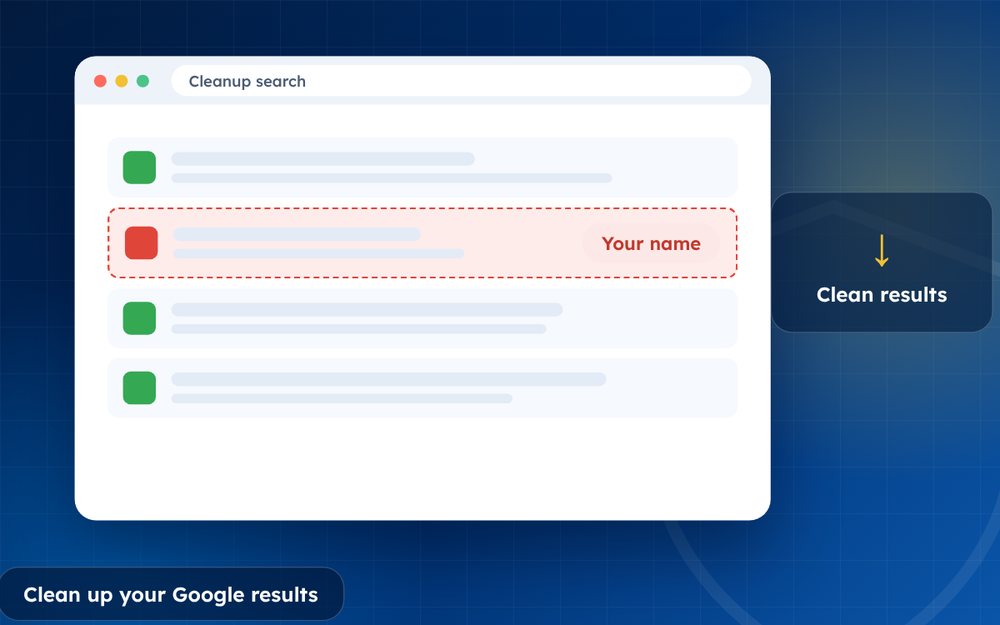
Cleaning up your search results means removing what you can, hiding personal details and filling the first page with accurate, professional content.
Cleaning up your search results is part detective work and part housekeeping. You are finding what is out there, deciding what matters and then removing, hiding or replacing it.
A methodical approach is faster and less stressful than reacting to each result as you find it.
- Audit first, then fix by priority.
- Combine removal, privacy cleanup and new content.
- Monitor regularly.
Steps
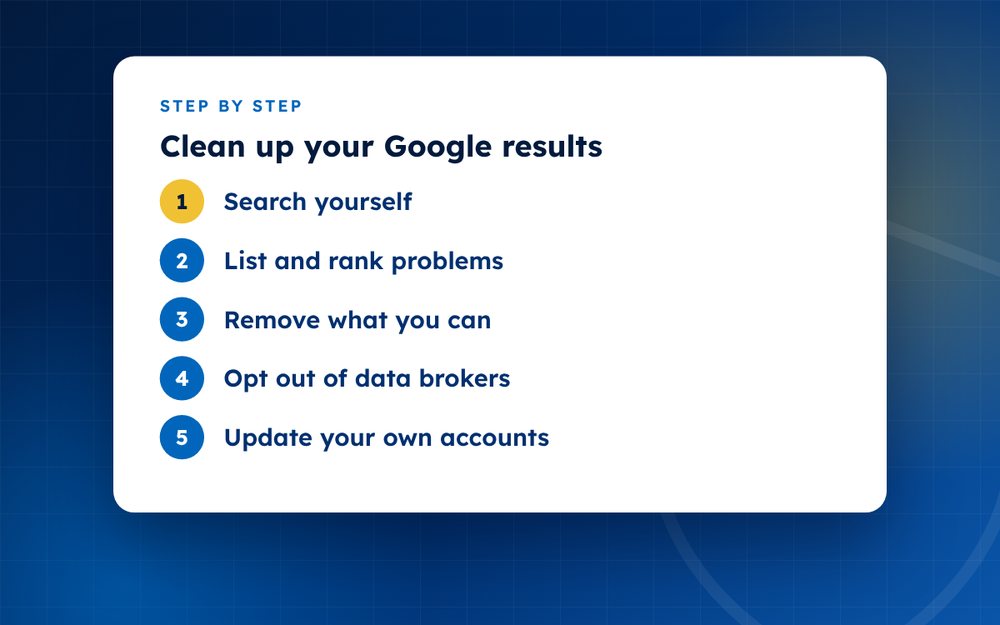
- Search yourselfUse a private window and search your name, handles and location.
- List and rank problemsNote each link and how harmful it is.
- Remove what you canRequest removal at source and from Google when eligible.
- Opt out of data brokersRemove address and phone listings.
- Update your own accountsMake social profiles private or professional.
- Build positive contentCreate a website and strong profiles.
- Set alertsUse alerts for your name and review monthly.
Step 1: a thorough audit
Search for your name in a private window, then repeat with your name plus city, employer and profession. Look at the first three pages. Do the same on Bing and in image search. Record each result in a spreadsheet and mark it as positive, neutral or negative, and note who controls it.
Step 2: sort by action
- Things you control: edit, delete or make private
- Things others control but you can ask to change: contact the owner
- Things that may qualify for search removal: personal information, outdated content, policy violations
- Things you cannot remove: plan to suppress
Step 3: act in order of impact
Start with results that appear on the first page and that cause the most harm. Fix your own accounts first, because that is quick. Then contact sites and submit search requests. Finally, build content to improve what remains.
Step 4: maintain
Set an alert for your name and review results every few months. Repeat checks on data broker sites. Update your profiles whenever something changes, such as a new job. A tidy search result is not a one-off achievement.
Privacy settings worth checking
As part of a cleanup, check the privacy settings on your accounts. Review who can see your posts, whether your profile can be found by email or phone and whether search engines can index it. On platforms such as Facebook, Instagram and X, restrict old posts if you do not want them found. Remove personal details such as phone numbers from public bios.
Revisit these settings every few months, because platforms change their defaults.
Email us if you want help.
Frequently asked questions
How long does a cleanup take?
A basic cleanup of your own accounts can take a weekend. Removal requests and data broker opt-outs take weeks, and building new content takes months. Plan for a project that runs over a season.
Can I do it myself?
Yes. Most steps do not need special tools. If you have many results, harassment or limited time, specialist help can be worthwhile. Start with the audit, because it tells you how much work is involved.
What if I share a name?
Add your profession, city or middle initial to your profiles to distinguish yourself. Use consistent details across profiles. If another person with the same name has negative results, make your pages clear enough that search engines and readers can tell you apart.
Will it be permanent?
Removal of content at the source is lasting, but search results can change over time. Keep monitoring and updating. New content can appear at any time.
Should I delete old social media posts?
Review them. Deleting or hiding posts that you no longer want associated with you is sensible, but keep the accounts that help your professional image. Search engines may keep cached copies for a while.
Is it worth paying for a service?
It depends on the volume and urgency. Services can save time and handle technical requests, but you should expect clear scope and honest advice.
Need help with this?
Every situation is different. Email us the details in confidence and we will reply with an honest assessment of what can be done.
Contact us by email Search Result RepairThis guide is general information, not legal advice. DMCA Reputation is not a law firm.
Related guides
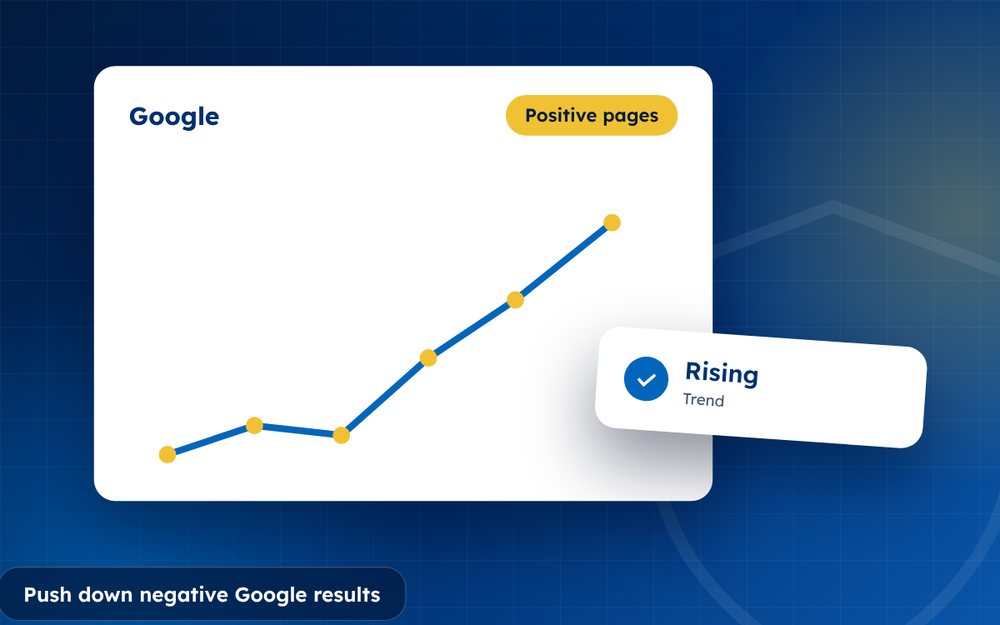
How to Push Down Negative Google Results
How to push down negative Google results: a step-by-step suppression strategy with owned profiles, quality content and realistic timelines.
Read the guide · 4 min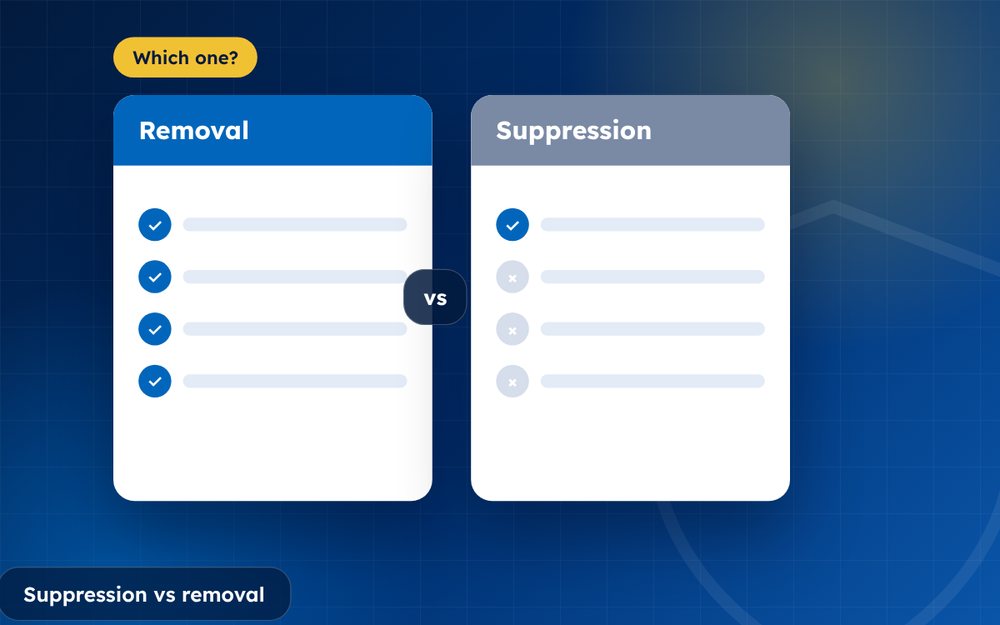
Search Suppression vs Removal: Which Do You Need?
Search suppression vs removal: how they differ, when each works best and how to decide which one you need.
Read the guide · 3 min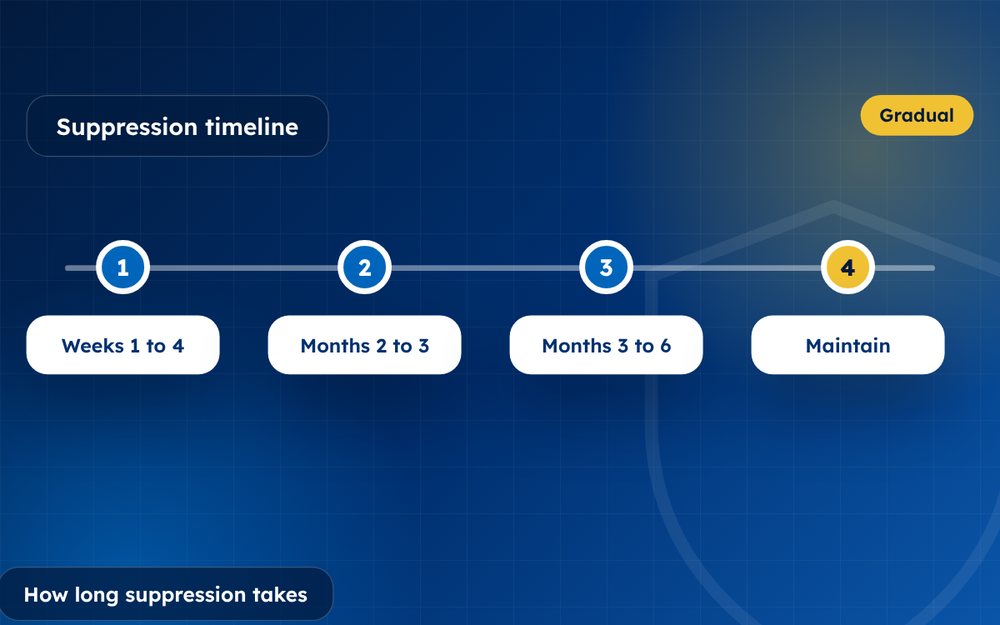
How Long Does Search Suppression Take?
How long does search suppression take? Typical timelines and the factors that make it faster or slower.
Read the guide · 3 min