
Google cannot delete an image from the website that hosts it, but it can stop showing links to it in search. For people whose private images were shared without consent, this is one of the most useful steps. Here is how it works.
When someone searches your name and finds explicit content, the damage often comes from how easy it is to find. Google has a policy that lets you ask for non-consensual explicit imagery to be removed from search results, and it covers real images as well as fake ones made with AI.
Google says that when an image is removed under its policy, the reported link no longer appears in its results, although the content may still exist on the web. When a request is approved, Google also aims to filter similar explicit results for searches about you and to remove duplicates of the same image.
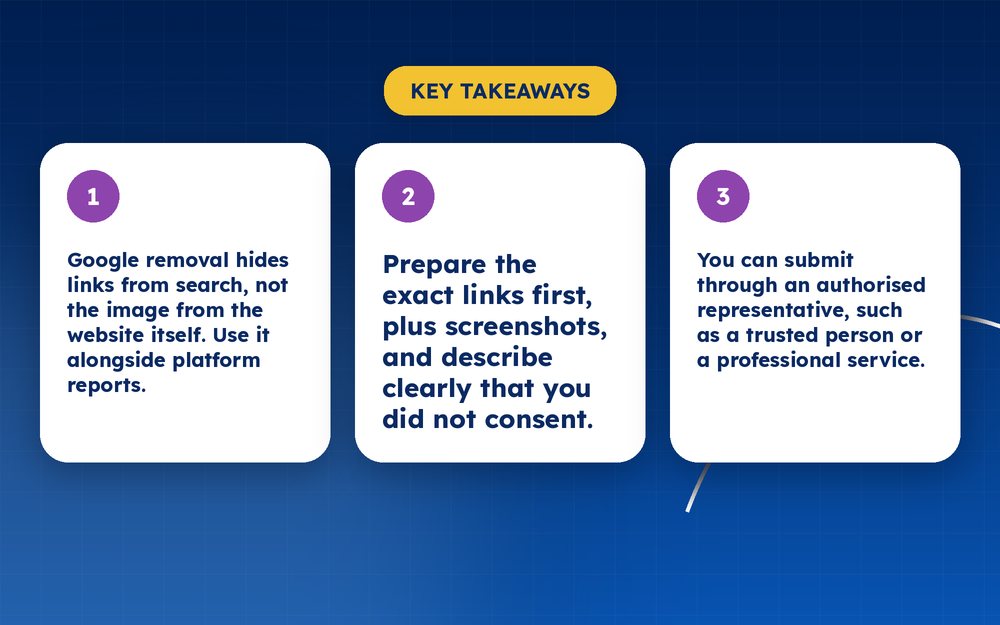
- Google removal hides links from search, not the image from the website itself. Use it alongside platform reports.
- Prepare the exact links first, plus screenshots, and describe clearly that you did not consent.
- You can submit through an authorised representative, such as a trusted person or a professional service.
How to submit a request, step by step
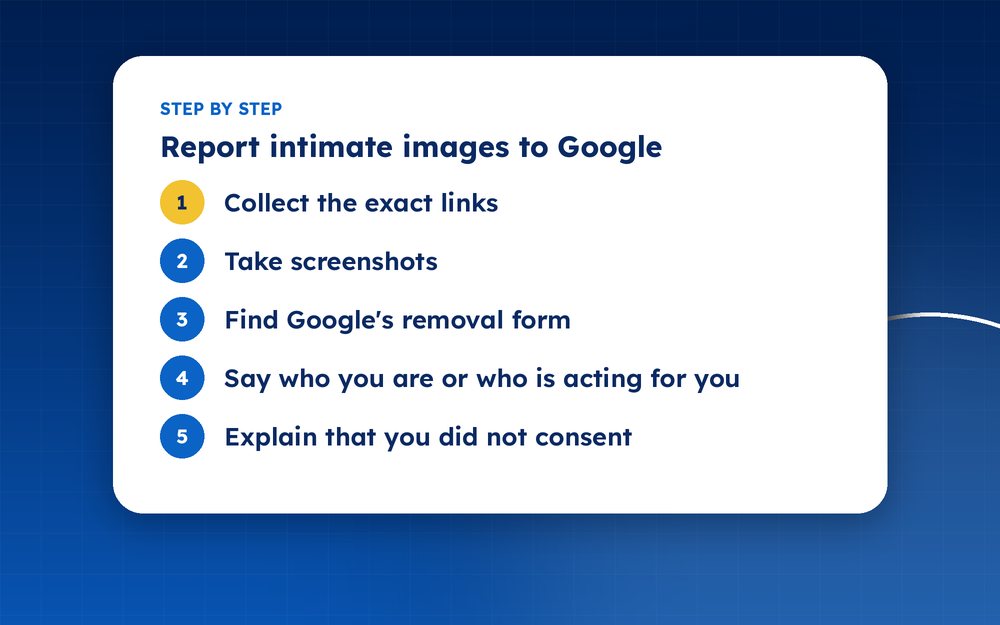
- Collect the exact linksOpen each page where the image appears and copy the full web address. Add the search result page address if the image appears in Google Images. Keep a list in a note.
- Take screenshotsCapture each result, showing the date and the web address. These help if Google asks for more information, and they prove the content was there.
- Find Google's removal formSearch for Google's help page on removing explicit or intimate content, and open the request form for non-consensual explicit imagery.
- Say who you are or who is acting for youYou can file as the person in the image or as an authorised representative. A representative should explain clearly how they are allowed to act on your behalf.
- Explain that you did not consentState that the content shows you in an intimate or sexual situation and was shared without your permission. If it is AI-generated, say that it is fake and falsely shows you.
- List every link and submitPaste in the links one by one. Submit and keep the confirmation email and reference number.
- Follow up and repeatGoogle will email you the outcome. If new copies appear later, submit them as separate requests and refer to your earlier reference.
What Google can and cannot do
- It can remove links to the content from search results under its policy
- It can aim to filter similar explicit results on searches about you after an approved request
- It can look for and remove duplicates of an image it has already removed
- It cannot delete the image from the website, which needs a report to the site or its host
- It does not cover other search engines, so submit to Bing and others separately
Preparing a request that is easy to approve
Most delays come from requests that are unclear. Make each link a direct address to the page or image, not a search result page, and say in a sentence what the content shows and that it was shared without your consent. If the same image appears in several places, list each web address. If you are acting for someone else, explain your authority in plain words.
If you are worried about seeing the content again, ask a trusted friend or a professional to gather the links for you. You can describe what to look for without looking yourself, and they can send you only the list of addresses.
What to do after Google approves a request
Check a few days later by searching your name and similar phrases, in normal and image search. If similar results still appear, submit them as new requests and mention your earlier reference. Also repeat the process with other search engines and report the pages to the websites and hosts that hold the content, because Google removal alone does not remove the source.
If your request is refused or only partly accepted
Read the reply carefully. Refusals are often about missing information, such as links that no longer work or a description that does not show the content was shared without consent. Resubmit with clearer links and a short explanation. If the content is copyright-protected and you took the photo yourself, a separate copyright request may also be available.
How a specialist can help
Putting together a clean request, checking every link and following up takes patience, and doing it yourself means seeing the content again. A discreet specialist can prepare and submit requests on your behalf, track the replies and chase anything missing. Email us in confidence and we will tell you what we can realistically do.
Frequently asked questions
Does Google remove the image from the internet?
No. Google removes the link from its search results. The image may still exist on the original website, which is why you also need to report it to the site and its host.
Does it work for AI-generated or fake images?
Yes. Google's policy covers explicit fake imagery that falsely shows you, as well as real images shared without consent.
Can someone else report for me?
Yes. An authorised representative can submit the request. They should explain how they are authorised to act for you.
How long does it take?
Timing varies. Many people hear back within days, but it can take longer. Keep your reference number and follow up if you hear nothing.
What if the image is on other search engines too?
Submit requests to each search engine separately. Bing and others have their own forms for non-consensual intimate imagery.
Should I also use StopNCII.org?
If you are an adult and have the image, StopNCII.org can help block matching uploads on participating platforms. It works alongside, not instead of, a Google request.
Need help with this?
Every situation is different. Email us the details in confidence and we will reply with an honest assessment of what can be done.
Contact us by email NCII removalThis guide is general information, not legal advice. DMCA Reputation is not a law firm.
Related guides
How to Report Intimate Images to Adult Websites and Tube Sites
How to report intimate images to adult websites and tube sites: find the right report form, what to include, how to escalate to hosts and what to do if a site ignores you.
Read the guide · 5 min
How to Remove Intimate Images From Reddit
How to remove intimate images from Reddit: report the post, contact moderators, ask Reddit to act, remove search results and stop re-posts. A practical step-by-step guide.
Read the guide · 4 min
How to Remove Non-Consensual Intimate Images (NCII), Step by Step
How to remove non-consensual intimate images (NCII): reporting, StopNCII.org, Google removal, legal options and support. A step-by-step guide.
Read the guide · 4 min