
Pinterest pins can spread your images and products widely. If someone pins your content without permission, you can report it as copyright infringement.
Pinterest has a copyright process that lets rights holders ask for infringing pins to be removed. The notice should identify your work and the pins you want removed.
Pins often link to other websites, so you may also need to send notices to the linked sites and their hosts.
Pinterest pins often link back to the original source of an image, so it helps to separate the pin itself from the page it links to. You may need to act on both to stop the content spreading.
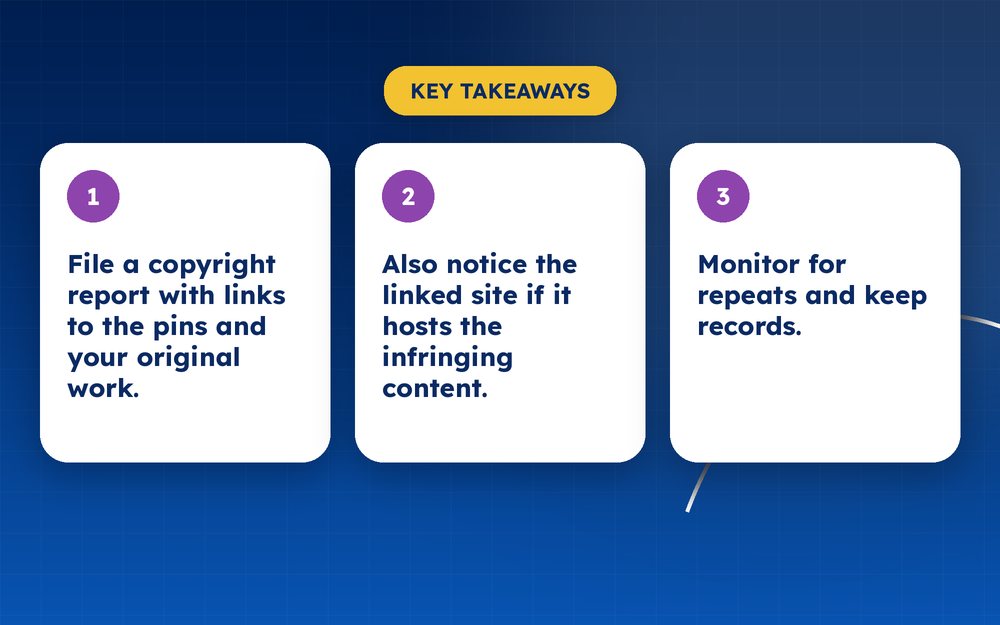
- File a copyright report with links to the pins and your original work.
- Also notice the linked site if it hosts the infringing content.
- Monitor for repeats and keep records.
How to remove it, step by step
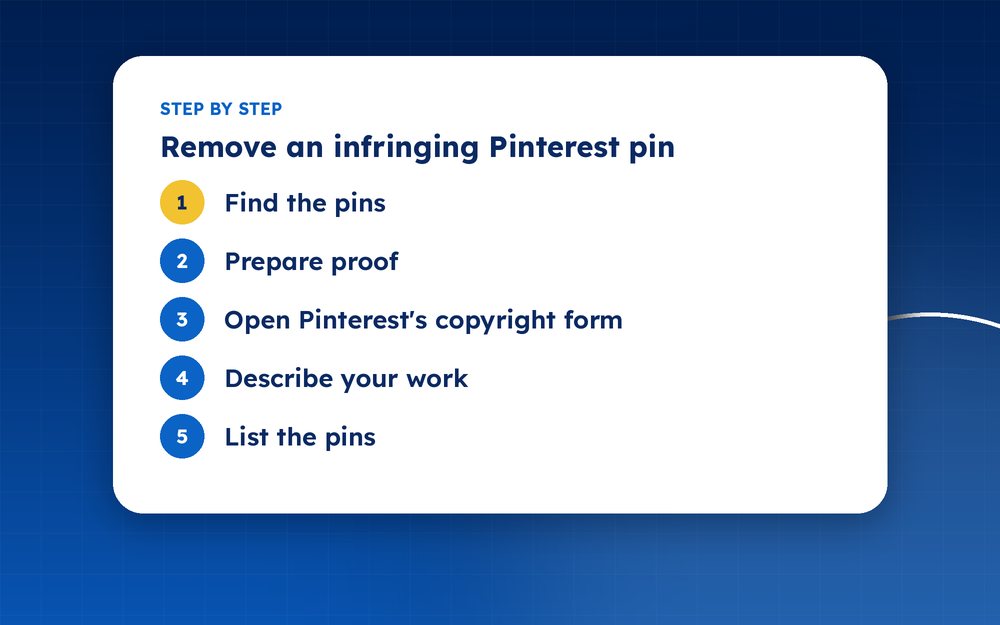
- Find the pinsSearch by your image, brand or product name, and record links. Search Pinterest for your image, your site name and distinctive titles. Copy the exact web address of each pin you find.
- Prepare proofHave links to your original work. Collect the original files, publication dates and links to your own pages. These show that you own the work and that your version came first.
- Open Pinterest's copyright formFind the copyright infringement report in its help centre. Open the copyright form from the help centre, and choose the option for reporting infringing content. Sign in so the report is linked to your account if needed.
- Describe your workIdentify the original and show you own it. Explain what the work is and where it appears on your own site. A short, clear description is better than a long one.
- List the pinsPaste each pin link. Paste each pin link on its own line. Group them in one notice so the reviewer can process them together.
- Sign and submitProvide the required statements. Complete the required statements and submit. Keep the confirmation email and the date.
- Follow upCheck that pins are gone, and report the linked site if needed. If you hear nothing in a few days, send a short follow-up with the reference. Check whether the pins are gone and whether reposts have appeared.
Pins and linked sites
Pins link to webpages, and the infringing file may be on that site. Reporting only the pin can leave the source. Send a notice to the site and host as well.
Repeat infringers
Repeat pinning of your content can lead to account action. Keep a log of accounts and dates, and mention earlier notices.
Protecting your content
Consider watermarking images, adding clear credit and monitoring with reverse image search. This helps you spot misuse early.
When pins are acceptable
Some pins that link to your site and credit you may be welcome. Decide your policy, and report only unauthorised use.
What a typical case looks like
A photographer finds her images pinned by a user and also reposted by dozens of others, linking to a shop that sells prints. She prepares originals and dates, files one notice listing 35 pins, and reports the shop to its host. Pinterest removes most pins within a few days, and the shop disappears after the host acts. Two weeks later, she finds a few reposts and reports them using the same evidence.
A single, complete notice and the source site report did most of the work.
Common mistakes to avoid
Do not report pins you do not own. Do not skip the linked site. Do not forget to log notices. And do not send vague reports.
How a specialist can help
A specialist team can find pins, send notices and monitor for repeats. We cannot promise every pin will go, but we will be honest about what is realistic. Email us in confidence.
Frequently asked questions
Can Pinterest remove pins that copy my work?
Yes, Pinterest has a process for copyright reports and removes infringing pins when notices are complete.
Do I need to report each pin?
You can list many pins in one report, but each one needs its link.
What if the pin links to a website that stole my work?
Report the website to its host and the search engine as well. Removing only the pin leaves the source.
Will the pinner be told?
Notices may be shared with the user, so be careful about what personal details you include.
What if they file a counter-notice?
The content may be restored unless you take legal action. Consider advice before it gets that far.
Is this legal advice?
No. It is general information. For claims or disputes, speak to a qualified lawyer.
Need help with this?
Every situation is different. Email us the details in confidence and we will reply with an honest assessment of what can be done.
Contact us by email Negative content removalThis guide is general information, not legal advice. DMCA Reputation is not a law firm.
Related guides
How to Remove Wikipedia Mentions or a Wikipedia Page About You
How to remove Wikipedia mentions or a page about you: what editors accept, how to request corrections, conflict of interest rules and realistic options.
Read the guide · 4 min
How to Remove a Fake Review From the App Store or Google Play
How to remove a fake review from the App Store or Google Play: reporting routes, what store policies cover, replying as a developer and protecting your rating.
Read the guide · 4 min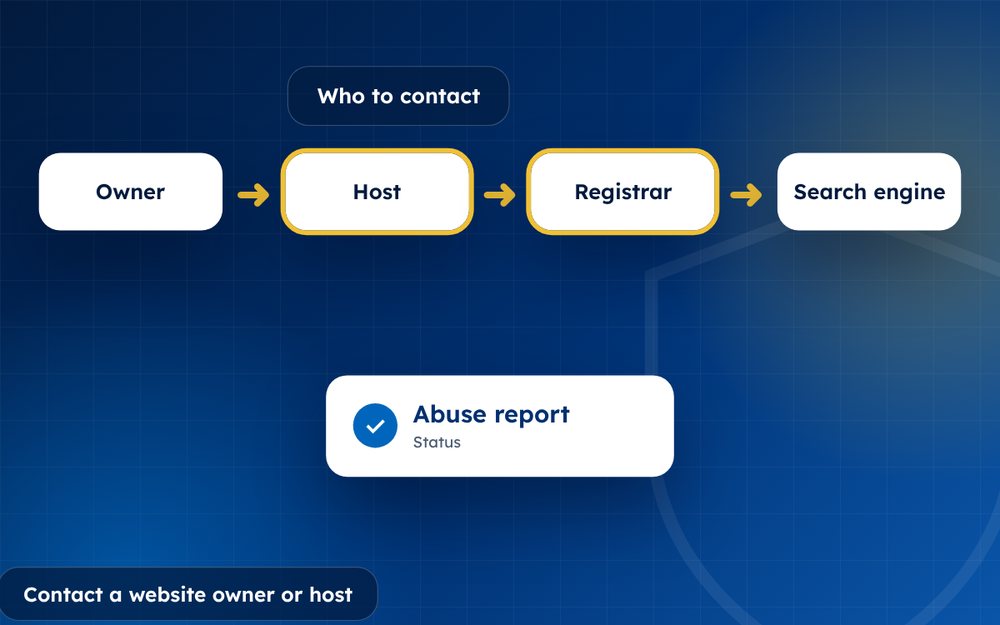
How to Contact a Website Owner or Hosting Company to Remove Content
How to contact a website owner or hosting company to remove content: finding contacts, writing the request and escalating step by step.
Read the guide · 4 min