
Hosted blogging platforms have formal processes for copyright, harassment and legal complaints. The right route depends on what the post contains.
WordPress.com, Blogger and Substack each publish policies and forms for reporting content. They act on copyright notices and on content that breaks their terms, and some have legal removal request processes for defamation or privacy claims.
Start by deciding whether the post infringes your copyright, harasses you, contains private information or makes false claims. Then use the matching route.
Hosted blogging platforms each have their own forms for different problems. Using the right form, with the right evidence, matters more than the strength of your complaint.
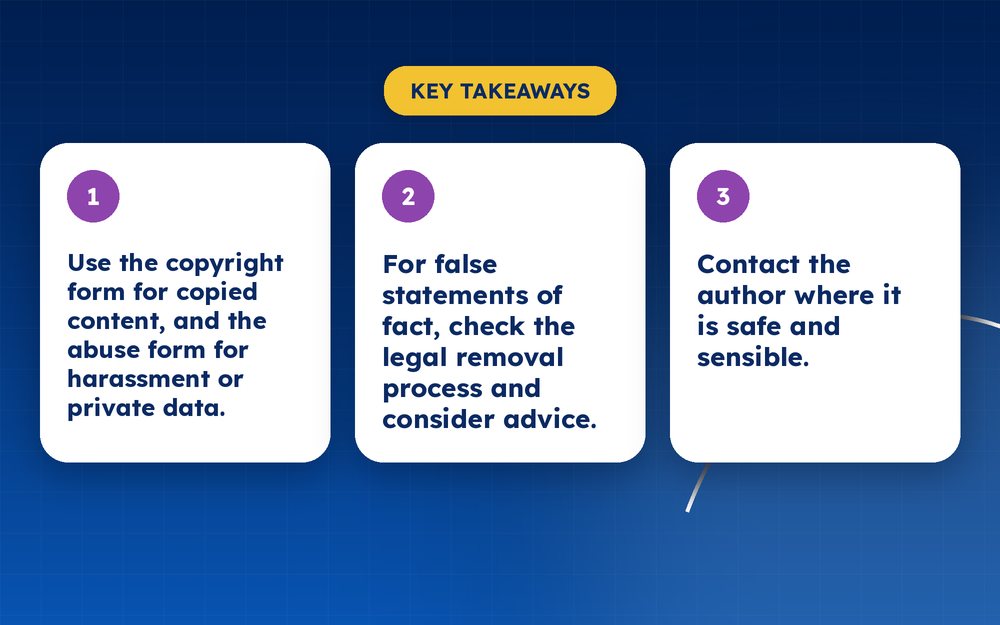
- Use the copyright form for copied content, and the abuse form for harassment or private data.
- For false statements of fact, check the legal removal process and consider advice.
- Contact the author where it is safe and sensible.
How to remove it, step by step
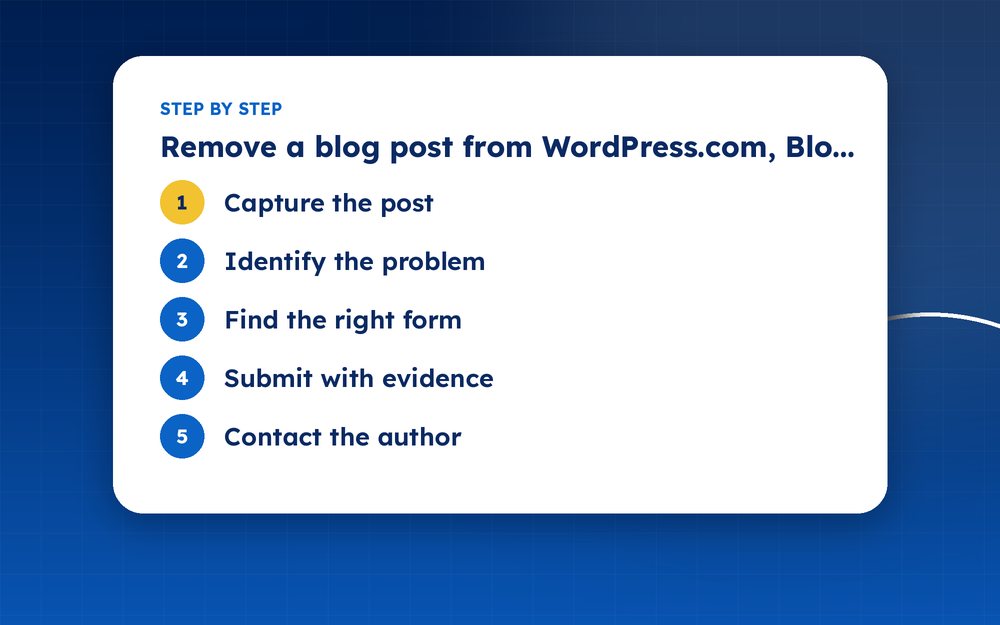
- Capture the postSave the link, text and date. Save the full post, the blog name, the link and the date. Archive a copy before you report.
- Identify the problemCopyright, harassment, private data or false claims. Decide whether the problem is copyright, privacy, harassment or a legal issue. Each has its own form.
- Find the right formLook in the platform's help centre for copyright, abuse or legal forms. Search the platform's help centre for the copyright, privacy or abuse form that matches your issue.
- Submit with evidenceProvide your details, the links and the required statements. Add the exact links, a short statement of the problem, any documents that show your rights and your contact details.
- Contact the authorA polite request may lead to a quick fix. A polite message to the blogger may fix it quickly, especially for mistakes. Keep it brief.
- Ask search engines to actUse their forms where the content qualifies. After the post is removed, ask search engines to remove results that still show it, or request a refresh.
- Follow upKeep records and check results. Keep the reference number and follow up after a few days if nothing happens.
Copyright route
If the post copies your text, images or video, a copyright notice is usually the fastest route. Identify your original and the infringing post. The platform may notify the author, who can respond.
Harassment and personal information
Posts that harass you or reveal private details can be reported under abuse rules. Explain the harm briefly, and include links.
False statements and legal routes
Some platforms have a legal removal process for claims like defamation, often needing a court order or detailed legal explanation. Speak to a lawyer before using it, and you can contact us if you would like a recommendation.
Newsletters and subscribers
Substack posts can be emailed to subscribers, so removing the web post does not remove what was sent. Ask the author to retract if possible, and manage the web post.
What a typical case looks like
A company finds a blog post that copies its report and adds false claims. It saves the post, files a copyright notice with the blog platform for the copied text, and reports the false claims under the harassment policy. The platform removes the copied sections within three days. The company also asks the search engine to remove the cached result and publishes its own summary of the report.
Using two different routes covered both the copying and the false claims.
Common mistakes to avoid
Do not use the wrong form. Do not send threats. Do not skip evidence. And do not assume removal ends the spread.
How a specialist can help
A specialist team can choose the right route, prepare notices and follow up. We are not a law firm and cannot give legal advice. Email us in confidence.
Frequently asked questions
Can a blog post on WordPress.com, Blogger or Substack be removed?
Often, if it breaks platform rules or copyright, using the right form with evidence. Opinions are harder to remove.
Which form should I use?
The one that matches your problem: copyright, privacy or harassment. Check the platform's help centre.
Should I contact the blogger first?
It can help for mistakes, but save evidence first and keep it polite.
How long does it take?
Often a few days to two weeks, depending on the platform and the strength of your report.
Will Google remove the result afterwards?
Usually after a recrawl. You can request an update if it lingers.
Is this legal advice?
No. It is general information. For claims or disputes, speak to a qualified lawyer.
Need help with this?
Every situation is different. Email us the details in confidence and we will reply with an honest assessment of what can be done.
Contact us by email Negative content removalThis guide is general information, not legal advice. DMCA Reputation is not a law firm.
Related guides
How to Remove a Post From Twitch or Kick
How to remove content from Twitch or Kick: copyright notices, harassment reports, VODs and clips, and how to handle streamers who keep reposting.
Read the guide · 3 min
How to Remove Content From a Website With No Contact Details
How to remove content from a website with no contact details: find the host and registrar, send notices, use search removal and escalate to infrastructure providers.
Read the guide · 3 min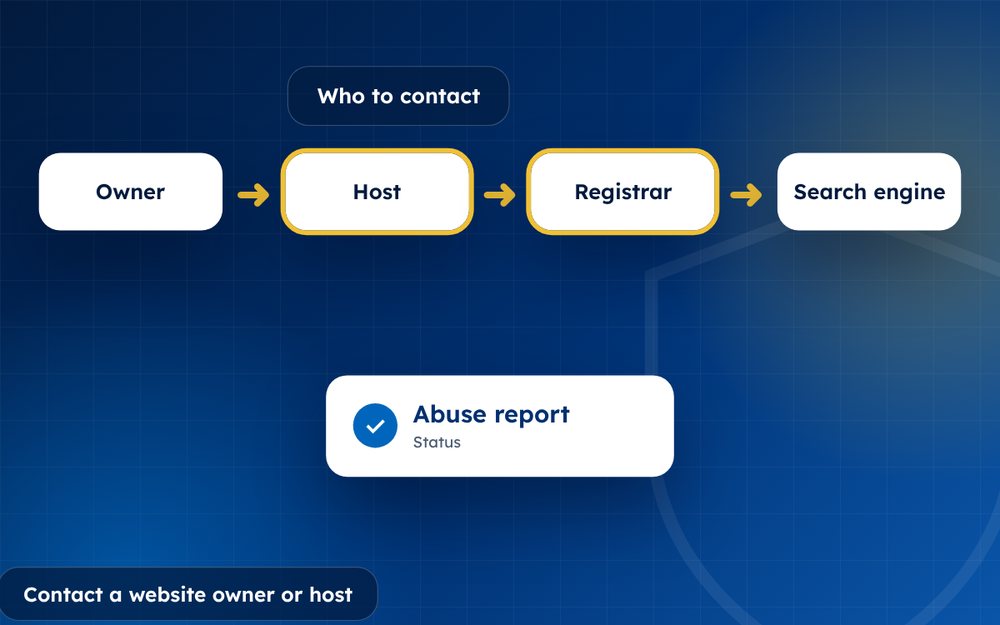
How to Contact a Website Owner or Hosting Company to Remove Content
How to contact a website owner or hosting company to remove content: finding contacts, writing the request and escalating step by step.
Read the guide · 4 min